Game
PC performance guide
FPS check available

Dota 2

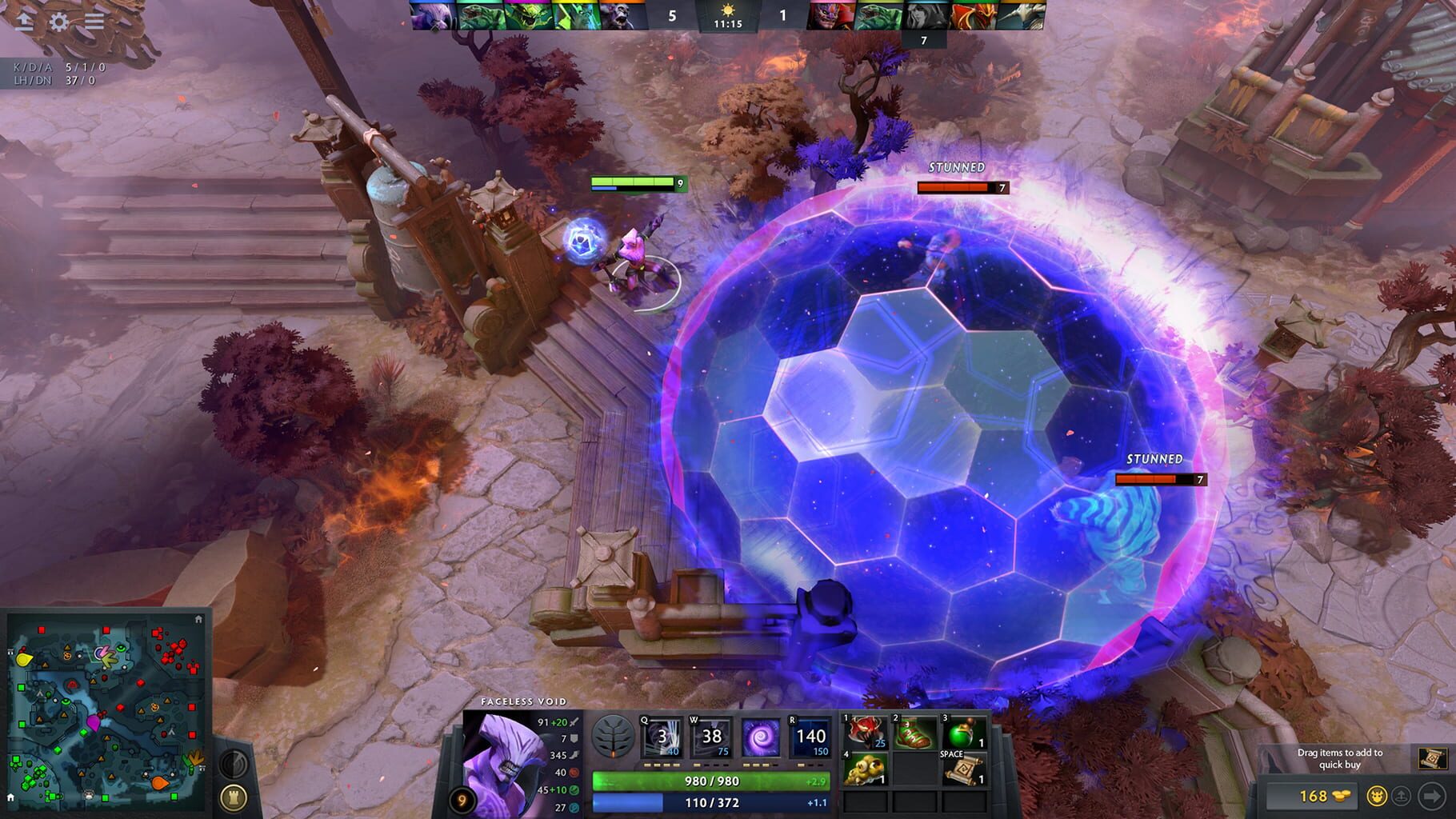
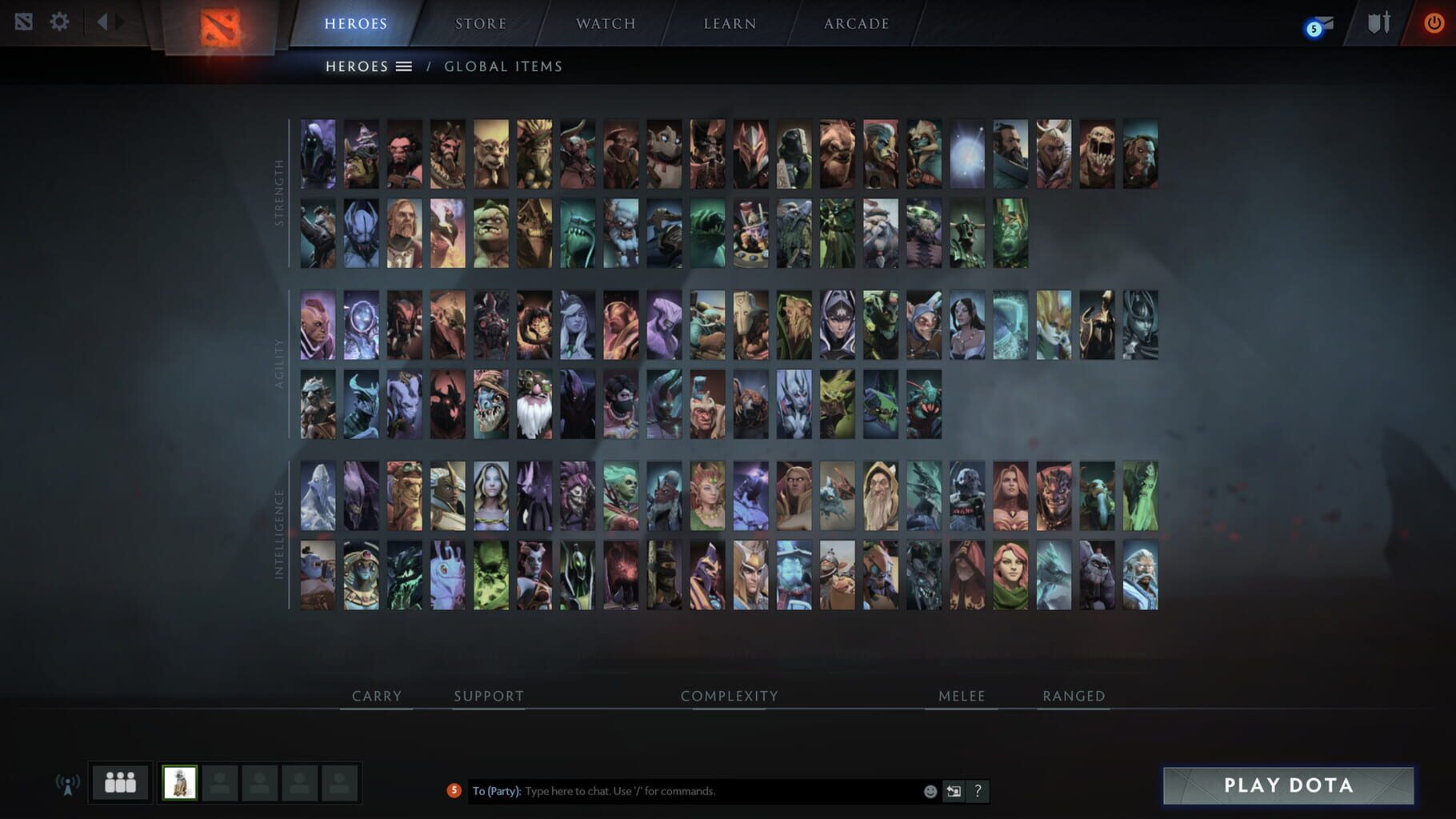
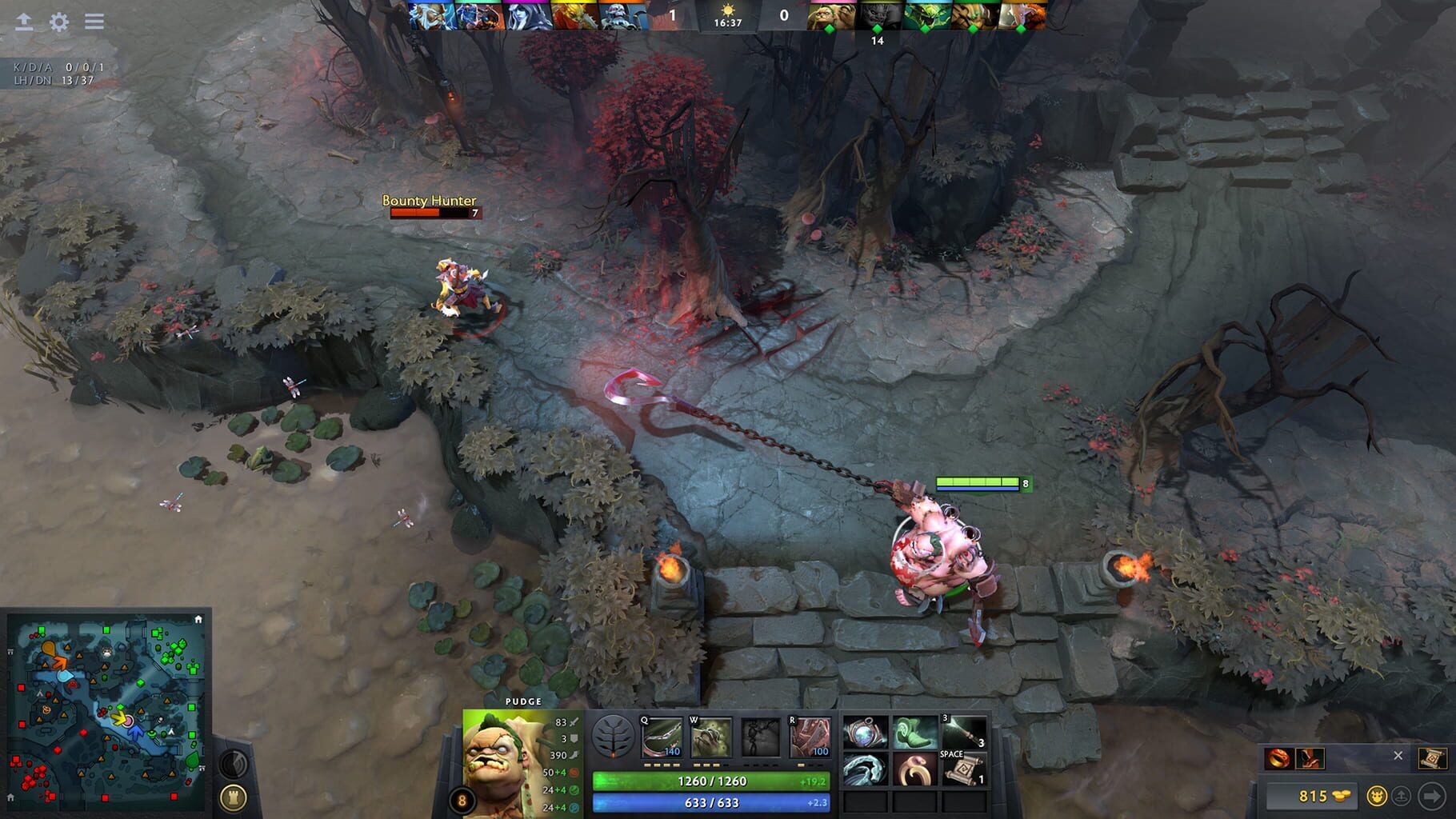
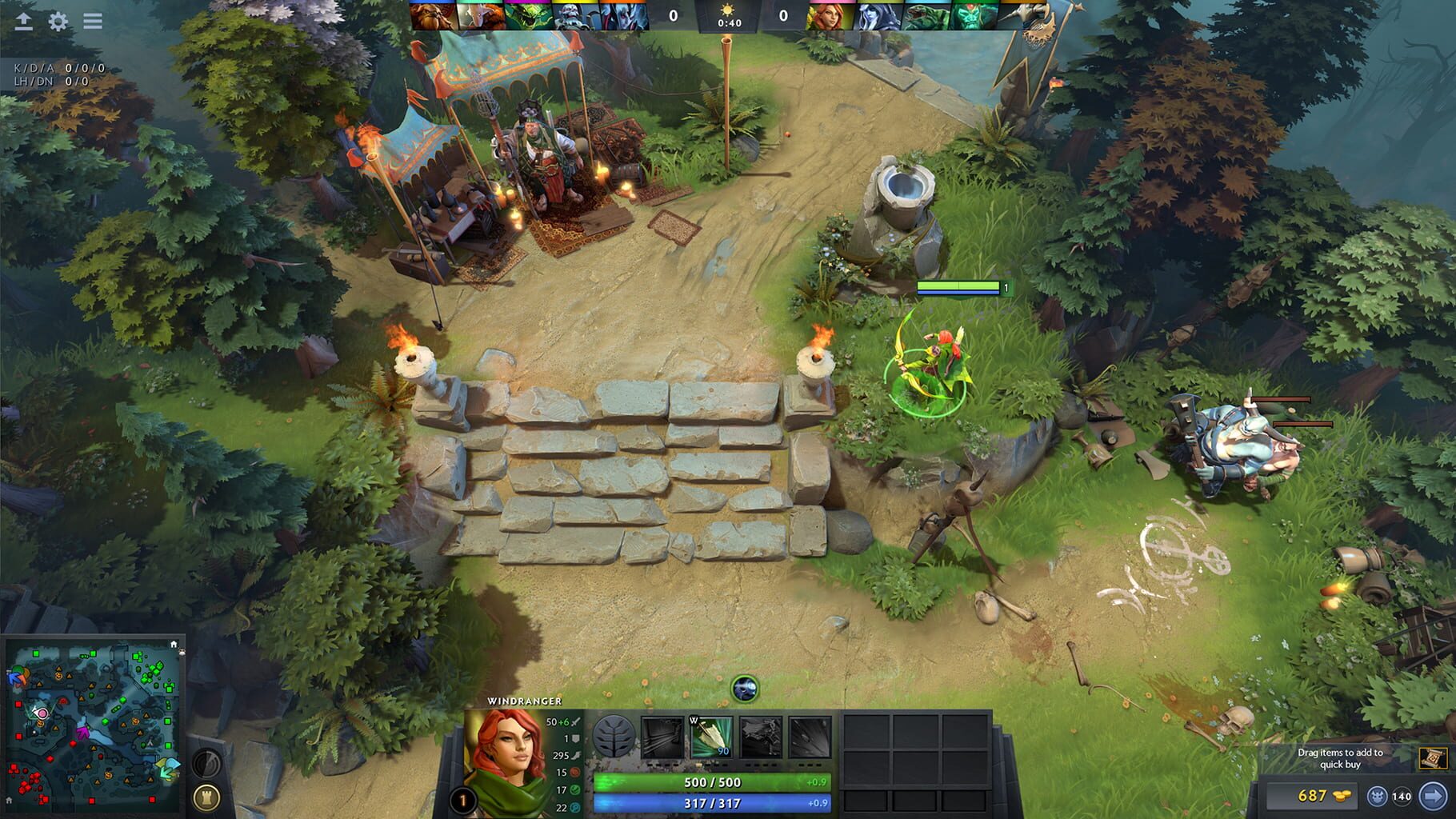
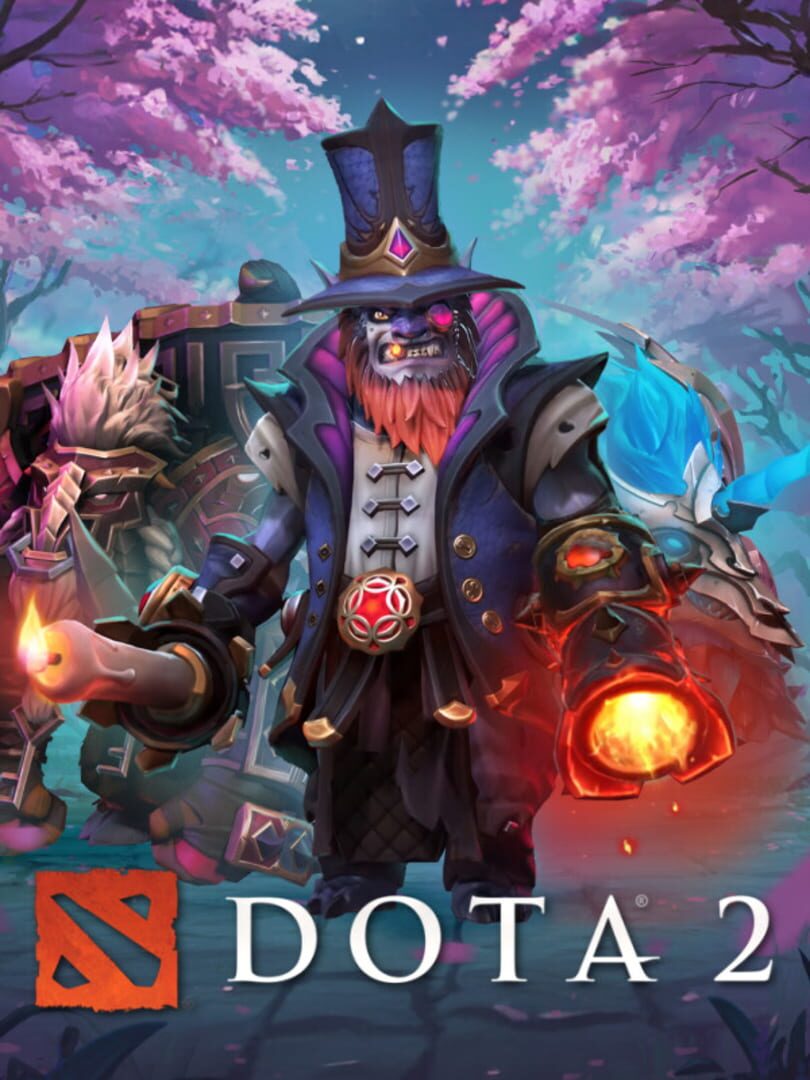
Dota 2 is a multiplayer online battle arena video game and the stand-alone sequel to the Defense of the Ancients (DotA) mod. With regular updates that ensure a constant evolution of gameplay, features, and heroes, Dota 2 has taken on a life of its own.

StrategyMOBALinuxPC (Microsoft Windows)Mac
ReleasedJul 9, 2013
Performance data4 GPU profiles
Catalog sourcemanual

This page is a PC performance guide. Check how the Windows version should run on your hardware, then raise the FPS target if you want SpecBeacon to suggest what to upgrade first.

Dota 2
Saved PCSave your PC once

Save your GPU, CPU, RAM, and resolution to jump straight into this game's FPS check.

Set up my PC
FPS check

Pick the PC to test

Choose your GPU and resolution first. If you want 90 or 120 FPS, SpecBeacon can suggest what to upgrade next.

Main stepEnter your PC here, then run Check FPS.The result card will jump into view as soon as the estimate is ready.
1Game
2Your PC
3Target

Game

Dota 2FPS check available
Step 2

Your PC

Start here. Pick your GPU first, then add CPU, resolution, and RAM if needed.

PC type
1. Pick your graphics card2. Add your processor3. Choose resolution and RAM
GPU · Graphics card

This has the biggest impact on FPS. Start here.

CPU · Processor

Add this after GPU for a more accurate estimate.

Resolution
RAM
Step 3

Target FPS and upgrade plan

Want 90 or 120 FPS instead of 60? Pick a target and SpecBeacon will point to the first upgrade worth making.

Target FPS

Leave this at 60 for a quick FPS answer, or raise it to 90 or 120 to get upgrade guidance too.

Pick your GPU to unlock the FPS check.

Dota 2Then choose your GPU
Results

No estimate yet

Guide

How to use this page

SpecBeacon mixes official PC requirements, benchmark coverage, linked review pages, and update notes so you can make a quicker hardware decision without hopping across multiple tabs.

Check firstFPS estimate
Benchmark coverage4 GPU / 0 CPU
Reaction signal1 sources
  • Use the FPS card first if you want a quick answer for your current PC.
  • Use the update and review links below when a game is new, patched often, or still getting mixed reports.
  • When benchmark coverage is thin, treat the estimate as directional and prioritize the GPU before chasing smaller CPU gains.
Read next

Related guides

If you are still deciding whether this game is worth an upgrade, these short guides explain how SpecBeacon reads FPS targets, PC requirements, and GPU-first upgrade decisions.

Updates

Latest notes

Steam App ID 570

7.41a Gameplay Patch
OfficialPatch Notes
Community Announcements · flynnch2026-03-27Patch 7.41a is out now and you can check out the patch notes here. In addition, over the last few days we've addressed the following issues: Fixed a number of miscellaneous client and server crashes Option for displaying Hero Facet Names above health bar has been removed Spectator options and hotkey settings for Facets have been removed Fixed incorrect notification message when messaging who got g...
7.41 Gameplay Patch
OfficialPatch Notes
Community Announcements · flynnch2026-03-24{STEAM_CLAN_IMAGE}/3703047/b51c728ac0c7a28973be12fce11a3c869037177d.png Patch 7.41 is out now and you can check out the patch notes here. In addition, we've made the following improvements and bug fixes: Added an overhead indicator when a consumable item is being used on an ally or given to one within 1200 units (e.g., Tango) Added an option in Settings to show your hero's current vision while hol...
Dota 2 Update - 1/30/2026
OfficialPatch Notes
Community Announcements · Jeff Hill2026-01-30Over the past few days we've addressed the following issues:Fixed a bug where Clinkz's Skeleton Archers were doing more than the intended amount of damage to buildings.Fixed a bug where Slark's Depth Shroud was not applying the intended move speed and health regen to allies.Fixed a bug where Spectre's Shadow Step had an interaction with attack range extension items, which was leading to a longer t...
7.40c Gameplay Patch
OfficialPatch Notes
Community Announcements · eugenep2026-01-22Patch 7.40c is out now and you can check out the patch notes here. As a reminder, the Monster Hunter event ends February 6, 2026, after which you'll no longer be able to earn progress or craft items. Today's update also adds new Universal Material packs for purchase, providing an alternative way to get materials and finish crafting any remaining items before the event ends.In addition, we've addre...
7.40b Gameplay Patch
OfficialPatch Notes
Community Announcements · flynnch2025-12-23Patch 7.40b is out now and you can check out the patch notes here. In addition, over the last few days we've addressed the following issues: Fixed Dota+ Talent Pickrates and Winrates not properly aggregatingFixed "Learn Ability" toggle not closing automatically after level 24Fixed incorrect hitboxes for multiple Observer and Sentry ward cosmeticsFixed Smoke of Deceit not working from the backpack...
FAQ

Quick answers

Does this page include PC performance data?

Yes. SpecBeacon can estimate FPS for this game with the current seeded benchmark coverage.

Is the score an official review score?

No. The SpecBeacon Score is an internal reaction signal. It is not copied from Metacritic, OpenCritic, Steam, or the publisher.

What matters most for getting more FPS?

In most cases, GPU choice and resolution move the estimate the most. CPU and RAM usually refine the result rather than replace the GPU signal.