Game
PC performance guide
FPS check available

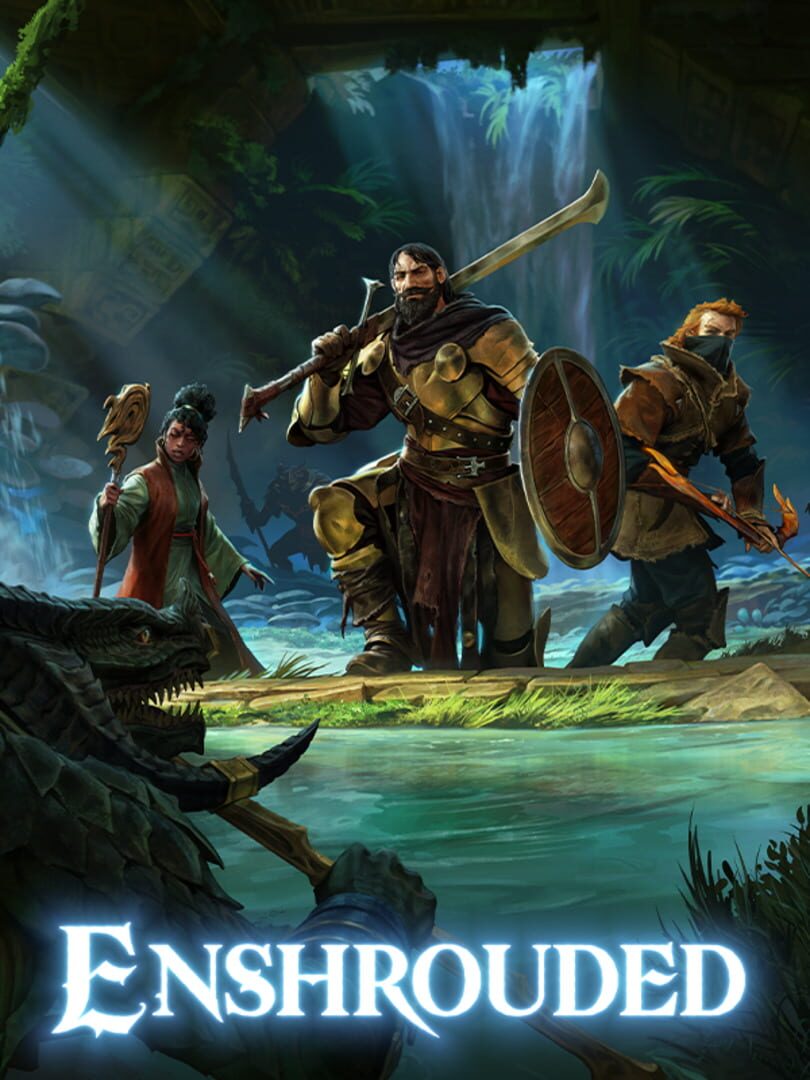
Enshrouded

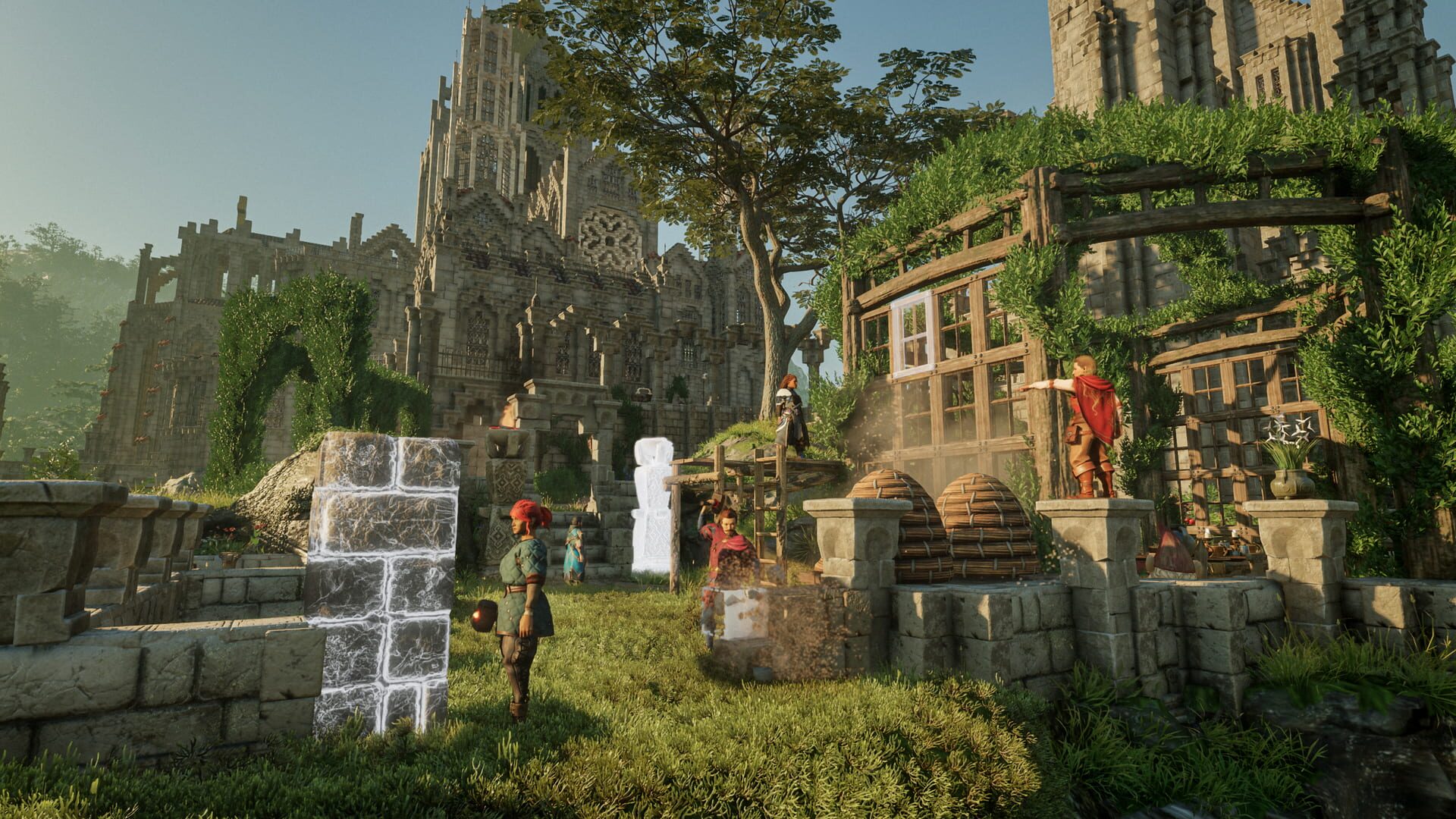
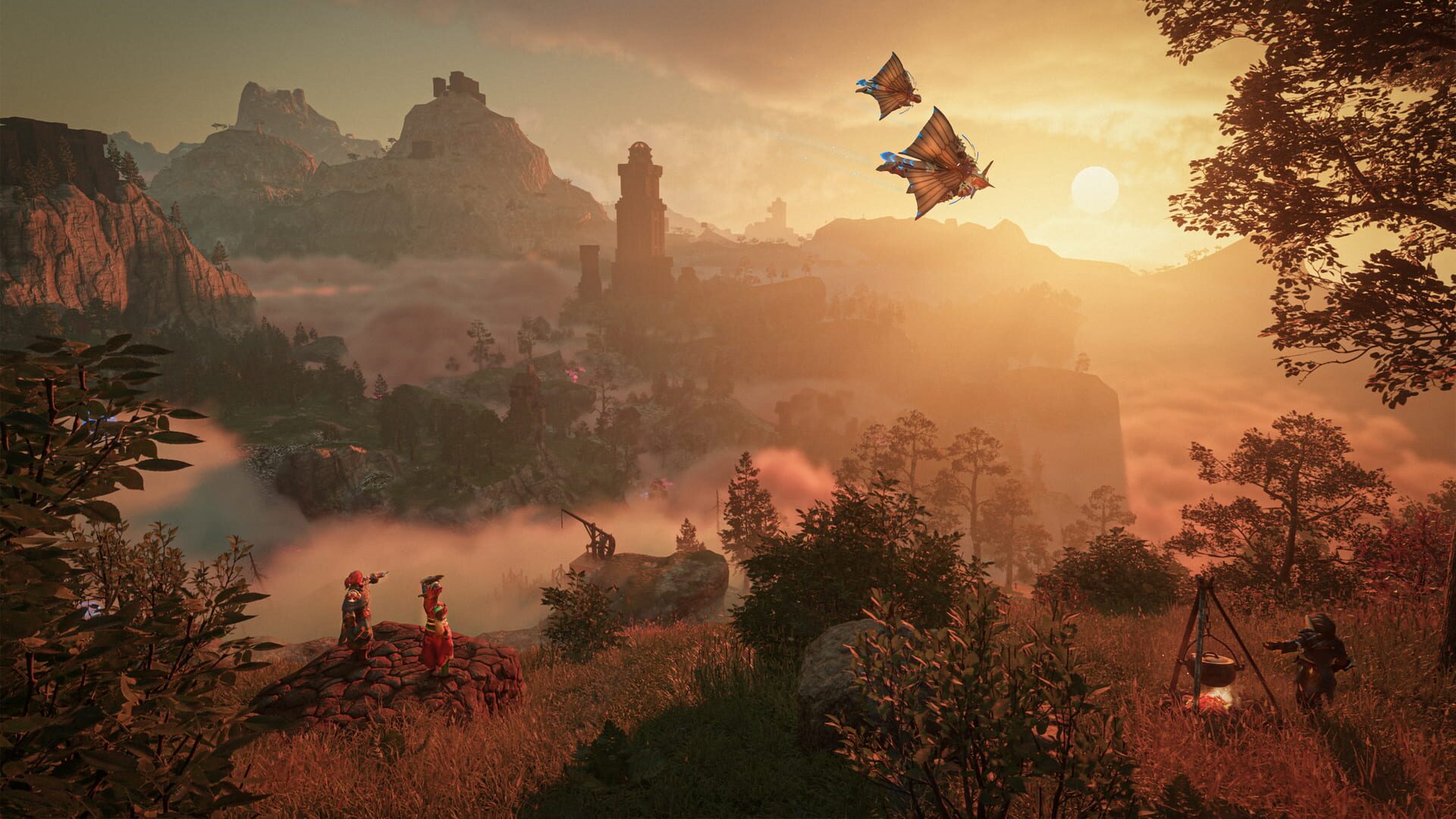
Survival crafting RPG with thick volumetrics, large build spaces, and demanding open-zone traversal.

SurvivalCraftingPC
ReleasedJan 24, 2024
Performance data4 GPU profiles
Catalog sourcemanual

This page is a PC performance guide. Check how the Windows version should run on your hardware, then raise the FPS target if you want SpecBeacon to suggest what to upgrade first.

Enshrouded
Saved PCSave your PC once

Save your GPU, CPU, RAM, and resolution to jump straight into this game's FPS check.

Set up my PC
FPS check

Pick the PC to test

Choose your GPU and resolution first. If you want 90 or 120 FPS, SpecBeacon can suggest what to upgrade next.

Main stepEnter your PC here, then run Check FPS.The result card will jump into view as soon as the estimate is ready.
1Game
2Your PC
3Target

Game

EnshroudedFPS check available
Step 2

Your PC

Start here. Pick your GPU first, then add CPU, resolution, and RAM if needed.

PC type
1. Pick your graphics card2. Add your processor3. Choose resolution and RAM
GPU · Graphics card

This has the biggest impact on FPS. Start here.

CPU · Processor

Add this after GPU for a more accurate estimate.

Resolution
RAM
Step 3

Target FPS and upgrade plan

Want 90 or 120 FPS instead of 60? Pick a target and SpecBeacon will point to the first upgrade worth making.

Target FPS

Leave this at 60 for a quick FPS answer, or raise it to 90 or 120 to get upgrade guidance too.

Pick your GPU to unlock the FPS check.

EnshroudedThen choose your GPU
Results

No estimate yet

Guide

How to use this page

SpecBeacon mixes official PC requirements, benchmark coverage, linked review pages, and update notes so you can make a quicker hardware decision without hopping across multiple tabs.

Check firstFPS estimate
Benchmark coverage4 GPU / 4 CPU
Reaction signal1 sources
  • Use the FPS card first if you want a quick answer for your current PC.
  • Use the update and review links below when a game is new, patched often, or still getting mixed reports.
  • When benchmark coverage is thin, treat the estimate as directional and prioritize the GPU before chasing smaller CPU gains.
Read next

Related guides

If you are still deciding whether this game is worth an upgrade, these short guides explain how SpecBeacon reads FPS targets, PC requirements, and GPU-first upgrade decisions.

Updates

Latest notes

Steam App ID 1203620

Changelog for Hotfix #36 v.0.9.0.4
OfficialPatch Notes
Community Announcements · CoolUsernameBro2026-03-24The revision of Hotfix #36 is still 893400ChangelogFixed an issue with Nvidia RTX50 series GPUs and using the driver version 595.79 causing graphical glitches in the terrain rendering.Please note: this is a client-only fix. Dedicated servers do not require an update.
Changelog for Hotfix #35 v.0.9.0.4
OfficialPatch Notes
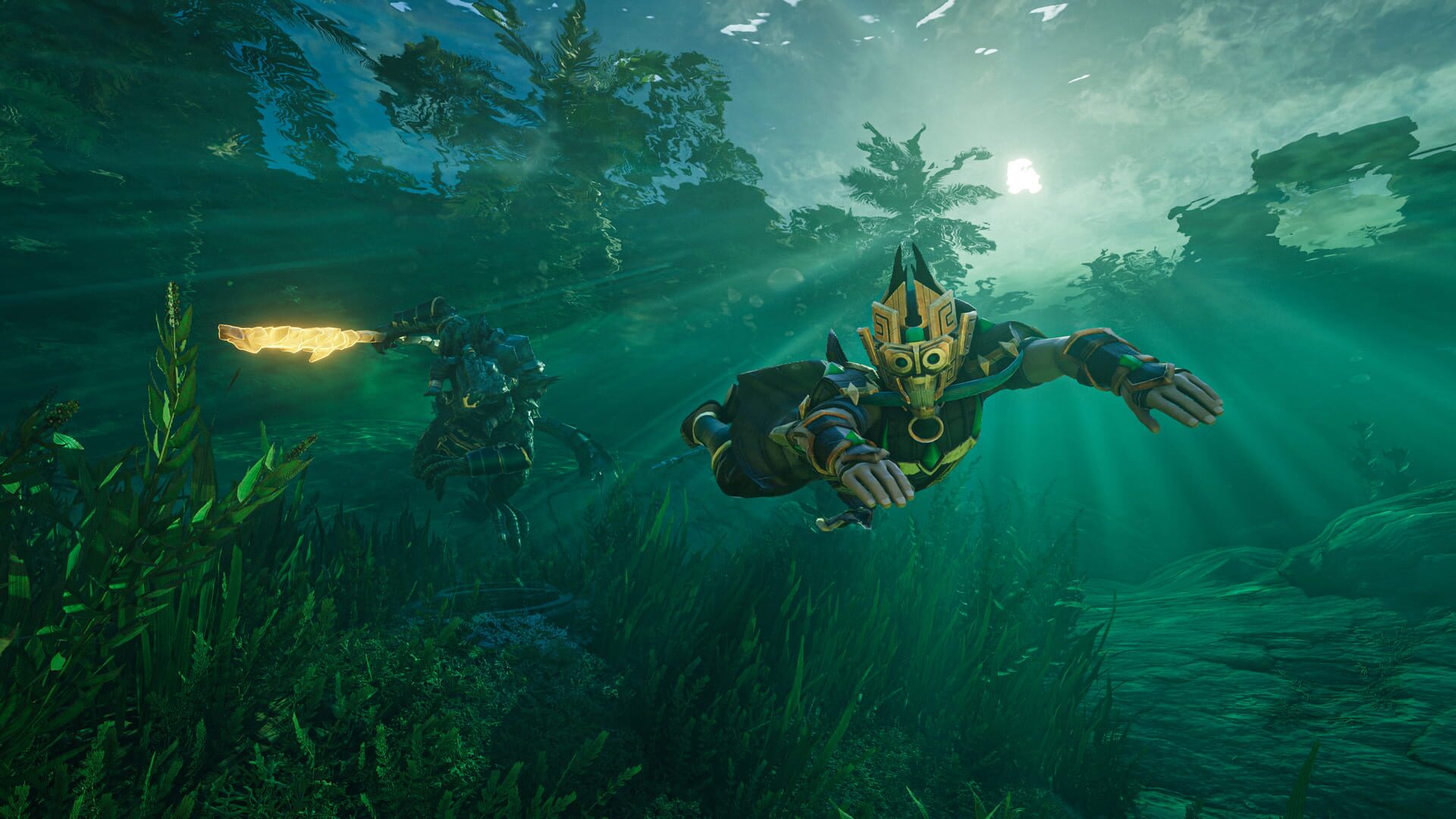
Community Announcements · CoolUsernameBro2026-01-26The revision of Hotfix #35 is 893400 ChangelogFixed graphical glitches in cloth with physics simulation that caused flickering shapes. Fixed an issue that caused colorful dots at the horizon at night on AMD graphics cards.On top of that we missed to mention a change to water barriers in the previous changelogUnderwater water barriers are now clearly see-through.
Changelog for Patch #13 v.0.9.0.4
OfficialPatch Notes
Community Announcements · CoolUsernameBro2026-01-22The revision of Patch #13 is 890625Hey Flameborn!Hopefully our very last patch for update 7 so we can carry on the work started for Update 8! This patch includes lots of small fixes, and notably, a fix for some DLSS settings turning your game world black for players using newer NVidia drivers, and a fix for NPCs deciding to nap on the ground when they have assigned beds. ChangelogAdded a new vanit...
Changelog for Hotfix #34 v.0.9.0.3
OfficialPatch Notes
Community Announcements · CoolUsernameBro2025-12-16The revision of Hotfix #34 is 852257ChangelogFixed a crash which occurred when placing and removing large numbers of Water Barriers in a small area of water. We are aware of a number of non-blocking issues being reported post patch 12 (because I jinxed it when I said "last patch of the year" earlier today, that's on me), so we ask you to please report these issues so we can look into them and hope...
Changelog for Patch #12 v.0.9.0.3
OfficialPatch Notes
Community Announcements · CoolUsernameBro2025-12-16The revision of Patch #12 is 873620Hey Flameborn!Our last patch of the year, promise (really hope we're not jinxing it by saying that). It contains a bunch of quality of live improvements and fixes, as usual. Notably, we're pushing stamina regen back up for early levels, as well as nudging up stamina regen for some foodstuffs. We've fixed the bug where tombstones couldn't be picked up near other i...
FAQ

Quick answers

Does this page include PC performance data?

Yes. SpecBeacon can estimate FPS for this game with the current seeded benchmark coverage.

Is the score an official review score?

No. The SpecBeacon Score is an internal reaction signal. It is not copied from Metacritic, OpenCritic, Steam, or the publisher.

What matters most for getting more FPS?

In most cases, GPU choice and resolution move the estimate the most. CPU and RAM usually refine the result rather than replace the GPU signal.