Game
PC performance guide
FPS check available

Euro Truck Simulator 2

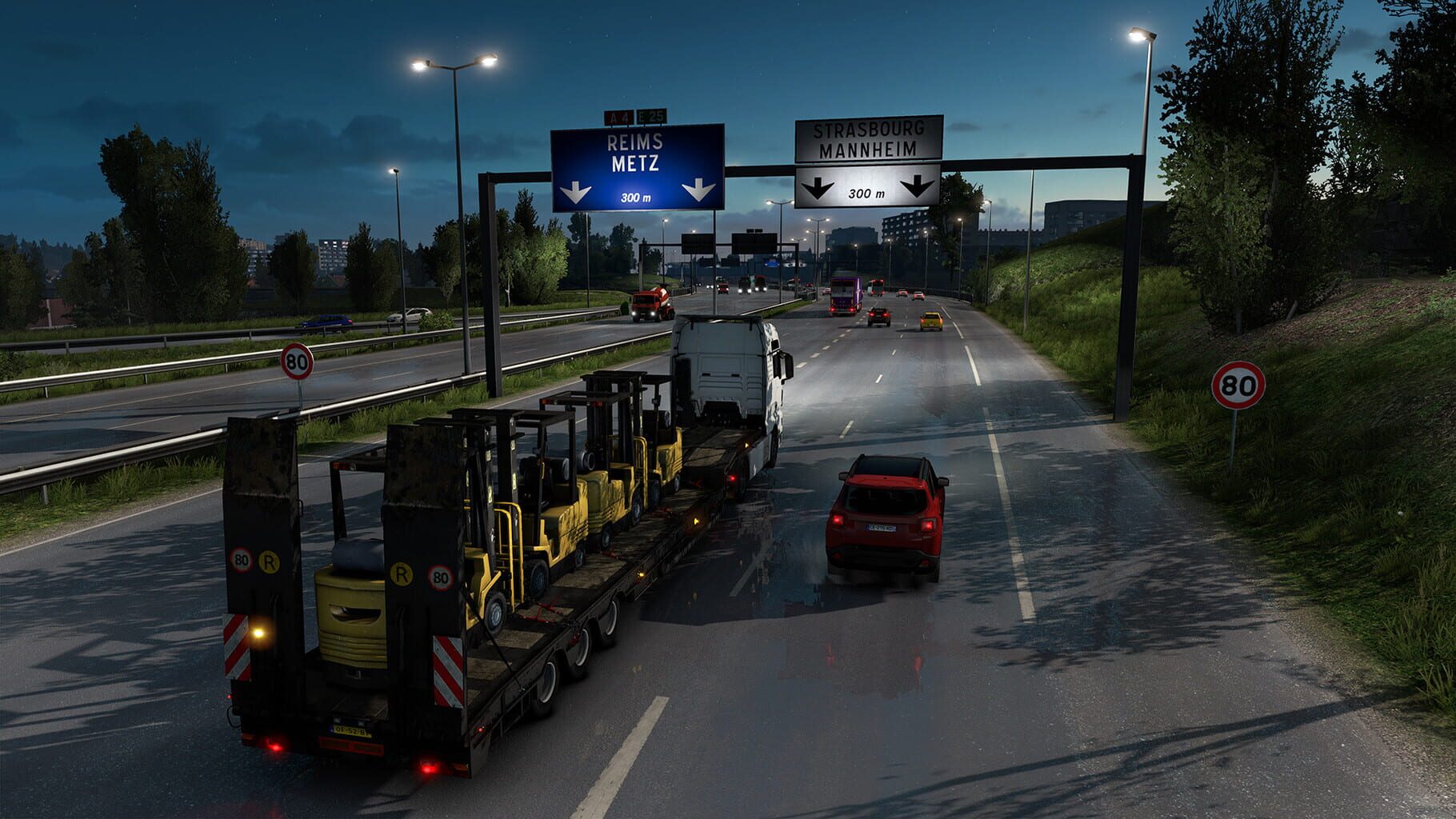
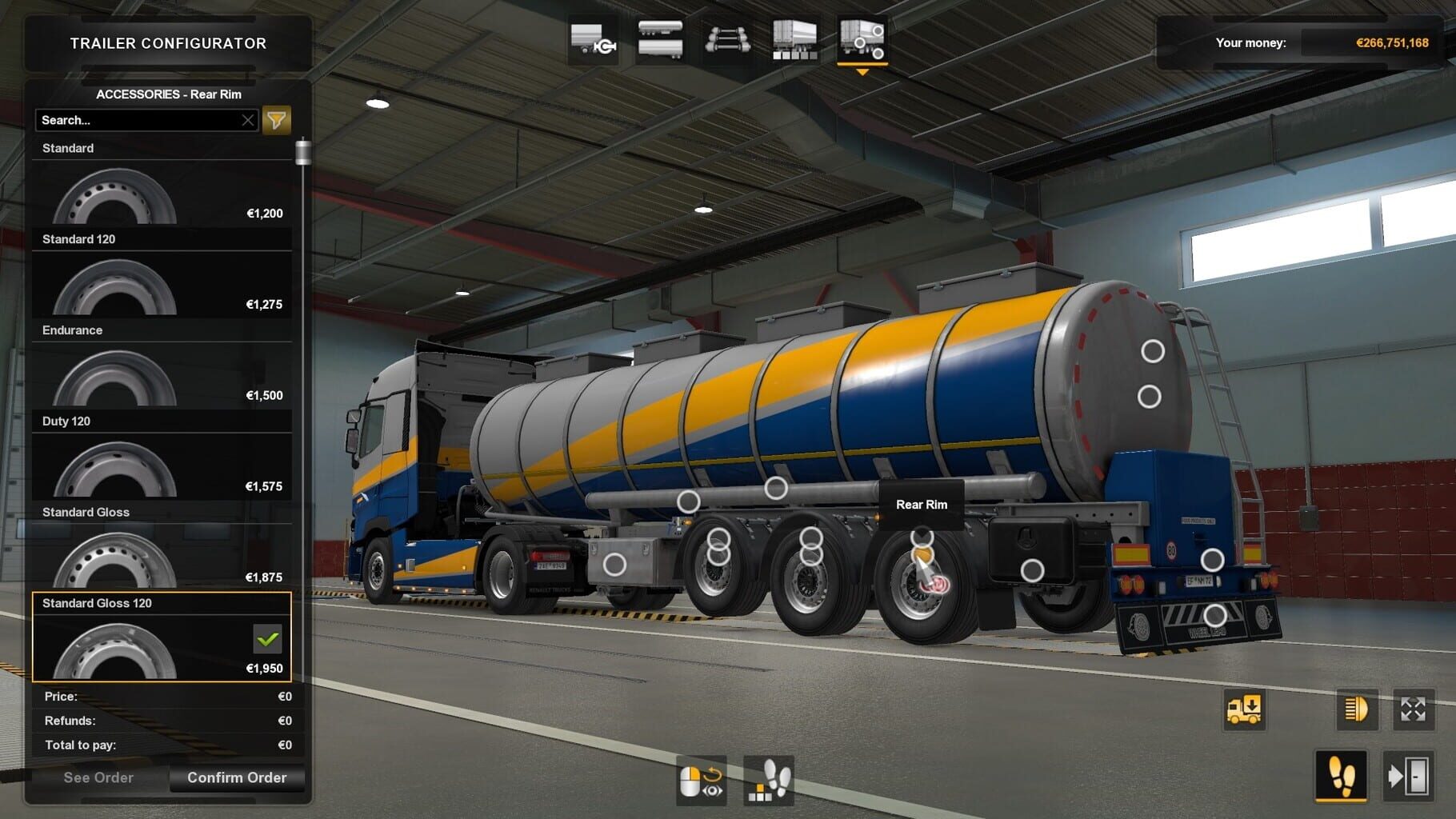
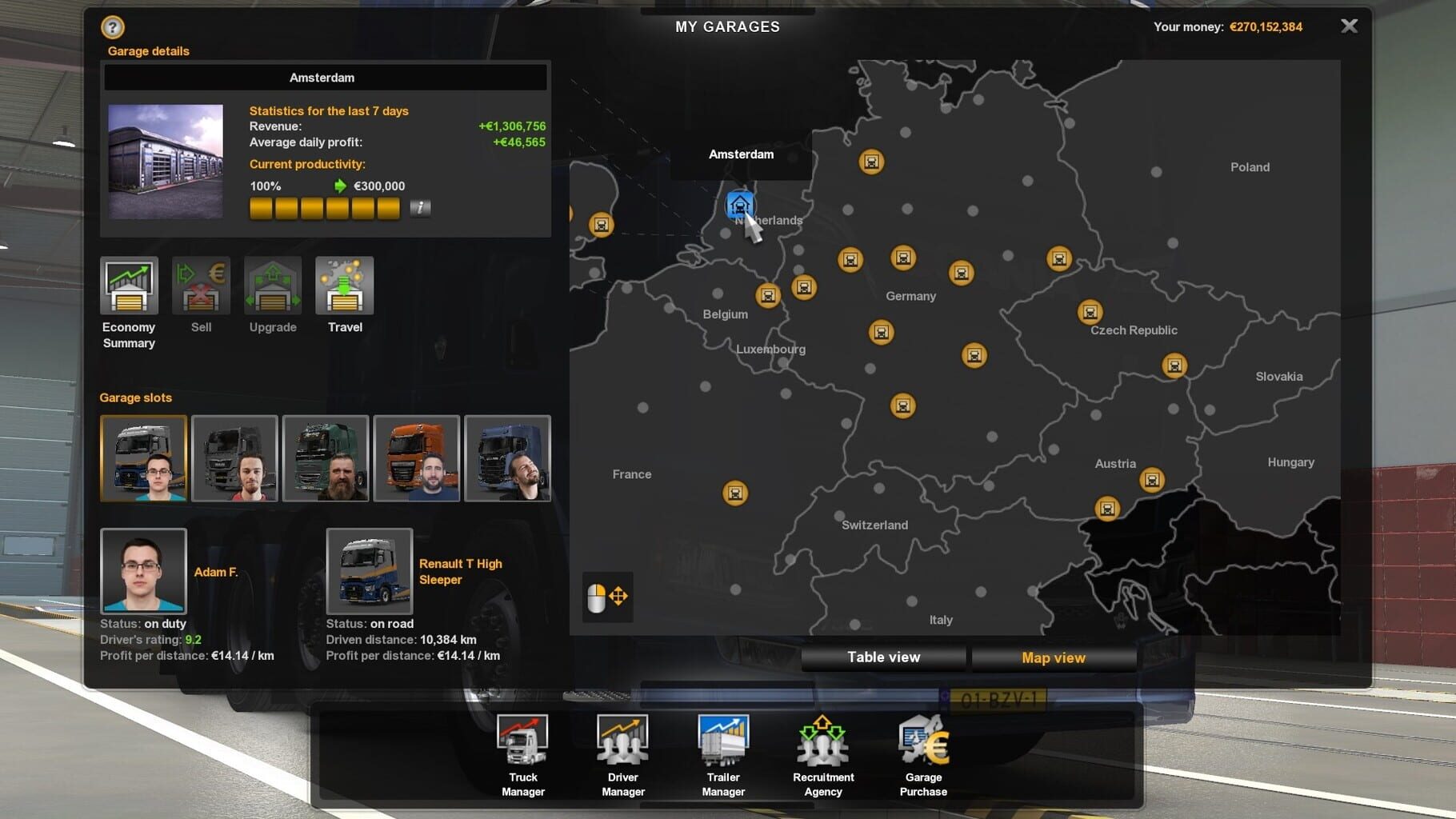
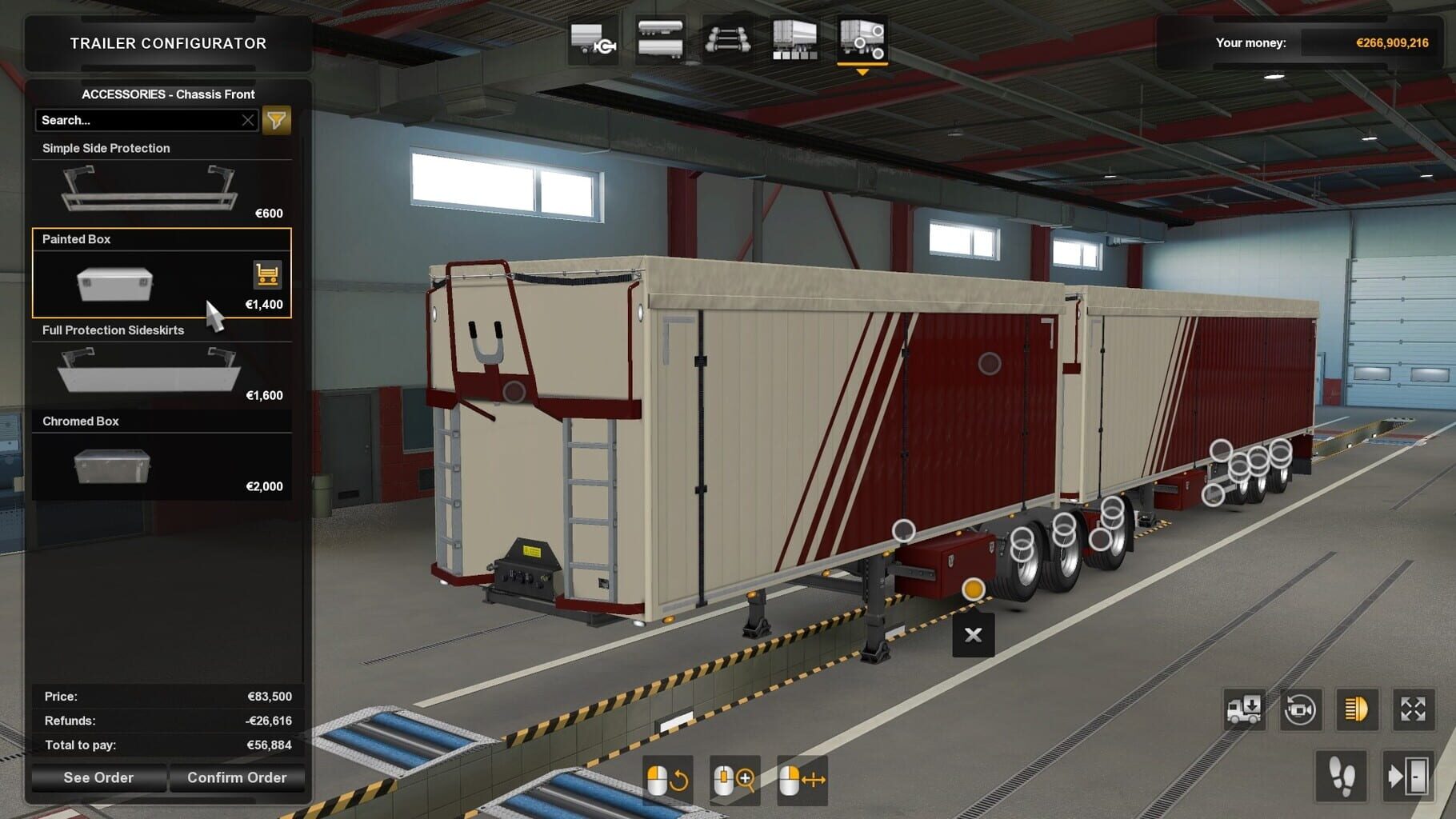
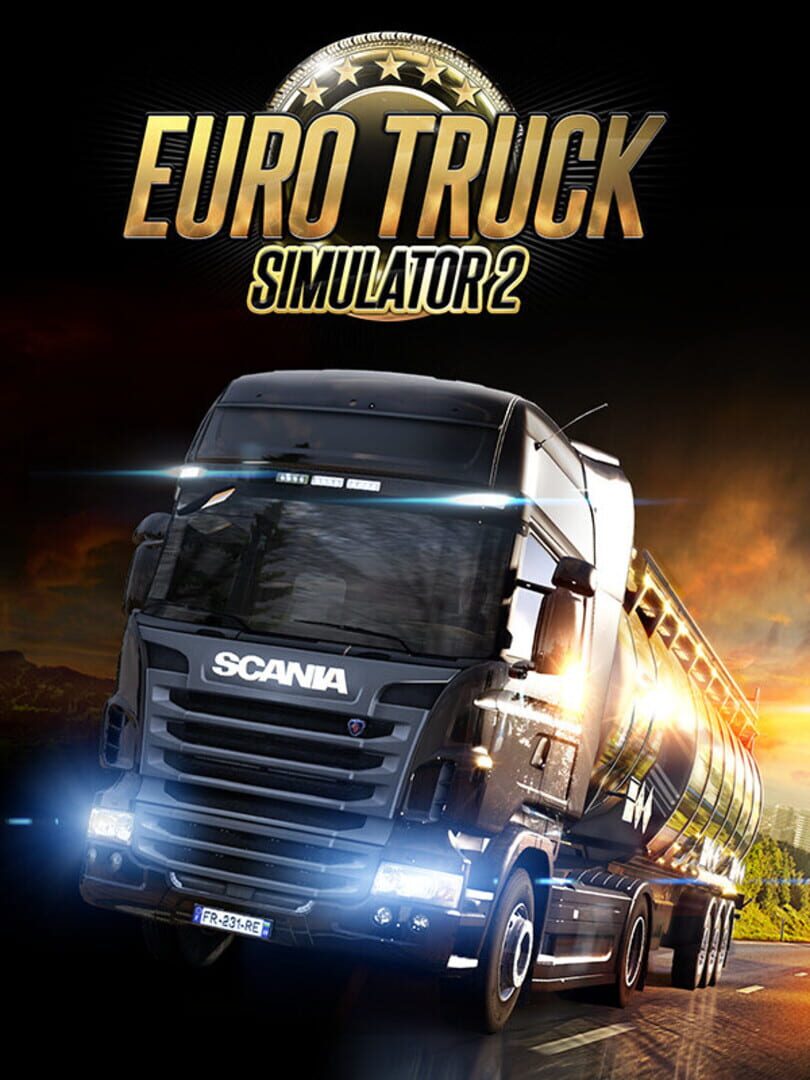
Euro Truck Simulator 2 is a vehicle simulation game and a direct sequel to the 2008 game Euro Truck Simulator. Travel across Europe as king of the road, a trucker who delivers important cargo across impressive distances! With dozens of cities to explore from the UK, Belgium, Germany, Italy, the Netherlands, Poland, and many more, your endurance, skill and speed will all be pushed to their limits. If you’ve got what it takes to be part of an elite trucking force, get behind the wheel and prove it!

RacingSimulatorXbox Series X|SPlayStation 4Linux
ReleasedOct 19, 2012
Performance data4 GPU profiles
Catalog sourcemanual

This page is a PC performance guide. Check how the Windows version should run on your hardware, then raise the FPS target if you want SpecBeacon to suggest what to upgrade first.

Euro Truck Simulator 2
Saved PCSave your PC once

Save your GPU, CPU, RAM, and resolution to jump straight into this game's FPS check.

Set up my PC
FPS check

Pick the PC to test

Choose your GPU and resolution first. If you want 90 or 120 FPS, SpecBeacon can suggest what to upgrade next.

Main stepEnter your PC here, then run Check FPS.The result card will jump into view as soon as the estimate is ready.
1Game
2Your PC
3Target

Game

Euro Truck Simulator 2FPS check available
Step 2

Your PC

Start here. Pick your GPU first, then add CPU, resolution, and RAM if needed.

PC type
1. Pick your graphics card2. Add your processor3. Choose resolution and RAM
GPU · Graphics card

This has the biggest impact on FPS. Start here.

CPU · Processor

Add this after GPU for a more accurate estimate.

Resolution
RAM
Step 3

Target FPS and upgrade plan

Want 90 or 120 FPS instead of 60? Pick a target and SpecBeacon will point to the first upgrade worth making.

Target FPS

Leave this at 60 for a quick FPS answer, or raise it to 90 or 120 to get upgrade guidance too.

Pick your GPU to unlock the FPS check.

Euro Truck Simulator 2Then choose your GPU
Results

No estimate yet

Guide

How to use this page

SpecBeacon mixes official PC requirements, benchmark coverage, linked review pages, and update notes so you can make a quicker hardware decision without hopping across multiple tabs.

Check firstFPS estimate
Benchmark coverage4 GPU / 4 CPU
Reaction signal1 sources
  • Use the FPS card first if you want a quick answer for your current PC.
  • Use the update and review links below when a game is new, patched often, or still getting mixed reports.
  • When benchmark coverage is thin, treat the estimate as directional and prioritize the GPU before chasing smaller CPU gains.
Read next

Related guides

If you are still deciding whether this game is worth an upgrade, these short guides explain how SpecBeacon reads FPS targets, PC requirements, and GPU-first upgrade decisions.

Updates

Latest notes

Steam App ID 227300

ETS2 1.59 Update: Volvo Trucks Experience Center
OfficialPatch Notes
Community Announcements · London2026-03-19Today, we’re excited to give you an early glimpse of something special arriving in Euro Truck Simulator 2 with the upcoming 1.59 update! In partnership with our friends at Volvo Trucks, you’ll soon have the opportunity to test your trucking skills at the renowned Volvo Trucks Experience Center, situated in Gothenburg, Sweden! Located in Gothenburg, the home of Volvo Trucks, the Volvo Trucks Experi...
SCS Fan Day Experience Vol. 4
Official
Community Announcements · [SCS] DuFF2026-03-29We’re thrilled to announce that the SCS Fan Day Experience is returning for its fourth edition! On May 15th, 2026, we will once again be welcoming a group of passionate members from our #BestCommunityEver to our offices in Prague, Czech Republic, for a special behind-the-scenes afternoon. If you’ve ever wondered what it’s like inside our studio, this is your chance to find out!Our previous Fan Day...
World of Trucks: Refuelling Our Events
Official
Community Announcements · Tiktak2026-03-27Our dearest community, Over the years, World of Trucks events have become a very special part of our shared journey. Whether it was exploring new maps and economies during our Cruising events, contributing to continental goals in Trade Connections, building new landmarks in Operation Genoa Bridge, or taking part in magical seasonal experiences like the Witches of Brackenreach or Woven Wonders of W...
Iceland: Keflavík
Official
Community Announcements · London2026-03-25Halló og velkomin til Keflavík! In today’s blog, we’ll be taking a closer look at this beautiful and historic town, located on the Reykjanes Peninsula, which you’ll be able to explore and deliver to in our upcoming Iceland DLC for Euro Truck Simulator 2. Ready to see more? Let's hit the road! For millions of travellers each year, Keflavík marks both the beginning and end of their journey in Icelan...
SCS On The Road: Our Visit to Bobcat EMEA HQ
Official
Community Announcements · Tiktak2026-03-17In today's episode, we're heading to Dobříš, a small town in the Czech Republic, and home to the Bobcat EMEA headquarters. Alongside a behind-the-scenes look at how the models for our games were created, we also got a walkaround of some of the machines to learn more about them.When we visited Bobcat last year to gather reference materials for our Bobcat Cargo Pack DLCs for Euro Truck Simulator 2 a...
FAQ

Quick answers

Does this page include PC performance data?

Yes. SpecBeacon can estimate FPS for this game with the current seeded benchmark coverage.

Is the score an official review score?

No. The SpecBeacon Score is an internal reaction signal. It is not copied from Metacritic, OpenCritic, Steam, or the publisher.

What matters most for getting more FPS?

In most cases, GPU choice and resolution move the estimate the most. CPU and RAM usually refine the result rather than replace the GPU signal.