Game
PC performance guide
FPS check available

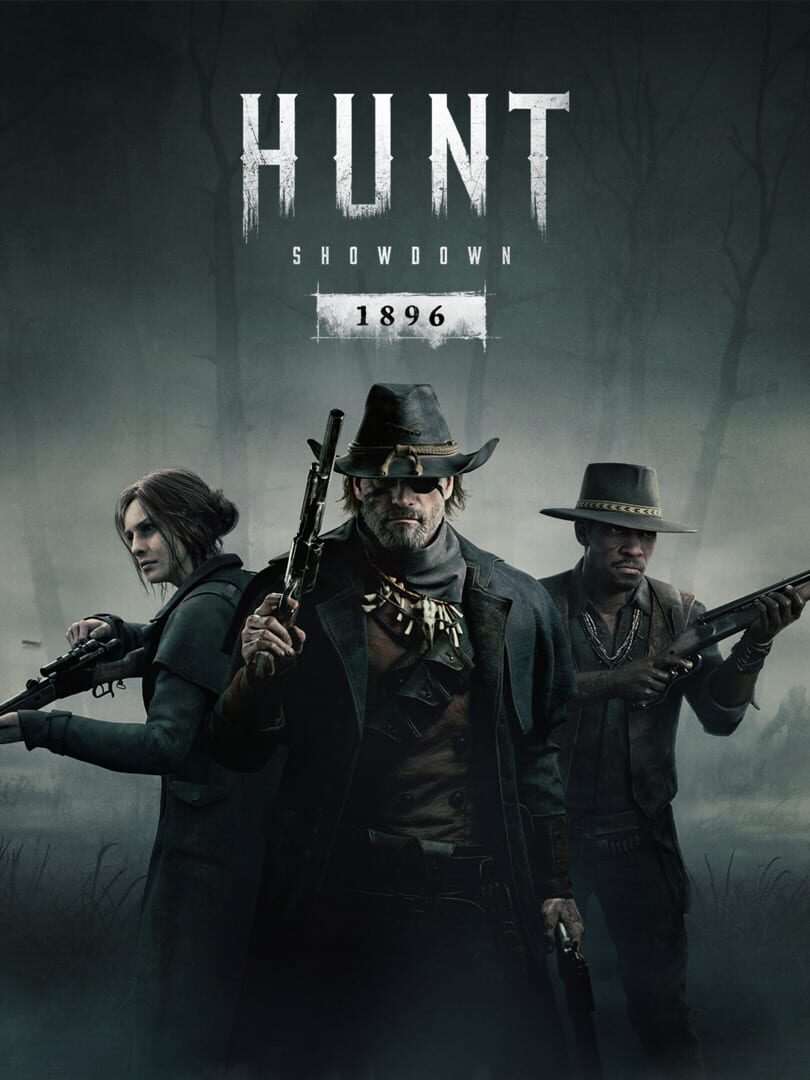
Hunt: Showdown 1896

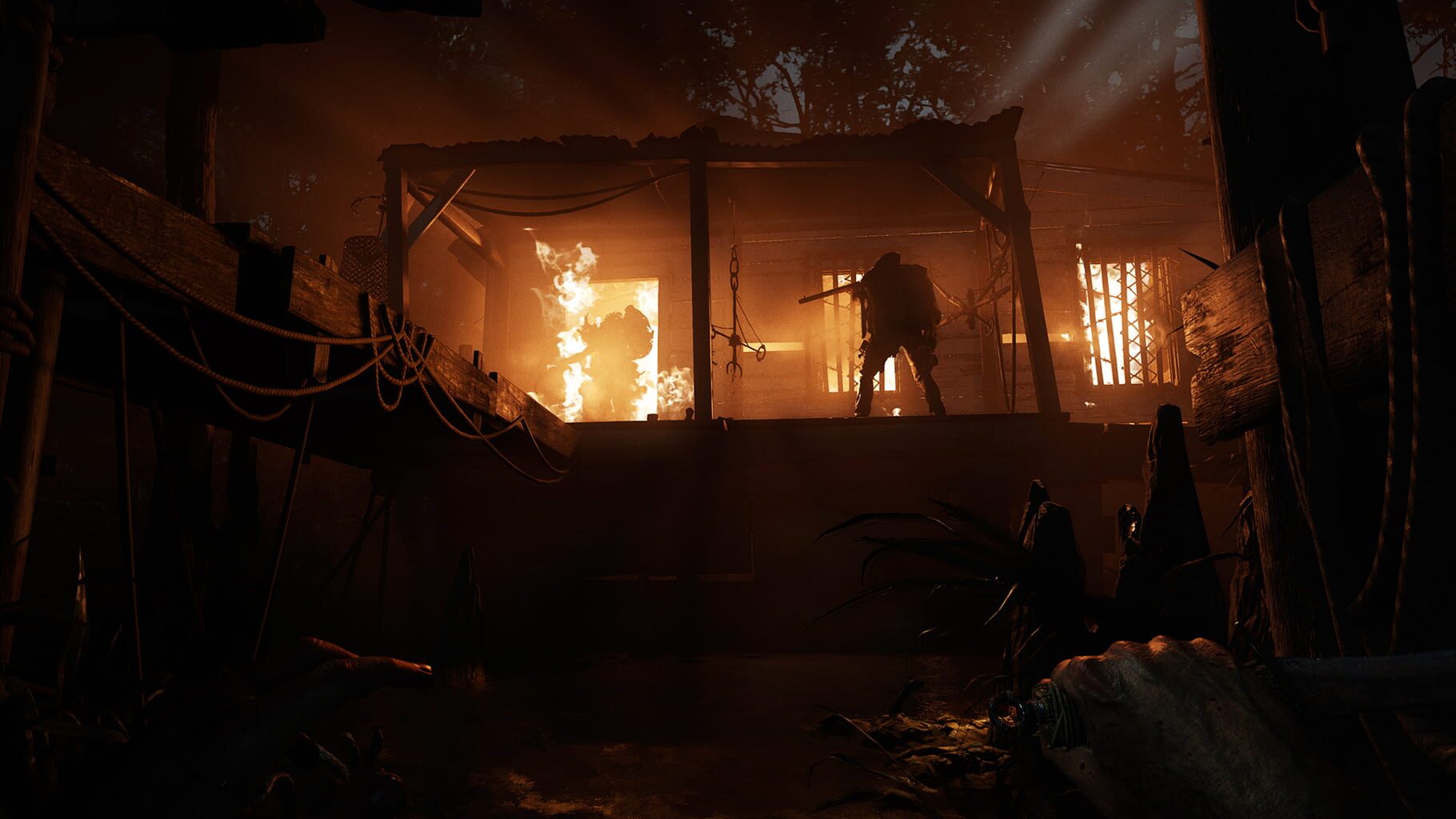
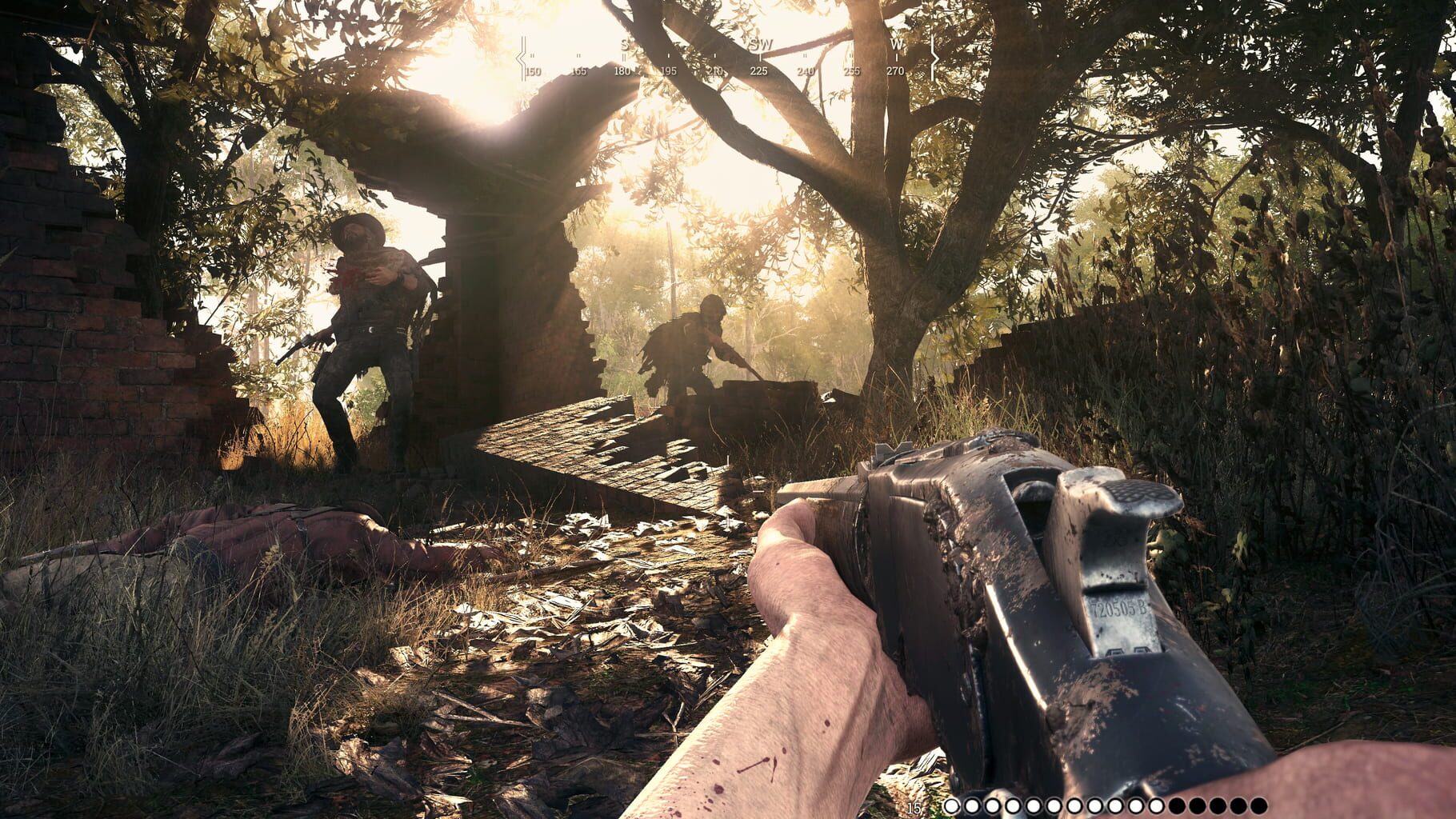
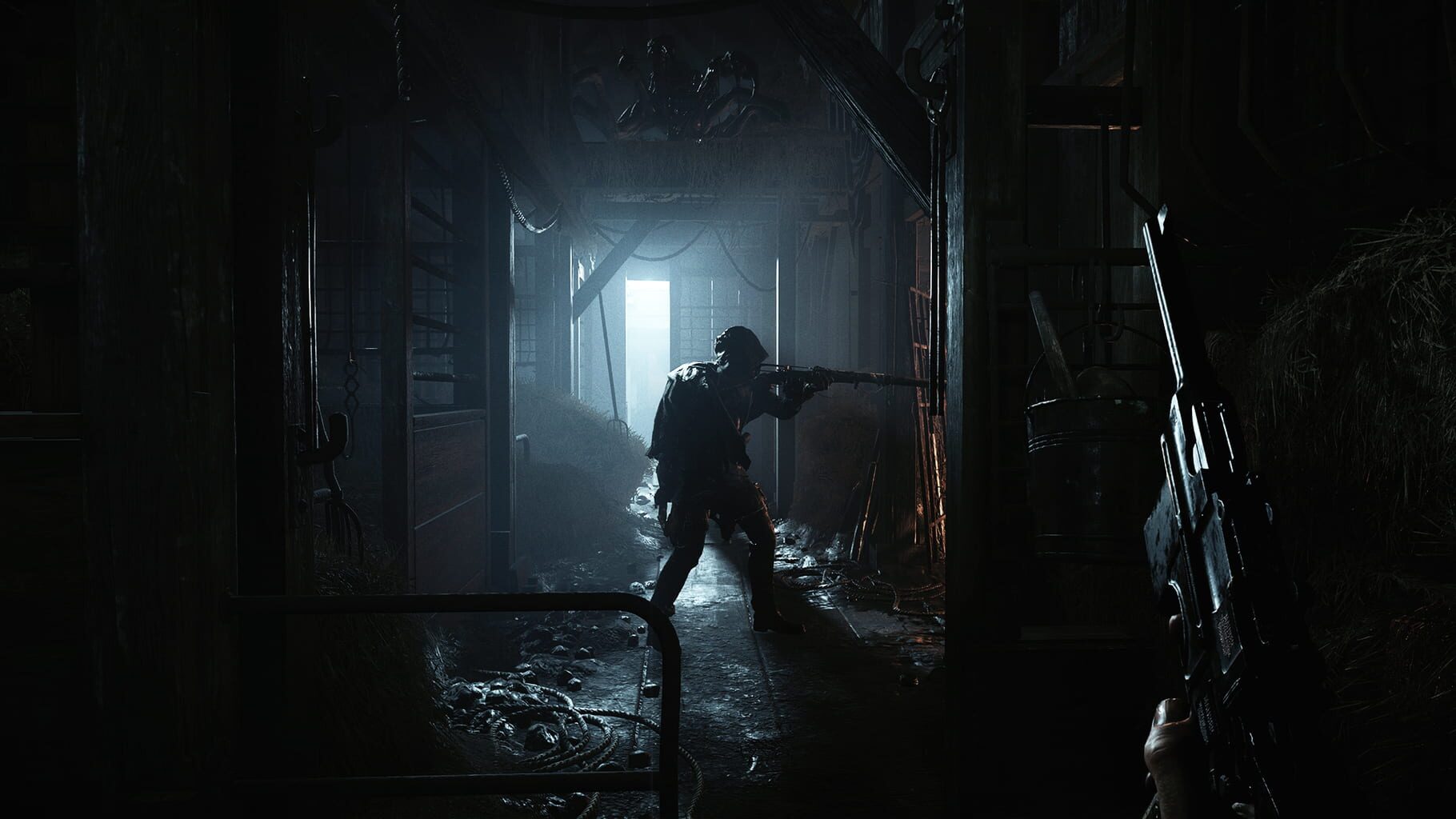
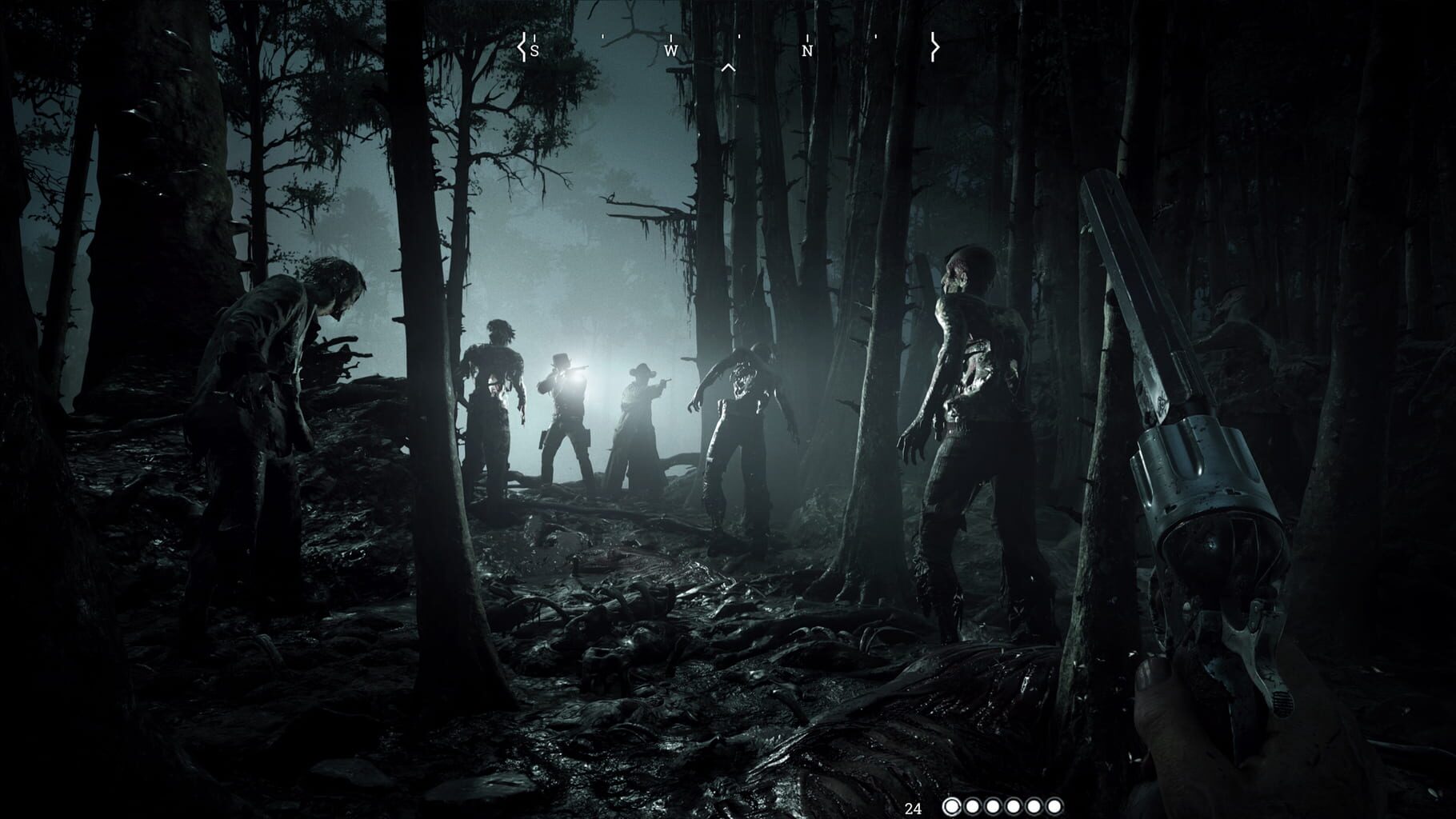
PvPvE extraction shooter built around dense swamps, heavy post-processing, and CPU-sensitive firefights.

FPSExtractionPC
ReleasedAug 27, 2019
Performance data4 GPU profiles
Catalog sourcemanual

This page is a PC performance guide. Check how the Windows version should run on your hardware, then raise the FPS target if you want SpecBeacon to suggest what to upgrade first.

Hunt: Showdown 1896
Saved PCSave your PC once

Save your GPU, CPU, RAM, and resolution to jump straight into this game's FPS check.

Set up my PC
FPS check

Pick the PC to test

Choose your GPU and resolution first. If you want 90 or 120 FPS, SpecBeacon can suggest what to upgrade next.

Main stepEnter your PC here, then run Check FPS.The result card will jump into view as soon as the estimate is ready.
1Game
2Your PC
3Target

Game

Hunt: Showdown 1896FPS check available
Step 2

Your PC

Start here. Pick your GPU first, then add CPU, resolution, and RAM if needed.

PC type
1. Pick your graphics card2. Add your processor3. Choose resolution and RAM
GPU · Graphics card

This has the biggest impact on FPS. Start here.

CPU · Processor

Add this after GPU for a more accurate estimate.

Resolution
RAM
Step 3

Target FPS and upgrade plan

Want 90 or 120 FPS instead of 60? Pick a target and SpecBeacon will point to the first upgrade worth making.

Target FPS

Leave this at 60 for a quick FPS answer, or raise it to 90 or 120 to get upgrade guidance too.

Pick your GPU to unlock the FPS check.

Hunt: Showdown 1896Then choose your GPU
Results

No estimate yet

Guide

How to use this page

SpecBeacon mixes official PC requirements, benchmark coverage, linked review pages, and update notes so you can make a quicker hardware decision without hopping across multiple tabs.

Check firstFPS estimate
Benchmark coverage4 GPU / 4 CPU
Reaction signal1 sources
  • Use the FPS card first if you want a quick answer for your current PC.
  • Use the update and review links below when a game is new, patched often, or still getting mixed reports.
  • When benchmark coverage is thin, treat the estimate as directional and prioritize the GPU before chasing smaller CPU gains.
Read next

Related guides

If you are still deciding whether this game is worth an upgrade, these short guides explain how SpecBeacon reads FPS targets, PC requirements, and GPU-first upgrade decisions.

Updates

Latest notes

Steam App ID 594650

[Final Update] Clear Skies | Bounty Extracts - Stage 4 Completed
OfficialPatch Notes
Community Announcements · CRY_IM2026-03-28{STEAM_CLAN_IMAGE}/30897473/c42ae5b7e4d9465946304642fd4806a43b74d3cc.jpg All stages of Clear Skies: Bounty Extraction have been completed. A shoutout to every Hunter who took part and fought to bring the bounties home— and to those who didn’t make it back. Claim your rewards: UD38-2KVT-U76B-63J3 The codes for all 4 stages can be claimed by Wednesday, 1 Apr, 14:00 UTC. The weather is turning. We ca...
Hotfix 2.7.0.3 Now Live
OfficialPatch Notes
Community Announcements · CRY_IM2026-03-23{STEAM_CLAN_IMAGE}/30897473/71ff8ae6879ab37eb0c3505d571285bc3ebe028a.png Hunters, Below are the notes for Hotfix 2.7.0.3.. {STEAM_CLAN_IMAGE}/30897473/38fc3b126e8d198019150d8c425e71dd38331a99.png - Removed the "All Ears" Trait {STEAM_CLAN_IMAGE}/30897473/b61e276a257691e3f5ff0f1e03717829ee3ae6a3.png - Fixed the Bounty Clash game mode issue when players could spawn near another team on certain compo...
Server Downtime - Monday, 23 March at 09:00 CET
OfficialPatch Notes
Community Announcements · CRY_IM2026-03-22{STEAM_CLAN_IMAGE}/30897473/5856ab5f29bec5be012e5c608d84578542f5746f.png Hunters, The Live Servers will be taken offline tomorrow, March 23, at 09:00 CET to deploy the 2.7.0.3 Hotfix. With this hotfix, we will temporarily remove the All Ears Trait as well as implement the fix for the issue where opposing players could spawn next to each other in Bounty Clash as well as make the game mode fully av...
(UPD) Investigating Bugs - Bounty Clash and ‘The Madness of Montresor’ DLC
OfficialPatch Notes
Community Announcements · Cry_Ari2026-03-18{STEAM_CLAN_IMAGE}/30897473/9086a50148c8e80574ebaed9b588190a002abb3d.png Update: 17:00 AM, March 19 Hunters, We have completed a rolling update and installed a hotfix with zero downtime. This update addresses the issues regarding The Madness of Montresor DLC and brings back Bounty Clash on two of our maps. The Madness of Montresor DLC Fix We are pleased to confirm that the DLC is now available for...
Update 2.7 Now Live
OfficialPatch Notes
Community Announcements · CRY_IM2026-03-18{STEAM_CLAN_IMAGE}/30897473/dae0fc2425066d5607b9da88e3b3a76a6f7f8d80.jpg Devil's Trail Live Event Gather your courage, Hunters. It’s time to brave Devil’s Trail. Experience the bayou and gulch in a whole new way as you're left to track your enemies and scout out points of interest on the map. Keep an eye out for sure signs of enemy Hunters: used bandages, broken barrels, open doors, and more. Use...
FAQ

Quick answers

Does this page include PC performance data?

Yes. SpecBeacon can estimate FPS for this game with the current seeded benchmark coverage.

Is the score an official review score?

No. The SpecBeacon Score is an internal reaction signal. It is not copied from Metacritic, OpenCritic, Steam, or the publisher.

What matters most for getting more FPS?

In most cases, GPU choice and resolution move the estimate the most. CPU and RAM usually refine the result rather than replace the GPU signal.