Game
PC performance guide
FPS check available

Microsoft Flight Simulator

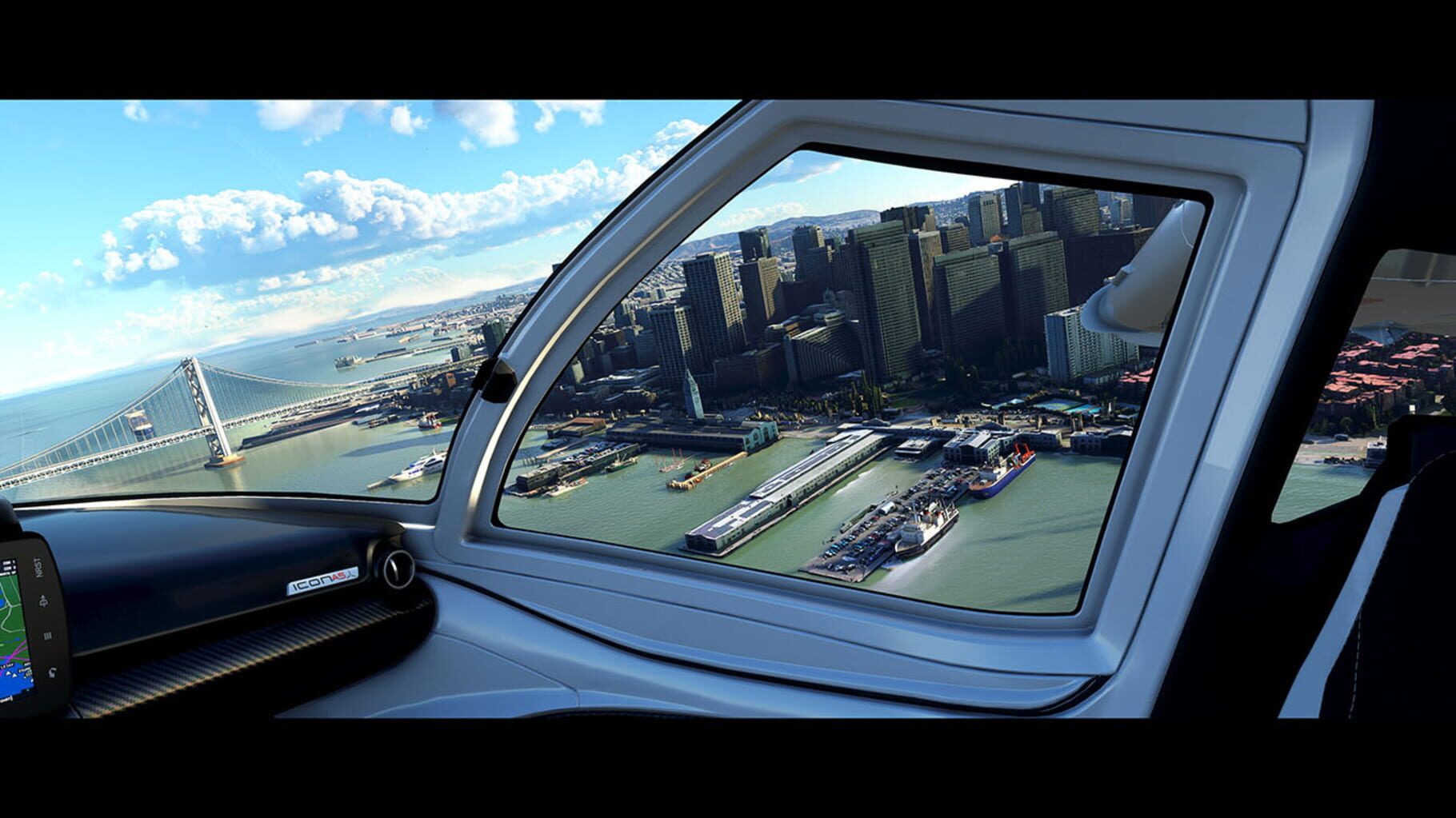
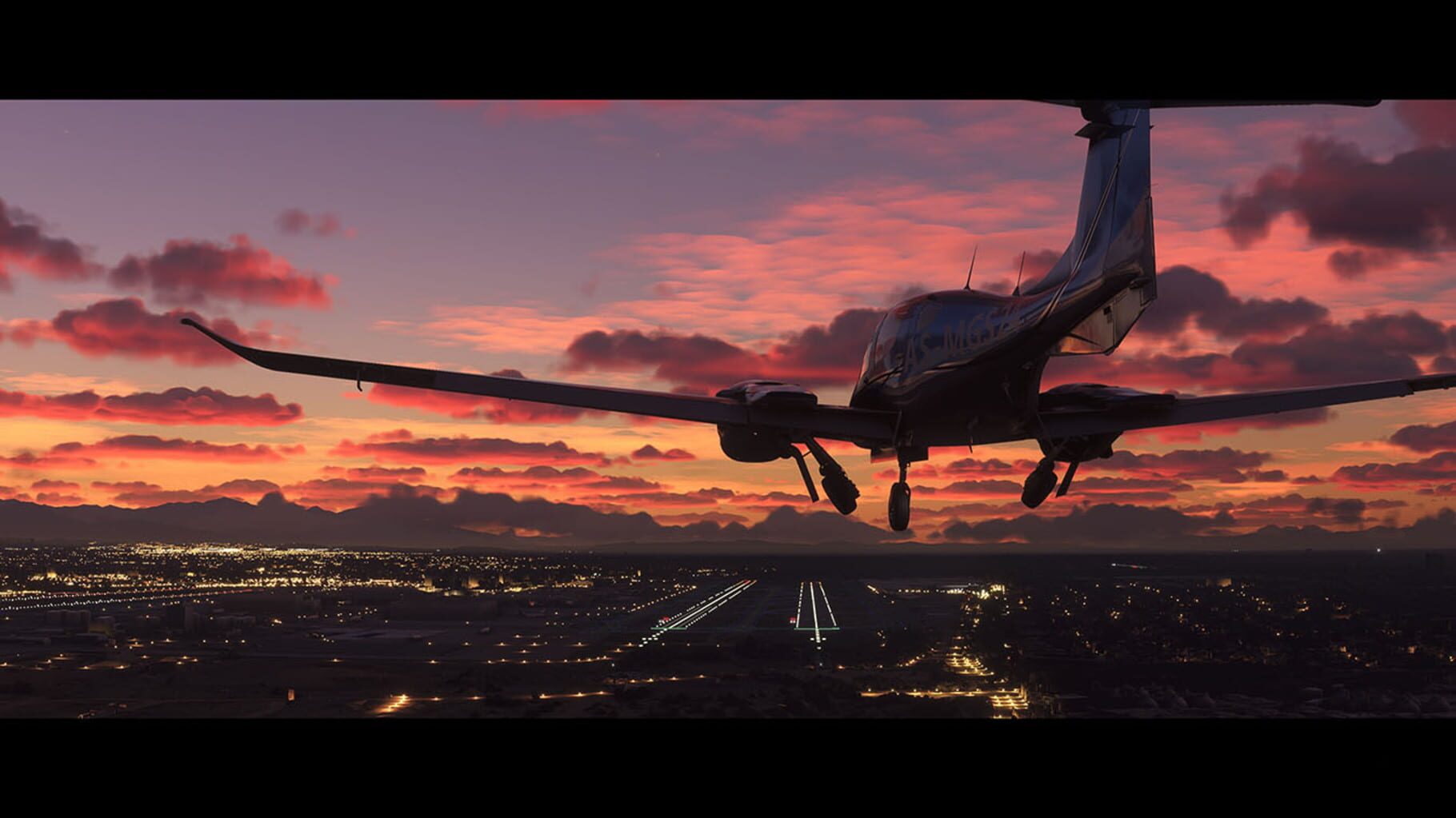
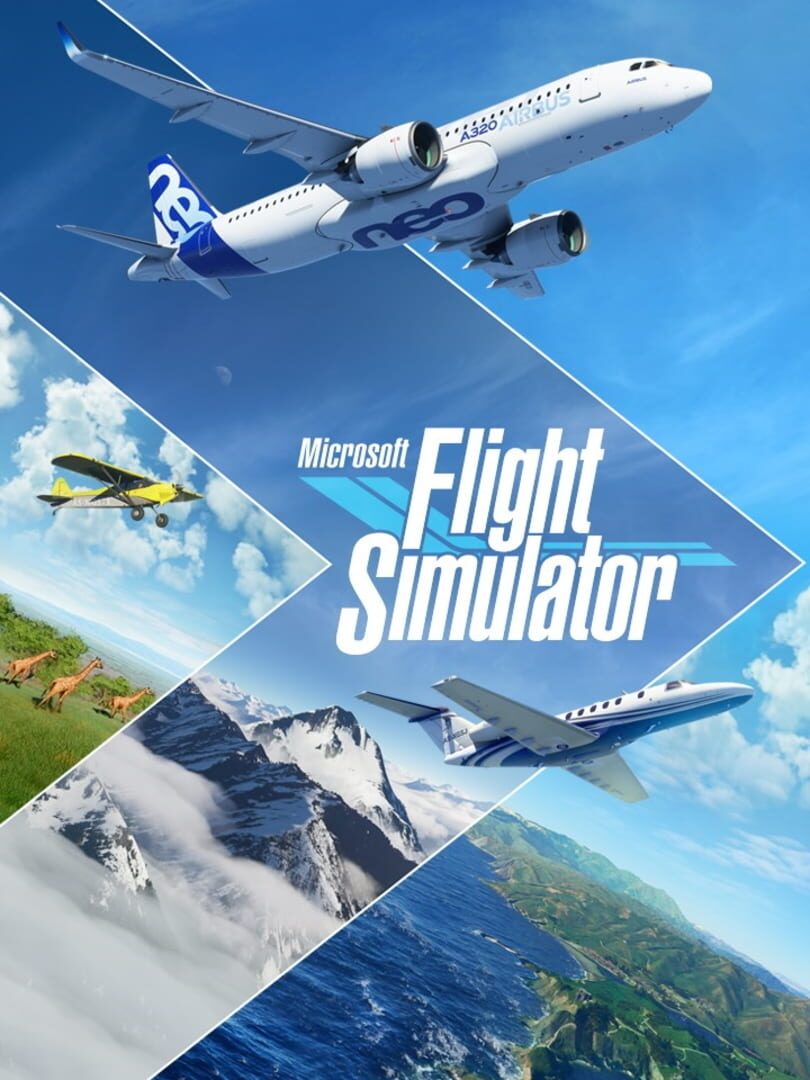
Microsoft Flight Simulator is the next generation of one of the most beloved simulation franchises. From light planes to wide-body jets, fly highly detailed and stunning aircraft in an incredibly realistic world. Create your flight plan and fly anywhere on the planet. Enjoy flying day or night and face realistic, challenging weather conditions.

SimulatorXbox Series X|SPC (Microsoft Windows)Xbox One
ReleasedAug 17, 2020
Performance data4 GPU profiles
Catalog sourcemanual

This page is a PC performance guide. Check how the Windows version should run on your hardware, then raise the FPS target if you want SpecBeacon to suggest what to upgrade first.

Microsoft Flight Simulator
Saved PCSave your PC once

Save your GPU, CPU, RAM, and resolution to jump straight into this game's FPS check.

Set up my PC
FPS check

Pick the PC to test

Choose your GPU and resolution first. If you want 90 or 120 FPS, SpecBeacon can suggest what to upgrade next.

Main stepEnter your PC here, then run Check FPS.The result card will jump into view as soon as the estimate is ready.
1Game
2Your PC
3Target

Game

Microsoft Flight SimulatorFPS check available
Step 2

Your PC

Start here. Pick your GPU first, then add CPU, resolution, and RAM if needed.

PC type
1. Pick your graphics card2. Add your processor3. Choose resolution and RAM
GPU · Graphics card

This has the biggest impact on FPS. Start here.

CPU · Processor

Add this after GPU for a more accurate estimate.

Resolution
RAM
Step 3

Target FPS and upgrade plan

Want 90 or 120 FPS instead of 60? Pick a target and SpecBeacon will point to the first upgrade worth making.

Target FPS

Leave this at 60 for a quick FPS answer, or raise it to 90 or 120 to get upgrade guidance too.

Pick your GPU to unlock the FPS check.

Microsoft Flight SimulatorThen choose your GPU
Results

No estimate yet

Guide

How to use this page

SpecBeacon mixes official PC requirements, benchmark coverage, linked review pages, and update notes so you can make a quicker hardware decision without hopping across multiple tabs.

Check firstFPS estimate
Benchmark coverage4 GPU / 4 CPU
Reaction signal1 sources
  • Use the FPS card first if you want a quick answer for your current PC.
  • Use the update and review links below when a game is new, patched often, or still getting mixed reports.
  • When benchmark coverage is thin, treat the estimate as directional and prioritize the GPU before chasing smaller CPU gains.
Read next

Related guides

If you are still deciding whether this game is worth an upgrade, these short guides explain how SpecBeacon reads FPS targets, PC requirements, and GPU-first upgrade decisions.

Updates

Latest notes

Steam App ID 1250410

City Update 13: California Now Available
OfficialPatch Notes
Community Announcements · Jayneivana2026-01-28Important note for MSFS (2020) usersYou will need to manually update World Update II and World Update X from your in-sim Content Manager for City Update 13 to work correctly. Called the “Golden State” due to its Gold Rush of the mid-19th century, fields of golden poppies, and reputation for boundless prospects, California is renowned for its beauty and diversity. City Update 13 celebrates Californ...
World Update 20: Japan Now Available
OfficialPatch Notes
Community Announcements · Jayneivana2025-09-25Japan is a nation of beauty and intrigue, filled with breathtaking vistas of towering mountains, iconic architecture, and renowned cities. The country beholds some of the world’s most alluring and famous sights, including Mount Fuji, Japan’s highest mountain, Osaka Castle, a revered historical monument, and soaring skylines throughout Tokyo, Kyoto, Sapporo, and other metropolises. World Update 20...
Release Notes - Sim Update 16 [1.39.9.0] Now Available
OfficialPatch Notes
Community Announcements · Jayneivana2025-08-05Microsoft Flight Simulator (2020) | Sim Update 16 Release Notes - 1.39.9.0If you are playing on PC, outdated packages in your community folder may have an unexpected impact on the title’s performance and behavior.If you suffer from stability issues or long loading times, move your community package(s) to another folder before relaunching the title.Stability & PerformanceFixed a crash when attempti...
Microsoft Flight Simulator Releases City Update 11: Northeastern United States 2
OfficialPatch Notes
Community Announcements · Jayneivana2025-06-27Launched in celebration of FlightSimExpo 2025, held in Providence, Rhode Island in late June, City Update 11: Northeastern United States highlights several areas of interest (AOIs) across four northeastern U.S. states: Massachusetts, New Jersey, New York, and Rhode Island. This update comprises a spectacular mix of locations throughout this storied region of the United States, including portions o...
Sim Update 16 Beta [1.39.0.0] Available Now!
OfficialPatch Notes
Community Announcements · Jayneivana2025-05-19Welcome to the Microsoft Flight Simulator 2020 Sim Update 16 public beta test! How to Join Open your Steam Library Right-click Microsoft Flight Simulator 2020 Click “Properties” Click “Betas” Select “flight_sim_beta – Sim Update 16" If you would like to exit the pre-release test before it ends and revert back to the live build, follow these instructions: Open your Steam Library Right-click Microso...
FAQ

Quick answers

Does this page include PC performance data?

Yes. SpecBeacon can estimate FPS for this game with the current seeded benchmark coverage.

Is the score an official review score?

No. The SpecBeacon Score is an internal reaction signal. It is not copied from Metacritic, OpenCritic, Steam, or the publisher.

What matters most for getting more FPS?

In most cases, GPU choice and resolution move the estimate the most. CPU and RAM usually refine the result rather than replace the GPU signal.