Game
PC performance guide
FPS check available

Phasmophobia

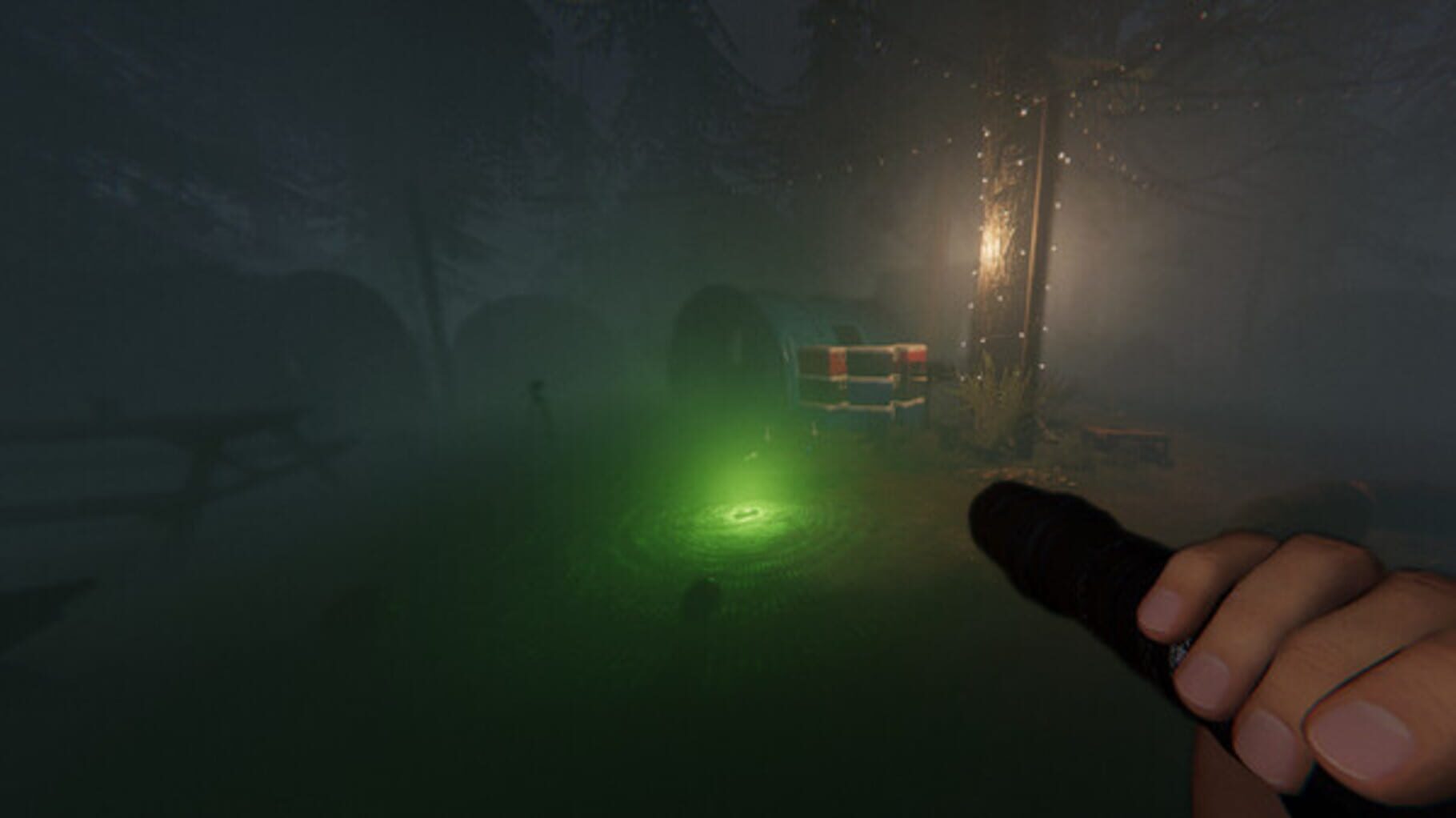
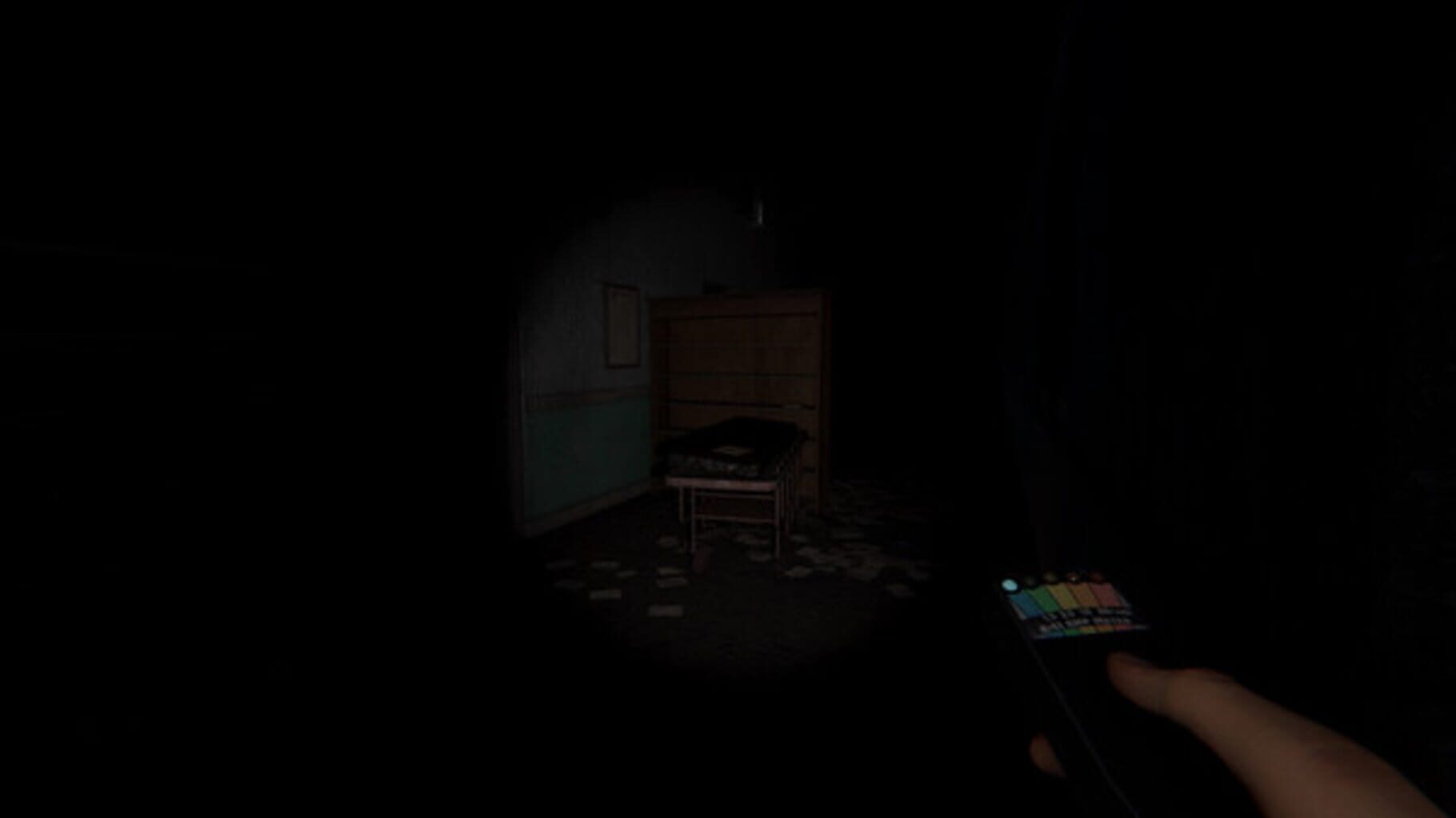
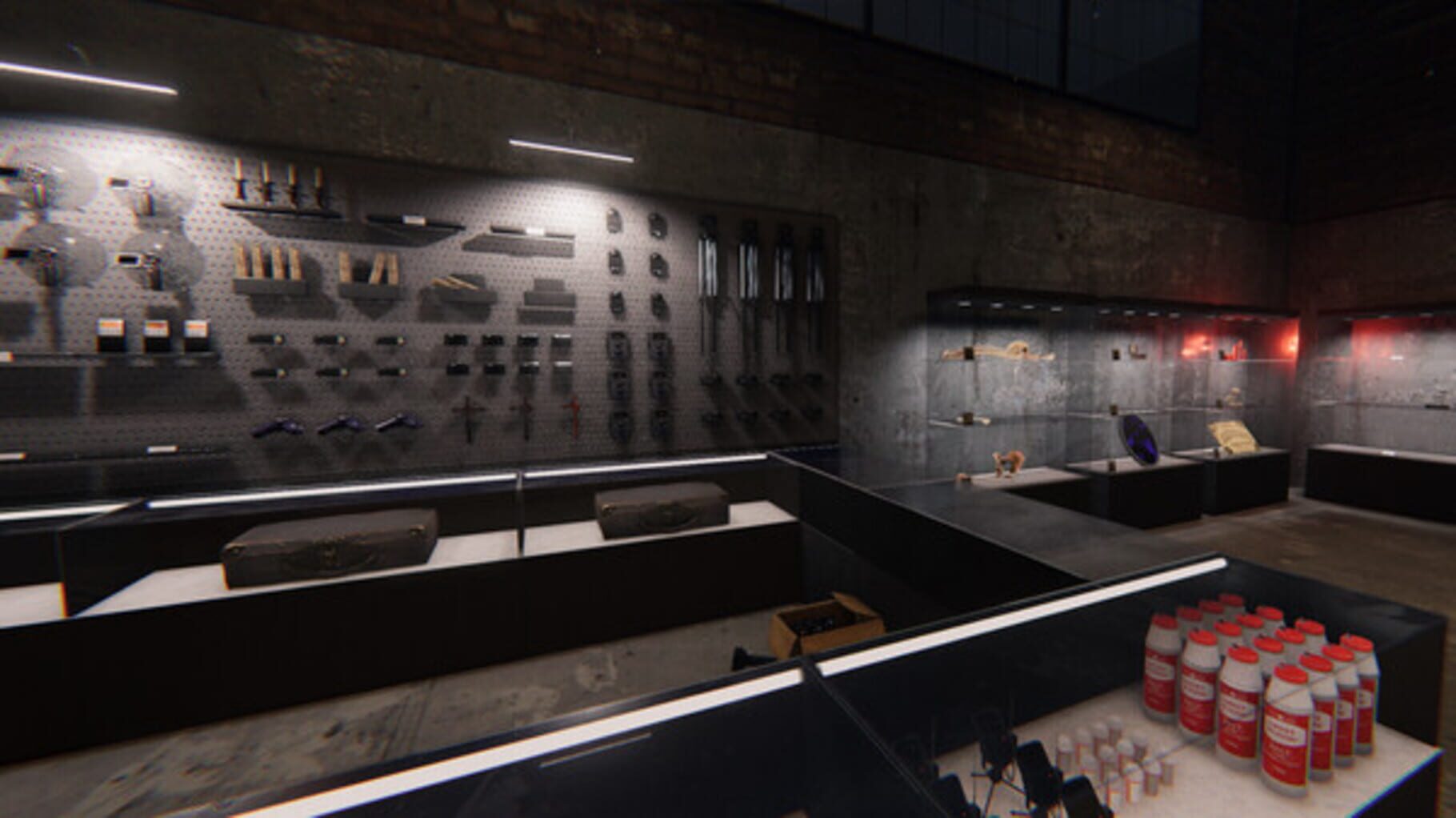
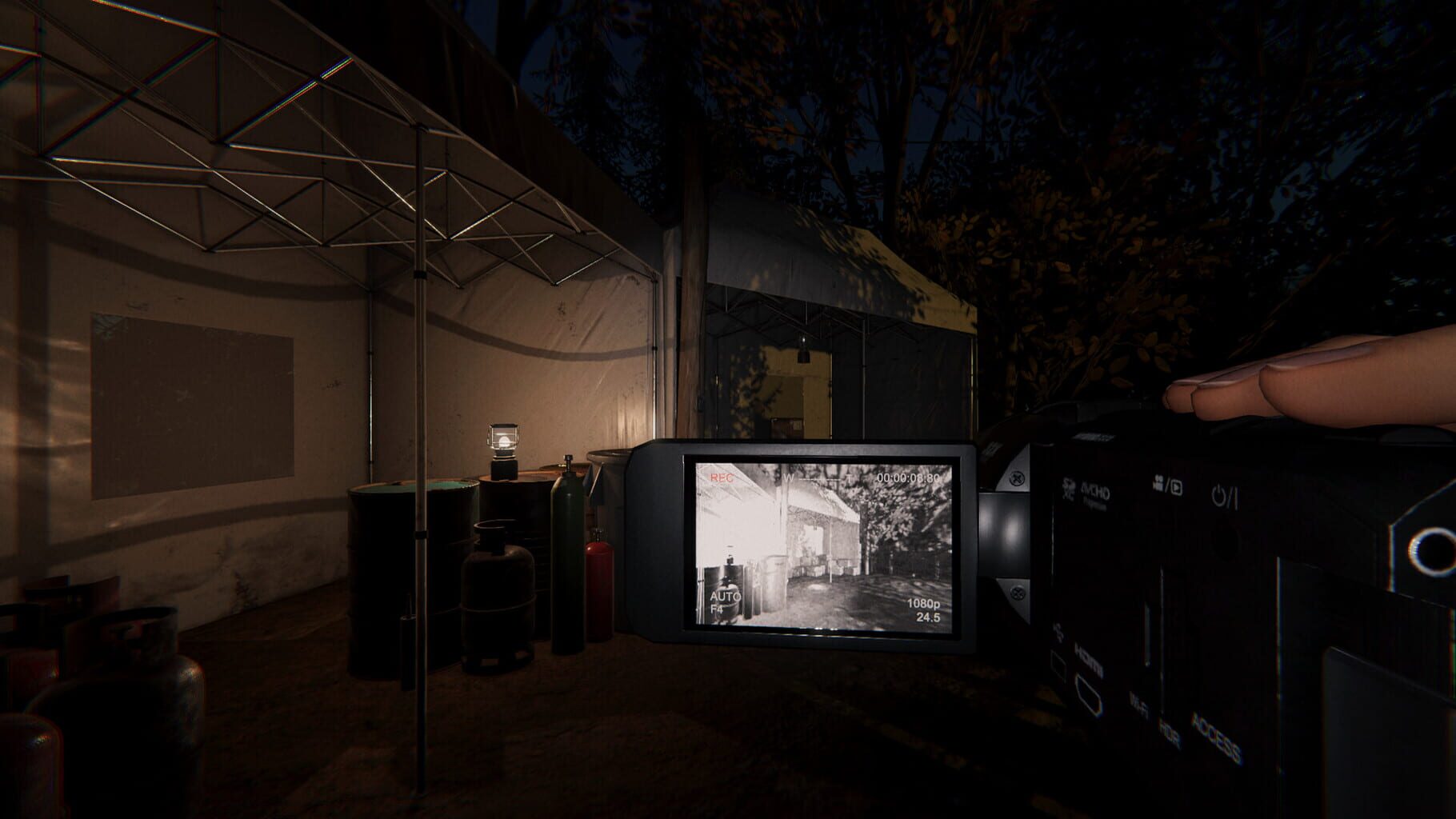
Phasmophobia is a 4 player online co-op psychological horror where you and your team members of paranormal investigators will enter haunted locations filled with paranormal activity and gather as much evidence of the paranormal as you can. You will use your ghost hunting equipment to search for and record evidence of whatever ghost is haunting the location to sell onto a ghost removal team. You can choose to support your team by monitoring the location with CCTV cameras and motion sensors from the safety of the truck or head inside and get your hands dirty with the ghostly activity that will get increasingly hostile as time goes on.

PuzzleTacticalIndieXbox Series X|SPlayStation VR2Windows Mixed Reality
ReleasedSep 18, 2020
Performance data4 GPU profiles
Catalog sourcemanual

This page is a PC performance guide. Check how the Windows version should run on your hardware, then raise the FPS target if you want SpecBeacon to suggest what to upgrade first.

Phasmophobia
Saved PCSave your PC once

Save your GPU, CPU, RAM, and resolution to jump straight into this game's FPS check.

Set up my PC
FPS check

Pick the PC to test

Choose your GPU and resolution first. If you want 90 or 120 FPS, SpecBeacon can suggest what to upgrade next.

Main stepEnter your PC here, then run Check FPS.The result card will jump into view as soon as the estimate is ready.
1Game
2Your PC
3Target

Game

PhasmophobiaFPS check available
Step 2

Your PC

Start here. Pick your GPU first, then add CPU, resolution, and RAM if needed.

PC type
1. Pick your graphics card2. Add your processor3. Choose resolution and RAM
GPU · Graphics card

This has the biggest impact on FPS. Start here.

CPU · Processor

Add this after GPU for a more accurate estimate.

Resolution
RAM
Step 3

Target FPS and upgrade plan

Want 90 or 120 FPS instead of 60? Pick a target and SpecBeacon will point to the first upgrade worth making.

Target FPS

Leave this at 60 for a quick FPS answer, or raise it to 90 or 120 to get upgrade guidance too.

Pick your GPU to unlock the FPS check.

PhasmophobiaThen choose your GPU
Results

No estimate yet

Guide

How to use this page

SpecBeacon mixes official PC requirements, benchmark coverage, linked review pages, and update notes so you can make a quicker hardware decision without hopping across multiple tabs.

Check firstFPS estimate
Benchmark coverage4 GPU / 4 CPU
Reaction signal1 sources
  • Use the FPS card first if you want a quick answer for your current PC.
  • Use the update and review links below when a game is new, patched often, or still getting mixed reports.
  • When benchmark coverage is thin, treat the estimate as directional and prioritize the GPU before chasing smaller CPU gains.
Read next

Related guides

If you are still deciding whether this game is worth an upgrade, these short guides explain how SpecBeacon reads FPS targets, PC requirements, and GPU-first upgrade decisions.

Updates

Latest notes

Steam App ID 739630

6 Tanglewood Drive Rework - Phasmophobia v0.16.0.0
OfficialPatch Notes
Community Announcements · Tom Dent2026-03-03Welcome back, Ghost Hunters.Today we are excited to release the reworked 6 Tanglewood Drive. The update is now available across all platforms where Phasmophobia is available.New: 6 Tanglewood Drive: This location has received a complete visual overhaul, with new assets, props and interactions for both the Ghost and the Player. Rooms: While more substantial changes have been made to the layout of r...
Phasmophobia Development Preview #21
OfficialPatch Notes
Community Announcements · Tom Dent2025-12-25Welcome back, Ghost Hunters. We’ve got some news for you.Today, we’re pulling back the curtain (just a little) on some of the updates coming to Phasmophobia in 2026. Next year is looking to be one of the biggest in the game’s history as we build towards launching Phasmophobia 1.0, bring the game to Nintendo Switch 2 and continue to evolve and iterate on the game. Reaching that 1.0 milestone will b...
Phasmophobia - Winter’s Jest v0.15.1.0
OfficialPatch Notes
Community Announcements · Tom Dent2025-12-16Welcome back, Ghost Hunters.Krampus has returned.Today, we’re kicking off the Phasmophobia festivities with Winter’s Jest. Alongside the event, we’ve released an update for the game. Check out the patch notes below.Message from GHD: We’re hearing reports of unidentified ghost types appearing across the country. Proceed with caution and report any information you gather on your investigations to HQ...
Phasmophobia - Hotfix
OfficialPatch Notes
Community Announcements · Tom Dent2025-11-20Welcome back, Ghost Hunters.Today we have released a small hotfix for an issue affecting Steam players only.FixesFixed an issue affecting some players with integrated graphics cards that would cause crashes when loading in to Nell’s Diner. Happy Huntin’Thanks,Kinetic Games TeamAs you continue your investigations in Phasmophobia, if you encounter bugs, issues or simply have feedback for our team, p...
Announcing - The Cursed Hollow Takes Hold
Official
Community Announcements · Tom Dent2026-03-24Welcome back, Ghost Hunters.Spring is in the air, but with it comes the call of the Cursed Hollow. Phasmophobia’s first seasonal event of the year returns on March 31st, 2026 and runs until April 21st, 2026. Keep an eye on our social channels and official Discord server for exact launch timings. The Cult of the Cursed Hollow have returned to several locations throughout Phasmophobia to honour the...
FAQ

Quick answers

Does this page include PC performance data?

Yes. SpecBeacon can estimate FPS for this game with the current seeded benchmark coverage.

Is the score an official review score?

No. The SpecBeacon Score is an internal reaction signal. It is not copied from Metacritic, OpenCritic, Steam, or the publisher.

What matters most for getting more FPS?

In most cases, GPU choice and resolution move the estimate the most. CPU and RAM usually refine the result rather than replace the GPU signal.