Game
PC performance guide
FPS check available

Satisfactory

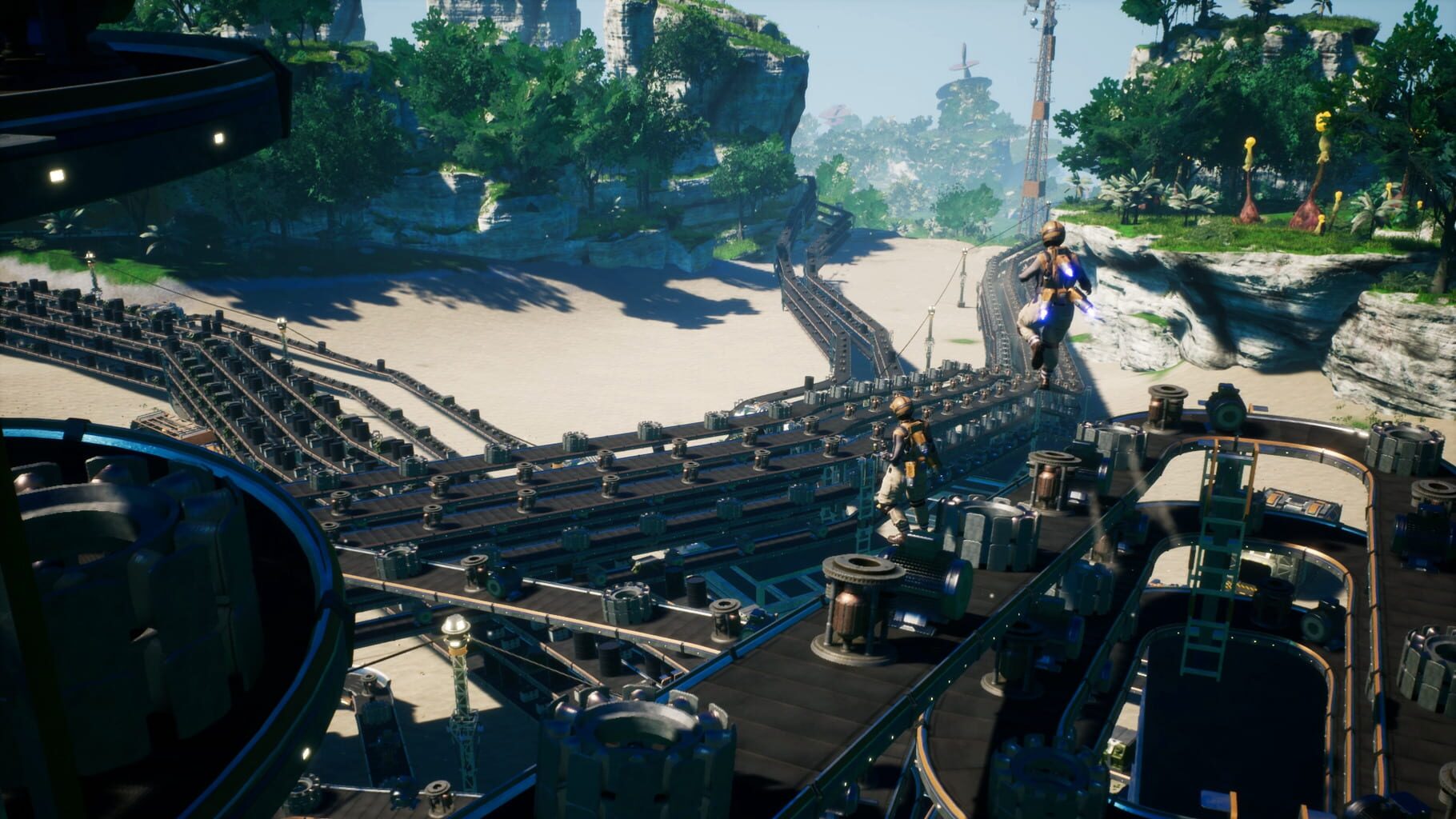
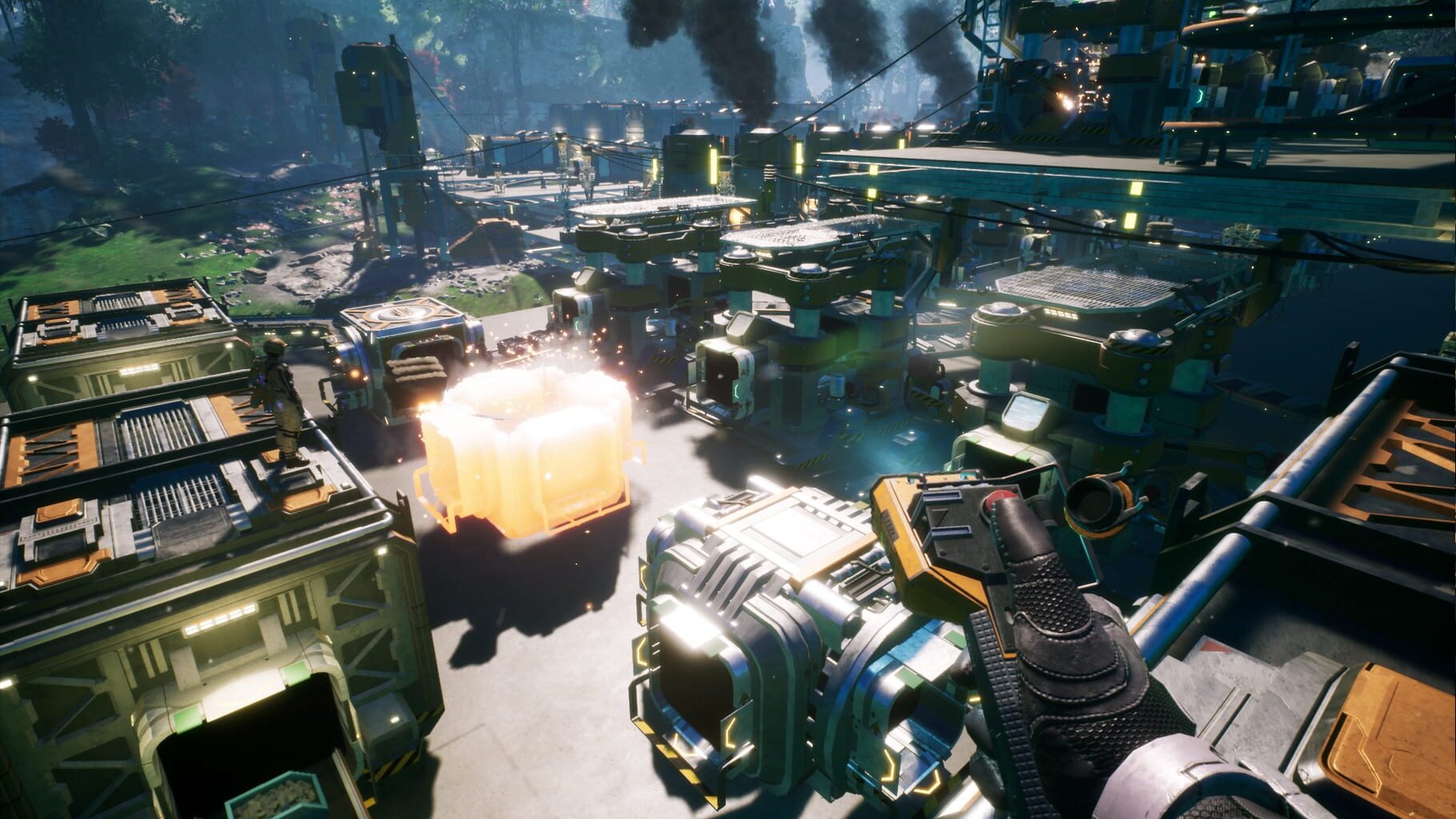
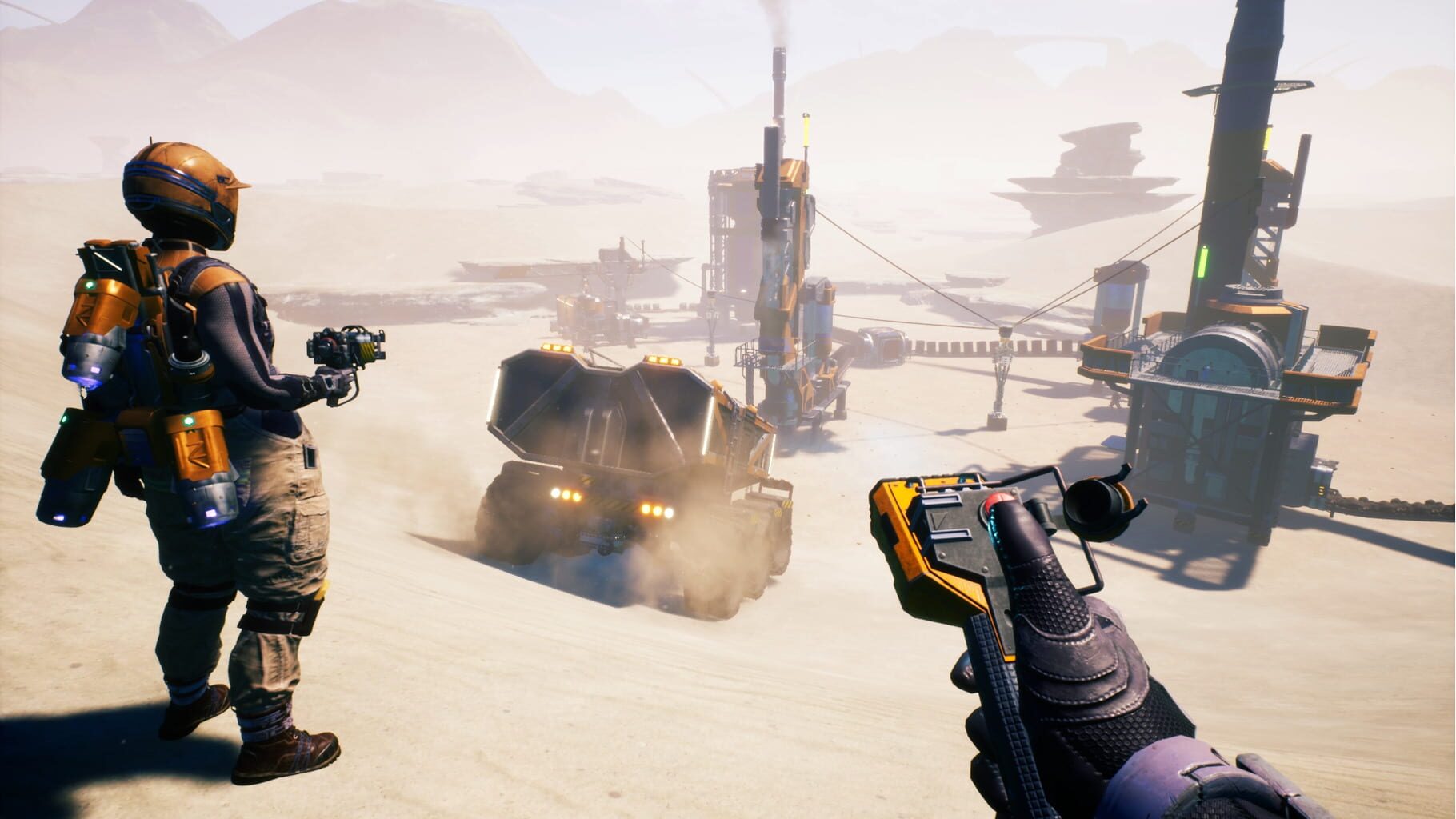
First-person factory builder with large-scale automation, dense conveyor networks, and expansive open-world exploration.

SimulationStrategyPC
ReleasedSep 10, 2024
Performance data4 GPU profiles
Catalog sourcemanual

This page is a PC performance guide. Check how the Windows version should run on your hardware, then raise the FPS target if you want SpecBeacon to suggest what to upgrade first.

Satisfactory
Saved PCSave your PC once

Save your GPU, CPU, RAM, and resolution to jump straight into this game's FPS check.

Set up my PC
FPS check

Pick the PC to test

Choose your GPU and resolution first. If you want 90 or 120 FPS, SpecBeacon can suggest what to upgrade next.

Main stepEnter your PC here, then run Check FPS.The result card will jump into view as soon as the estimate is ready.
1Game
2Your PC
3Target

Game

SatisfactoryFPS check available
Step 2

Your PC

Start here. Pick your GPU first, then add CPU, resolution, and RAM if needed.

PC type
1. Pick your graphics card2. Add your processor3. Choose resolution and RAM
GPU · Graphics card

This has the biggest impact on FPS. Start here.

CPU · Processor

Add this after GPU for a more accurate estimate.

Resolution
RAM
Step 3

Target FPS and upgrade plan

Want 90 or 120 FPS instead of 60? Pick a target and SpecBeacon will point to the first upgrade worth making.

Target FPS

Leave this at 60 for a quick FPS answer, or raise it to 90 or 120 to get upgrade guidance too.

Pick your GPU to unlock the FPS check.

SatisfactoryThen choose your GPU
Results

No estimate yet

Guide

How to use this page

SpecBeacon mixes official PC requirements, benchmark coverage, linked review pages, and update notes so you can make a quicker hardware decision without hopping across multiple tabs.

Check firstFPS estimate
Benchmark coverage4 GPU / 3 CPU
Reaction signal1 sources
  • Use the FPS card first if you want a quick answer for your current PC.
  • Use the update and review links below when a game is new, patched often, or still getting mixed reports.
  • When benchmark coverage is thin, treat the estimate as directional and prioritize the GPU before chasing smaller CPU gains.
Read next

Related guides

If you are still deciding whether this game is worth an upgrade, these short guides explain how SpecBeacon reads FPS targets, PC requirements, and GPU-first upgrade decisions.

Updates

Latest notes

Steam App ID 526870

1.2 Experimental Update - v1.2.1.0
OfficialPatch Notes
Community Announcements · css_uzu2026-03-24Hi Pioneers! We’re very happy to see you all enjoying the 1.2 Update on Experimental, we really appreciate all the feedback you’ve given us and all the bugs you’ve told us about so far so for today we have a bunch of fixes ready for you all:) If you heard about the 1.2 Update on Experimental and are interested trying it out, you can do so by following the instructions below: And remember, you can...
Update 1.2 is out now on Experimental!
OfficialPatch Notes
Community Announcements · css_uzu2026-03-17Hi Pioneers! Hello everyone, 1.2 is finally ready for Experimental and we can’t wait for you all to enjoy the latest features and improvements we have been working on Before we get started, make sure you check out the video our Community Management has made for this update, we hope you love it as much as we do, it’s better than the written patch notes for real, so check it out before you keep read...
Experimental Hotfix v1.1.3.1
OfficialPatch Notes
Community Announcements · css_uzu2026-02-19Hi Pioneers! Today we are doing a small but necessary hotfix from our side for the current Experimental, there’s no new major fixes or additions, but this will help with our current way of parsing crash reports so we can better address more crashes in the future If you haven’t yet but are interested in giving the Experimental version a try remember to BACKUP YOUR SAVE before trying it to avoid los...
Steam Deck Verified!
OfficialPatch Notes
Community Announcements · css_uzu2026-02-13Hi Pioneers! Satisfactory has now received Verified status for Steam Deck compatibility! Last year, we started doing a lot of improvements for Satisfactory with the 1.1 Update and alongside this we started working on improving our Steam Deck support Many changes have been made since, including better out of the box settings for UI Scaling, Graphical presets, Controller compatibility and more! A lo...
EXPERIMENTAL Update v1.1.3.0 - Engine Upgrade + Console additions
OfficialPatch Notes
Community Announcements · css_uzu2026-02-10Hi Pioneers! Today we’re reopening Experimental once again, this time with major changes across the board, so as always remember to BACKUP YOUR SAVE before trying it to avoid losing any of your progress You can backup your save by copying the folders in: C:\\Users\\\\\AppData\\Local\\FactoryGame\\Saved\\SaveGames\\\ To access the Experimental version on Steam: Right click Satisfactory on your li...
FAQ

Quick answers

Does this page include PC performance data?

Yes. SpecBeacon can estimate FPS for this game with the current seeded benchmark coverage.

Is the score an official review score?

No. The SpecBeacon Score is an internal reaction signal. It is not copied from Metacritic, OpenCritic, Steam, or the publisher.

What matters most for getting more FPS?

In most cases, GPU choice and resolution move the estimate the most. CPU and RAM usually refine the result rather than replace the GPU signal.