Game
PC performance guide
FPS check available

Throne and Liberty

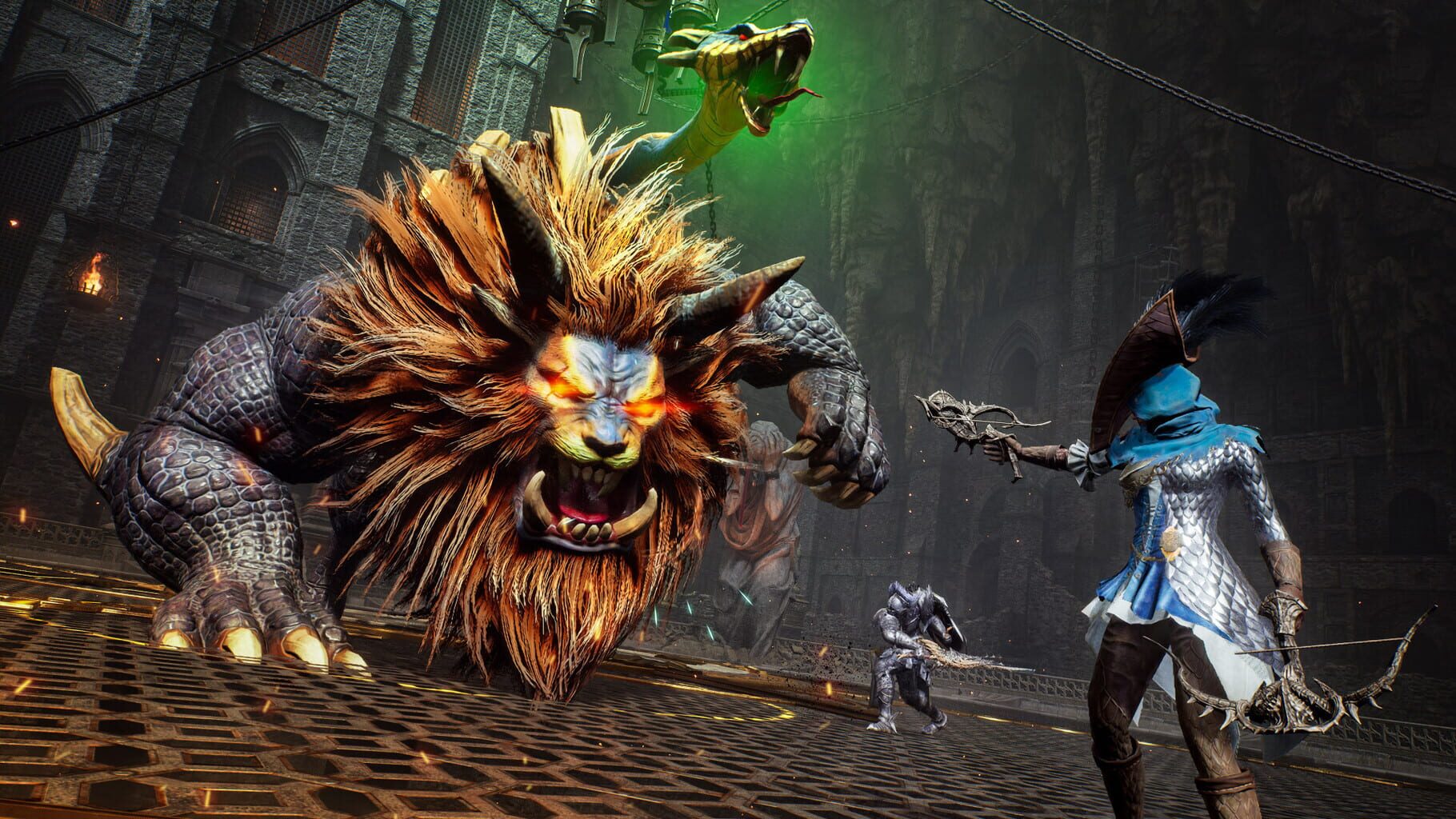
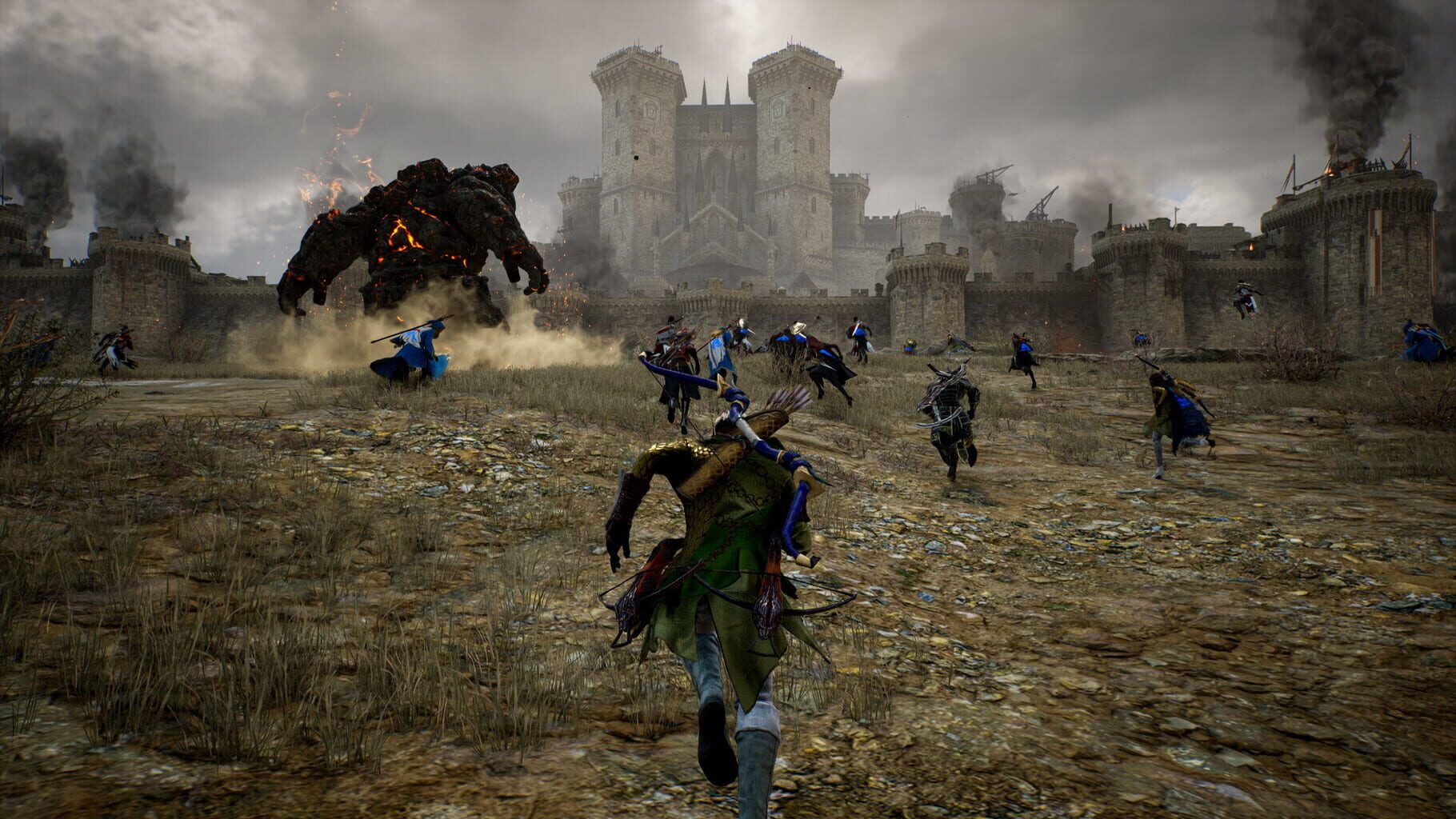
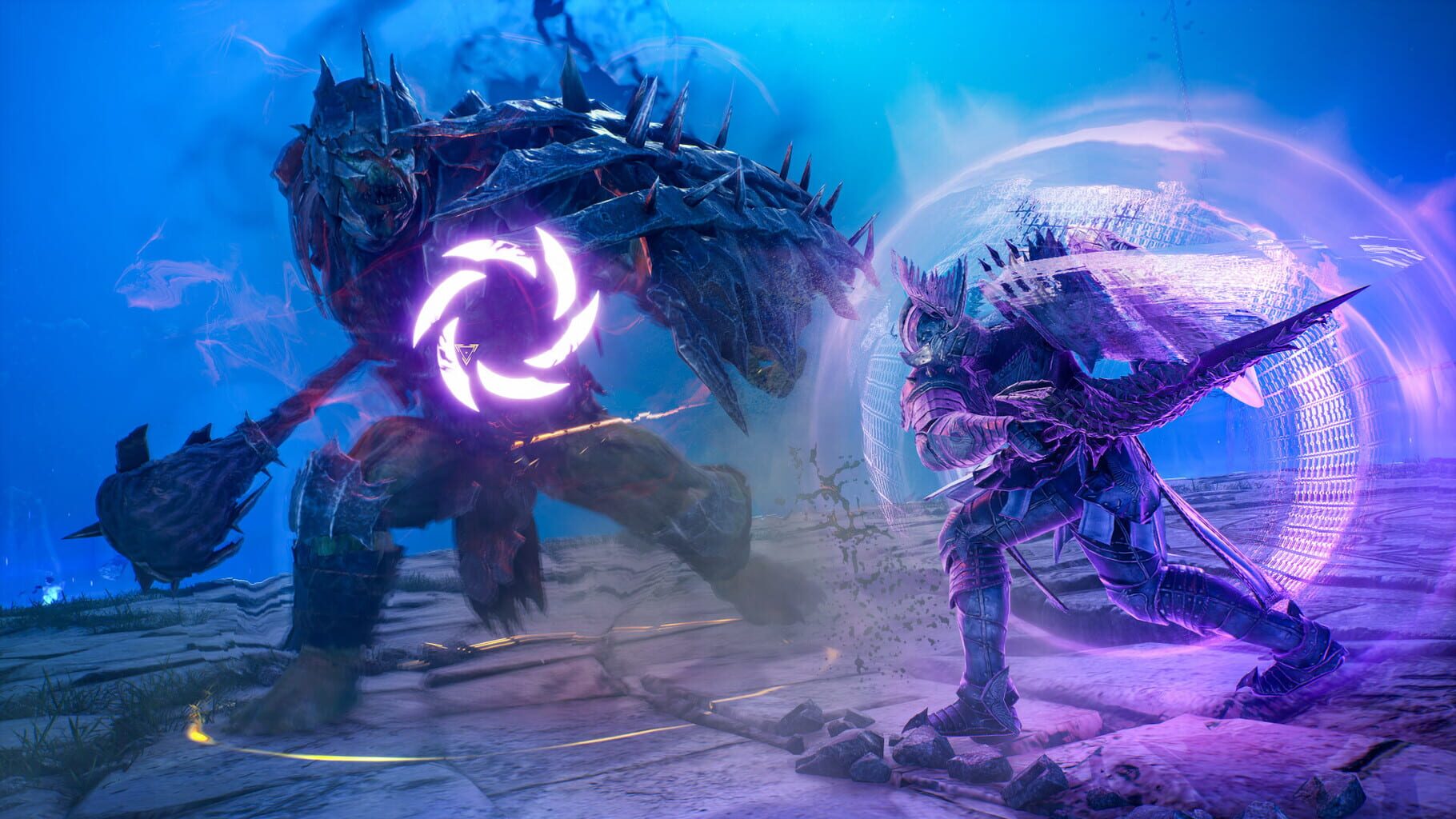
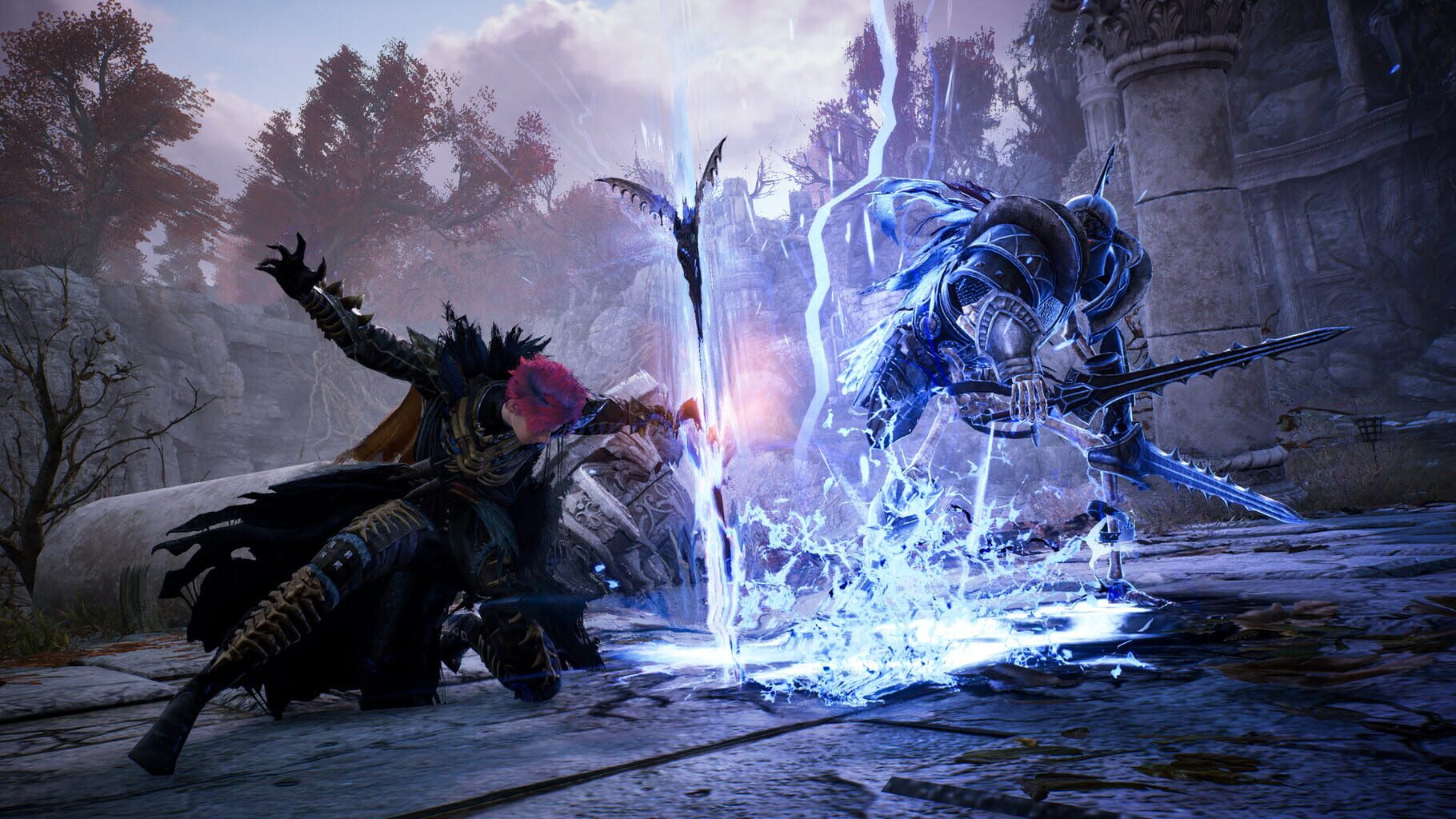
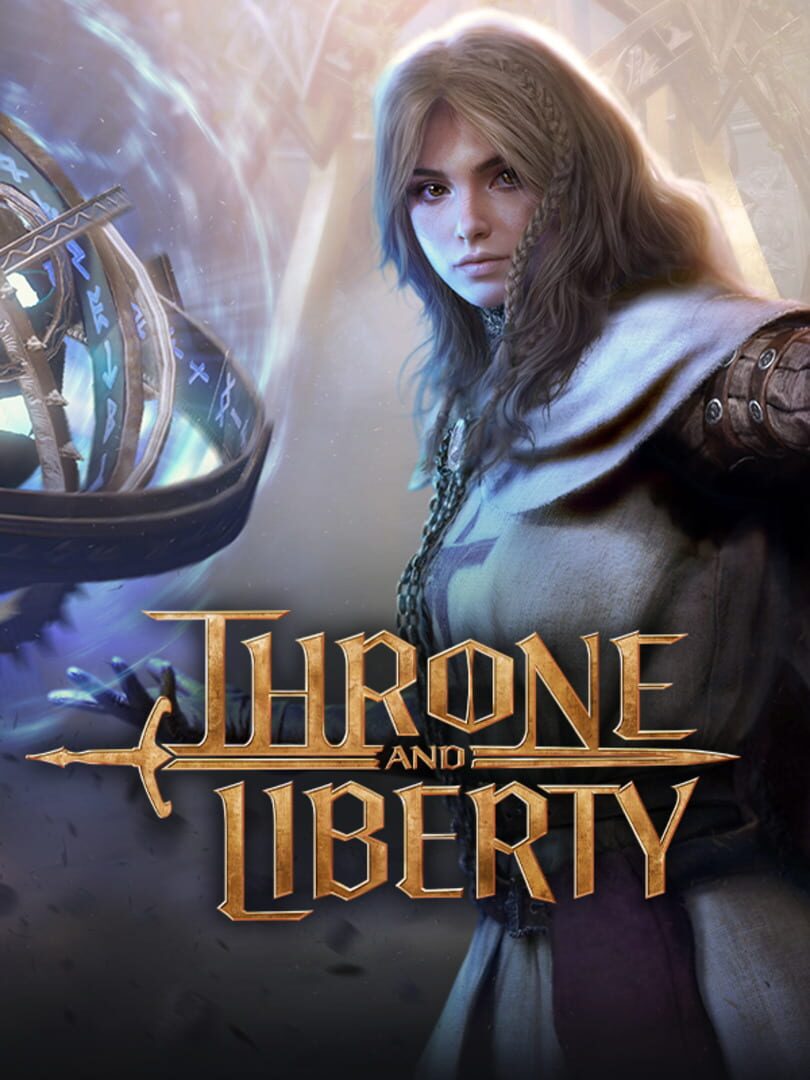
Throne and Liberty is a free-to-play MMORPG that takes place in the vast open world of Solisium. Explore a land full of depth and opportunity, scale expansive mountain ranges for new vantage points, scan the open skies, and traverse sprawling plains. Adapt your fight to survive and thrive through strategic decisions in PvP, PvE or both as you encounter evolving battlefields impacted by weather, time of day, and other players. There is no single path to victory as you seek to defeat Kazar and claim the throne while keeping rival guilds at bay.

Role-playing (RPG)AdventureXbox Series X|SPC (Microsoft Windows)PlayStation 5
ReleasedDec 7, 2023
Performance data2 GPU profiles
Catalog sourcemanual

This page is a PC performance guide. Check how the Windows version should run on your hardware, then raise the FPS target if you want SpecBeacon to suggest what to upgrade first.

Throne and Liberty
Saved PCSave your PC once

Save your GPU, CPU, RAM, and resolution to jump straight into this game's FPS check.

Set up my PC
FPS check

Pick the PC to test

Choose your GPU and resolution first. If you want 90 or 120 FPS, SpecBeacon can suggest what to upgrade next.

Main stepEnter your PC here, then run Check FPS.The result card will jump into view as soon as the estimate is ready.
1Game
2Your PC
3Target

Game

Throne and LibertyFPS check available
Step 2

Your PC

Start here. Pick your GPU first, then add CPU, resolution, and RAM if needed.

PC type
1. Pick your graphics card2. Add your processor3. Choose resolution and RAM
GPU · Graphics card

This has the biggest impact on FPS. Start here.

CPU · Processor

Add this after GPU for a more accurate estimate.

Resolution
RAM
Step 3

Target FPS and upgrade plan

Want 90 or 120 FPS instead of 60? Pick a target and SpecBeacon will point to the first upgrade worth making.

Target FPS

Leave this at 60 for a quick FPS answer, or raise it to 90 or 120 to get upgrade guidance too.

Pick your GPU to unlock the FPS check.

Throne and LibertyThen choose your GPU
Results

No estimate yet

Guide

How to use this page

SpecBeacon mixes official PC requirements, benchmark coverage, linked review pages, and update notes so you can make a quicker hardware decision without hopping across multiple tabs.

Check firstFPS estimate
Benchmark coverage2 GPU / 2 CPU
Reaction signal1 sources
  • Use the FPS card first if you want a quick answer for your current PC.
  • Use the update and review links below when a game is new, patched often, or still getting mixed reports.
  • When benchmark coverage is thin, treat the estimate as directional and prioritize the GPU before chasing smaller CPU gains.
Read next

Related guides

If you are still deciding whether this game is worth an upgrade, these short guides explain how SpecBeacon reads FPS targets, PC requirements, and GPU-first upgrade decisions.

Updates

Latest notes

Steam App ID 2429640

Update 3.25.0
OfficialPatch Notes
Community Announcements · timmyopa2026-03-11Throne and Liberty update 3.25.0 downtime will begin at 9 a.m. PT (4 p.m. UTC) on March 11 and last approximately 30 hours. It includes the Starbloom Festival event, Region Merges, and balance changes.MergesThere will be a Region Merge and Server Consolidation following maintenance. These changes will help improve player distribution around your favorite activities throughout Solisium.The Eastern...
Update 3.23.0
OfficialPatch Notes
Community Announcements · timmyopa2026-02-25Throne and Liberty update 3.23.0 downtime will begin at 10:30 p.m. PT (6:30 a.m. UTC) on February 25 and last approximately 4 hours. It includes the Double Archboss event, new Tower of Greed season, and balance changes. Check out the full list of changes below.Double Archboss SpawnsMagical energy is surging across Solisium. As a result, Archbosses are becoming more active than ever. Until the star...
Update 3.21.0
OfficialPatch Notes
Community Announcements · timmyopa2026-02-11Throne and Liberty update 3.21.0 downtime will begin at 10:30 p.m. PT (6:30 a.m. UTC) on February 11 and last approximately 4 hours. It includes the Gamer's Redemption collaboration, Lunar New Year event, and introduction of Battlegrounds mode to War Games. Check out the full list of changes below.Gamer's Redemption Collaboration EventWe’re ecstatic to partner with Gamer's Redemption to bring you...
Update 3.19.0
OfficialPatch Notes
Community Announcements · timmyopa2026-01-28Throne and Liberty update 3.19.0 downtime will begin at 10:30 p.m. PT (6:30 a.m. UTC) on January 28 and last approximately 6 hours. It contains the Tower of Greed, Lucky Mystic Portal event, Housing wall shapes, and more. Check out the full list of changes below.Tower of GreedInvestigate Calanthia’s past and the true purpose behind this mysterious tower. Throughout the Tower of Greed you’ll encoun...
Update 3.18.0
OfficialPatch Notes
Community Announcements · timmyopa2026-01-21Throne and Liberty update 3.18.0 downtime will begin at 10:30 p.m. PT (6:30 a.m. UTC) on January 21 and last approximately 2 hours. It contains weapon changes alongside bug fixes. Check out the full list below.StaffFireball Barrage: Added a new Specialization requiring 5 points.When enabled, Fireball Barrage has an 80% chance to reduce the target's Damage Reduction by 30 for 5 seconds with a max s...
FAQ

Quick answers

Does this page include PC performance data?

Yes. SpecBeacon can estimate FPS for this game with the current seeded benchmark coverage.

Is the score an official review score?

No. The SpecBeacon Score is an internal reaction signal. It is not copied from Metacritic, OpenCritic, Steam, or the publisher.

What matters most for getting more FPS?

In most cases, GPU choice and resolution move the estimate the most. CPU and RAM usually refine the result rather than replace the GPU signal.