Game
PC performance guide
FPS check available

War Thunder

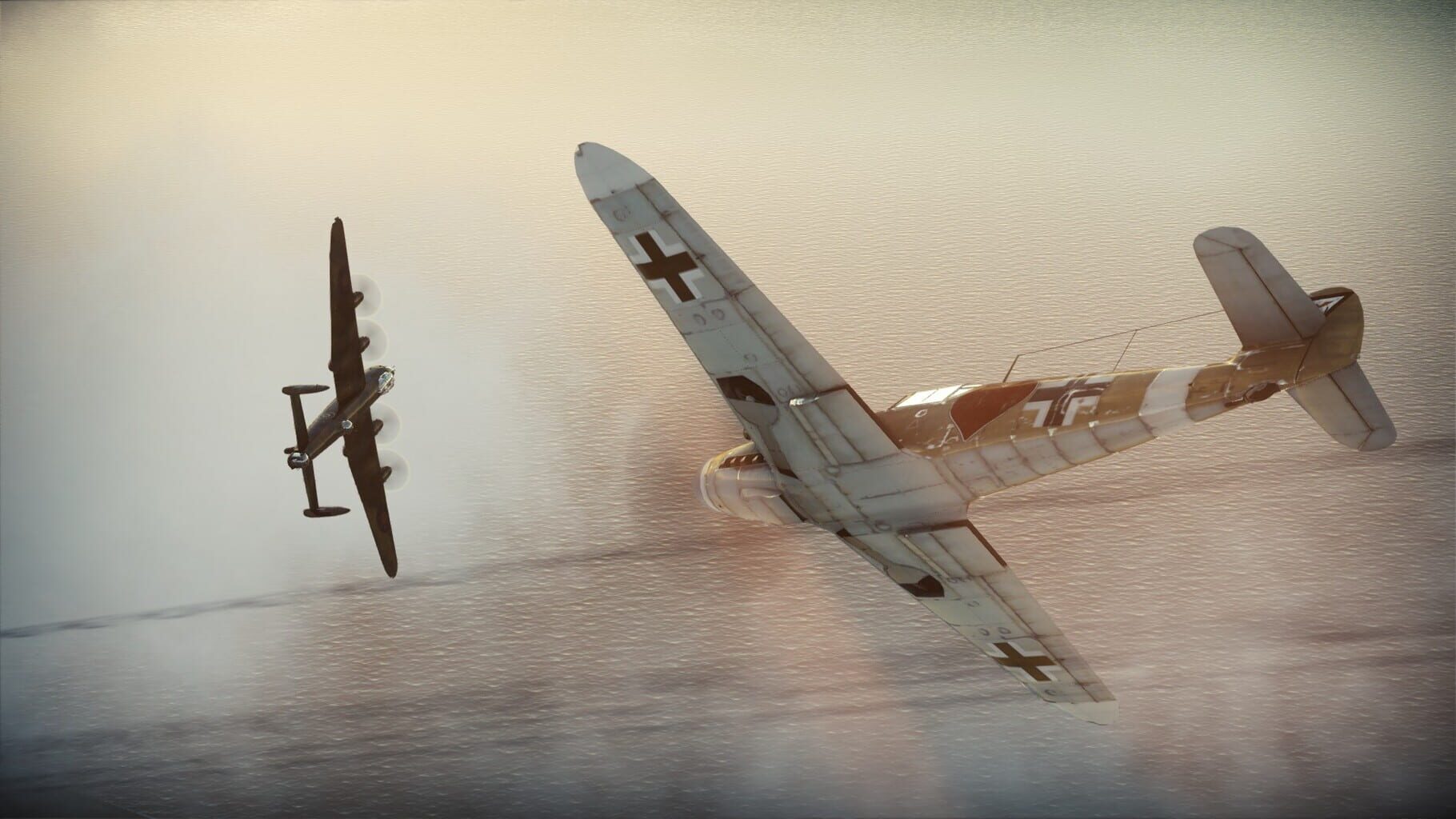
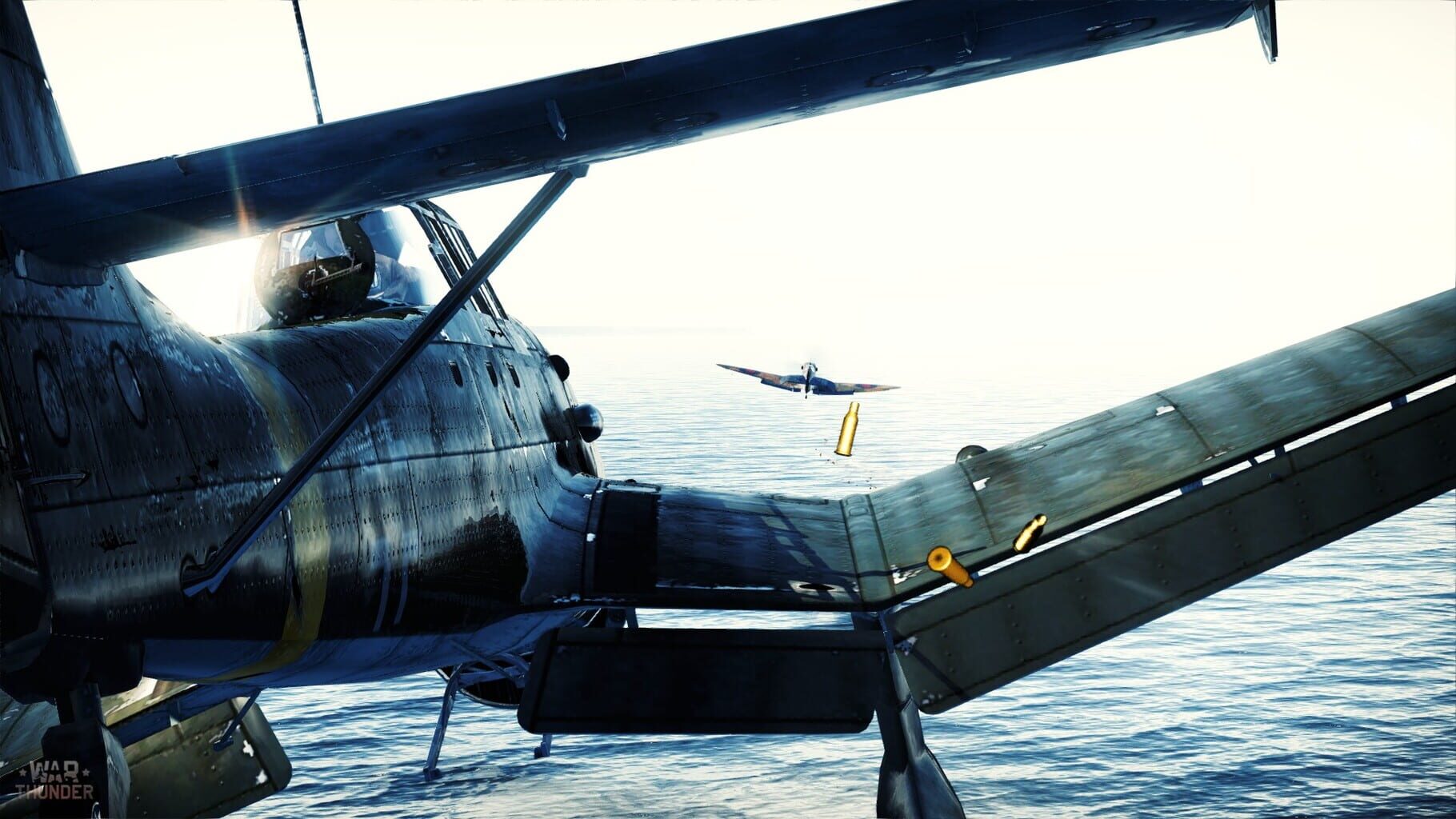
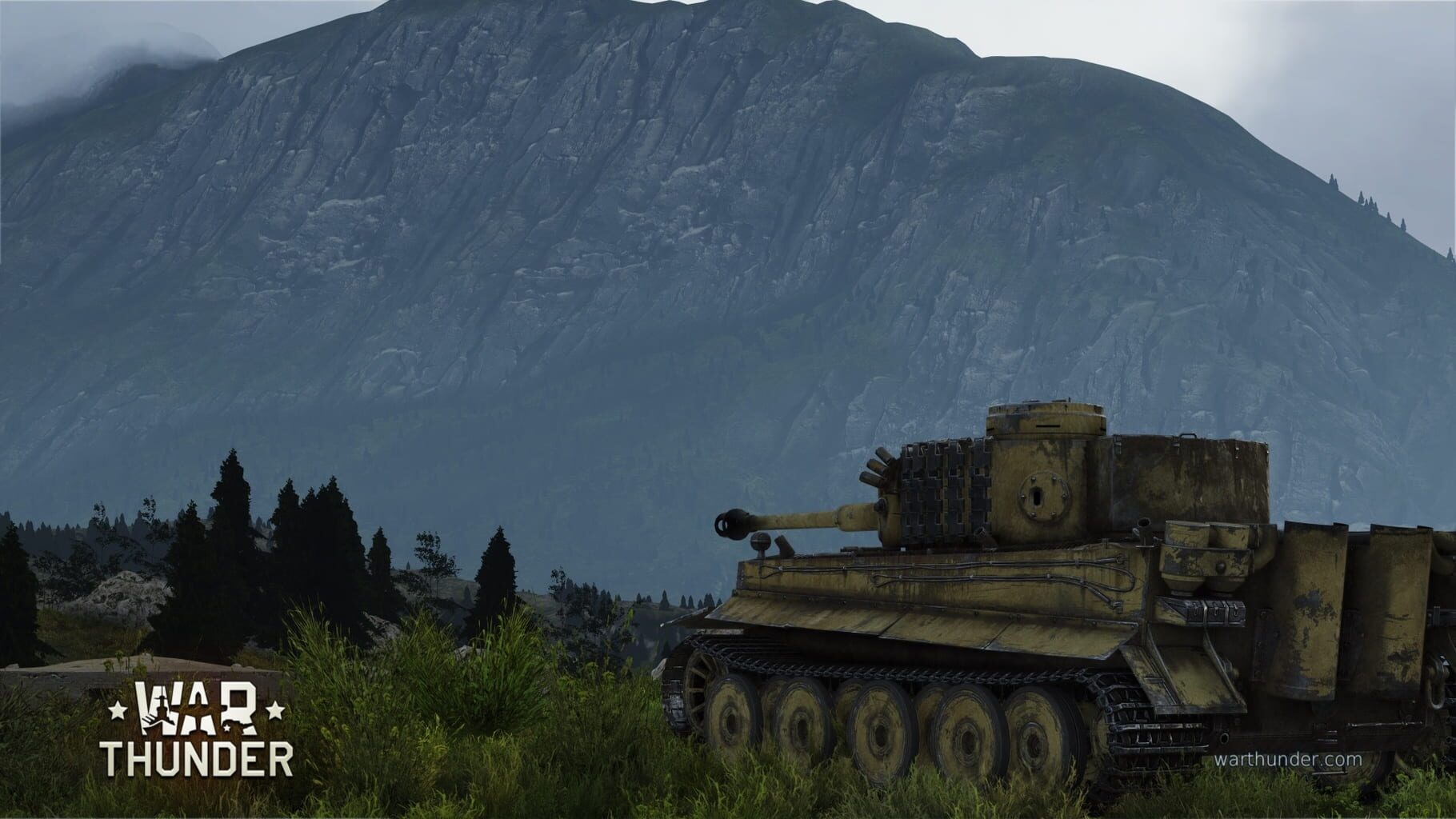
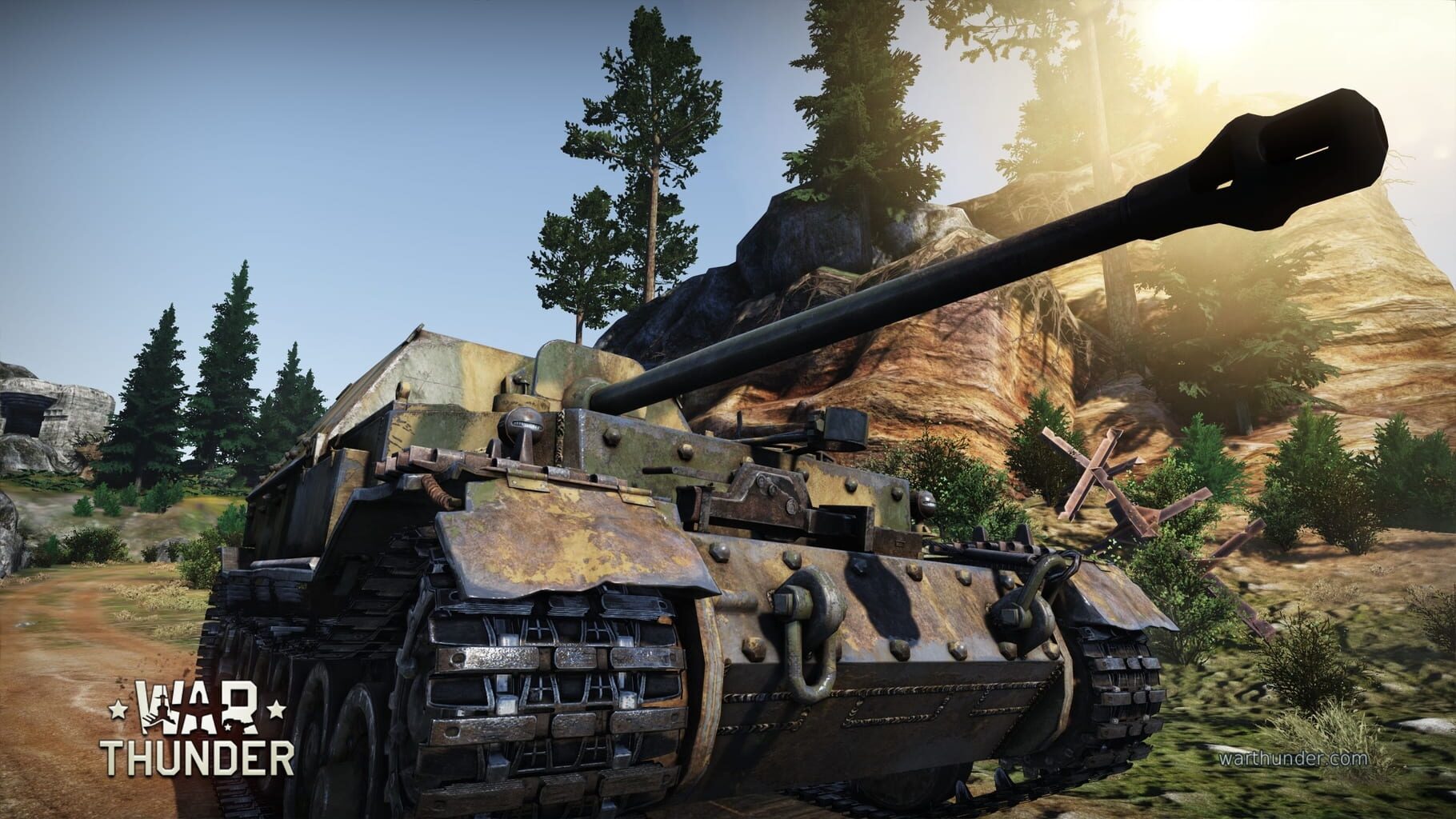
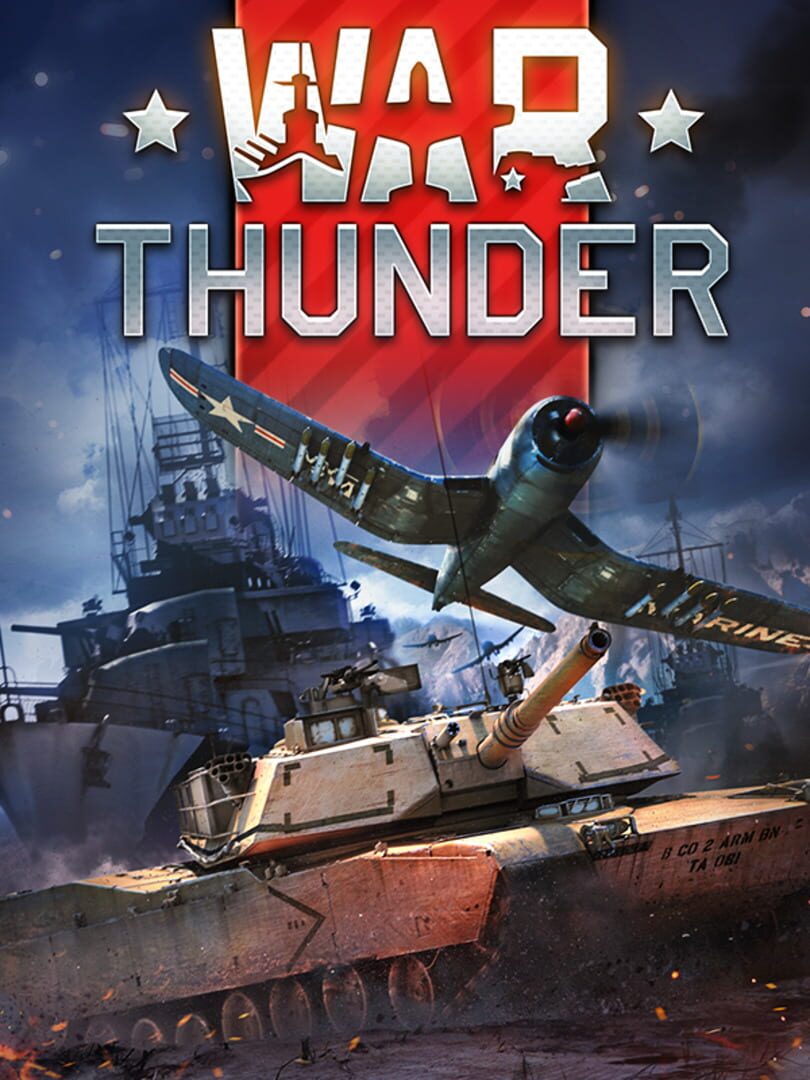
War Thunder is the most comprehensive free-to-play, cross-platform, MMO military game dedicated to aviation, armored vehicles, and naval craft, from the early 20th century to the most advanced modern combat units. Join now and take part in major battles on land, in the air, and at sea.

ShooterSimulatorTacticalXbox Series X|SPlayStation 4Linux
ReleasedJan 28, 2013
Performance data4 GPU profiles
Catalog sourcemanual

This page is a PC performance guide. Check how the Windows version should run on your hardware, then raise the FPS target if you want SpecBeacon to suggest what to upgrade first.

War Thunder
Saved PCSave your PC once

Save your GPU, CPU, RAM, and resolution to jump straight into this game's FPS check.

Set up my PC
FPS check

Pick the PC to test

Choose your GPU and resolution first. If you want 90 or 120 FPS, SpecBeacon can suggest what to upgrade next.

Main stepEnter your PC here, then run Check FPS.The result card will jump into view as soon as the estimate is ready.
1Game
2Your PC
3Target

Game

War ThunderFPS check available
Step 2

Your PC

Start here. Pick your GPU first, then add CPU, resolution, and RAM if needed.

PC type
1. Pick your graphics card2. Add your processor3. Choose resolution and RAM
GPU · Graphics card

This has the biggest impact on FPS. Start here.

CPU · Processor

Add this after GPU for a more accurate estimate.

Resolution
RAM
Step 3

Target FPS and upgrade plan

Want 90 or 120 FPS instead of 60? Pick a target and SpecBeacon will point to the first upgrade worth making.

Target FPS

Leave this at 60 for a quick FPS answer, or raise it to 90 or 120 to get upgrade guidance too.

Pick your GPU to unlock the FPS check.

War ThunderThen choose your GPU
Results

No estimate yet

Guide

How to use this page

SpecBeacon mixes official PC requirements, benchmark coverage, linked review pages, and update notes so you can make a quicker hardware decision without hopping across multiple tabs.

Check firstFPS estimate
Benchmark coverage4 GPU / 0 CPU
Reaction signal1 sources
  • Use the FPS card first if you want a quick answer for your current PC.
  • Use the update and review links below when a game is new, patched often, or still getting mixed reports.
  • When benchmark coverage is thin, treat the estimate as directional and prioritize the GPU before chasing smaller CPU gains.
Read next

Related guides

If you are still deciding whether this game is worth an upgrade, these short guides explain how SpecBeacon reads FPS targets, PC requirements, and GPU-first upgrade decisions.

Updates

Latest notes

Steam App ID 236390

40 New User-Created Camouflages in the Ninth Wave Trophy!
OfficialPatch Notes
Community Announcements · Blitzkrieg Wulf2026-03-27This is the 40th camouflage trophy that contains... 40 new camouflages created by players on War Thunder Live! As per tradition, this trophy is timed to coincide with the release of a major update. It features a wide variety of camouflages for vehicles of all nations and ranks, including Rank IX aircraft released in the Ninth Wave major update! In addition to the camouflages, you can also receive...
Update 2.55.0.38
OfficialPatch Notes
Community Announcements · War Thunder Commander2026-03-27Naval VesselsA bug that caused the player’s ship model to start moving incorrectly when launching a hydroplane during circulation has been fixed. (Report). Sound Sound Modifications have been temporarily disabled. We continue to actively develop the game’s audio, adding new features and improving sound quality. Due to these changes, some sound modifications have become incompatible with the curren...
Update 2.55.0.35
OfficialPatch Notes
Community Announcements · War Thunder Commander2026-03-26Naval Vessels A bug that caused the torpedo on enemy hit notification sound to play when the torpedoes hit the environment has been fixed. Customization and AchievementsRN Vincenzo Gioberti, RN Saetta, MTB-379 — previously missing camouflage unlock tasks have been added (Report). SoundHo-3 20 mm cannon — the firing sound of the cannon has been corrected to match the fire rate. (Report). Graphics D...
Update 2.55.0.32
OfficialPatch Notes
Community Announcements · Blitzkrieg Wulf2026-03-25Ground VehiclesZTZ96B — mistakenly removed automatic target tracker has been added back. (Report). LWS functionality has been re-added. The tank visual model will be adjusted in the future to properly show the LWS module. Naval VesselsA bug that made it impossible to take more than two main caliber shell types into the battle has been fixed. (Report).InterfaceA bug that sometimes caused aircraft t...
Update 2.55.0.27
OfficialPatch Notes
Community Announcements · War Thunder Commander2026-03-23AircraftF8F-1, F8F-1B, F8F-1B (France) — the modification requirement for unlocking the ability to carry 500 lb bombs has been corrected. (Report).JAS39D — a bug that caused pylon fragments to remain hovering in the air after the wing was torn off has been fixed.F-5A(G) — the erroneously added radar has been removed. (Report).A29B, J29 (all variants) — a bug that caused the stat card to state that...
FAQ

Quick answers

Does this page include PC performance data?

Yes. SpecBeacon can estimate FPS for this game with the current seeded benchmark coverage.

Is the score an official review score?

No. The SpecBeacon Score is an internal reaction signal. It is not copied from Metacritic, OpenCritic, Steam, or the publisher.

What matters most for getting more FPS?

In most cases, GPU choice and resolution move the estimate the most. CPU and RAM usually refine the result rather than replace the GPU signal.