Game
PC performance guide
FPS check available

Deep Rock Galactic

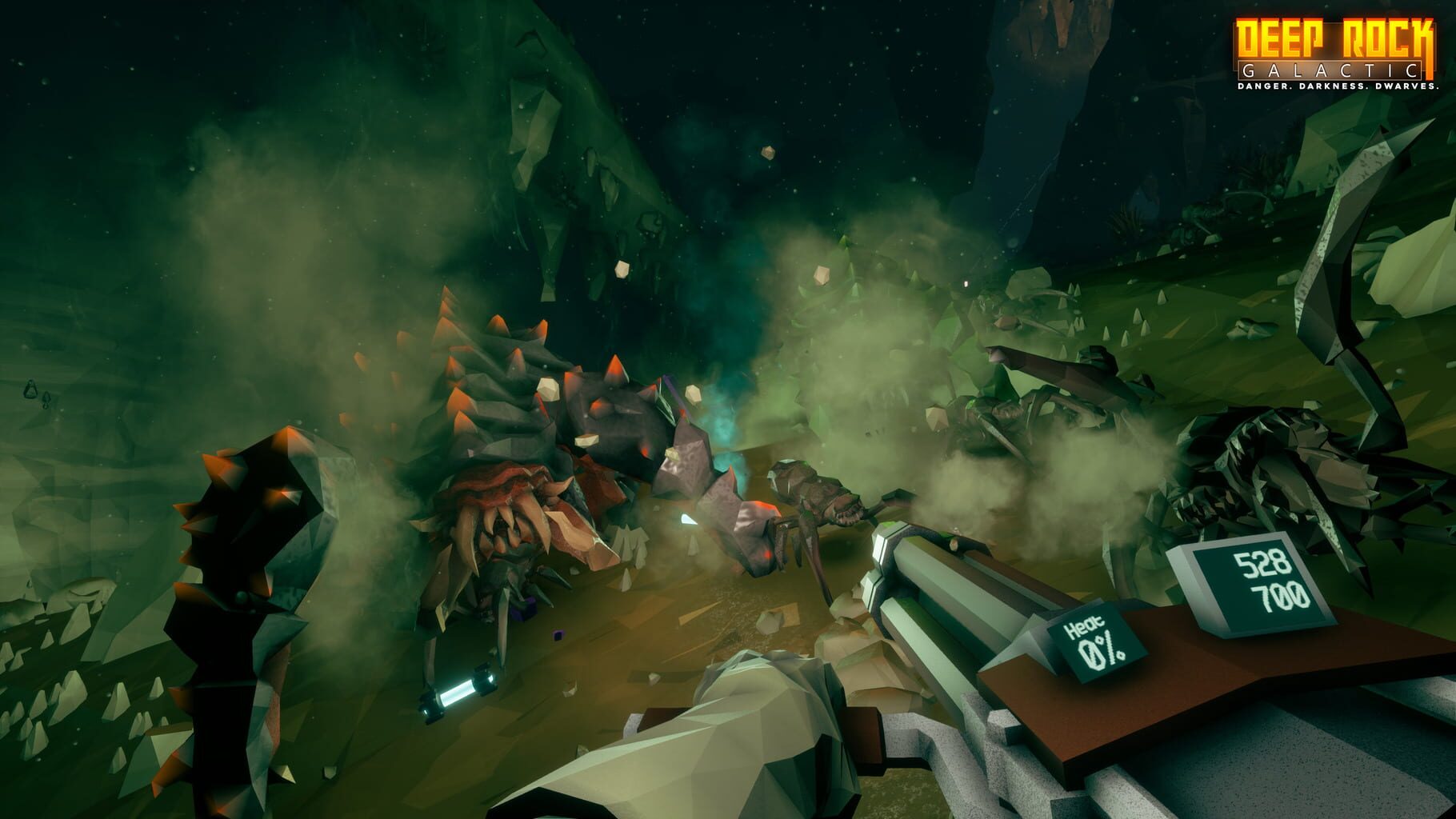
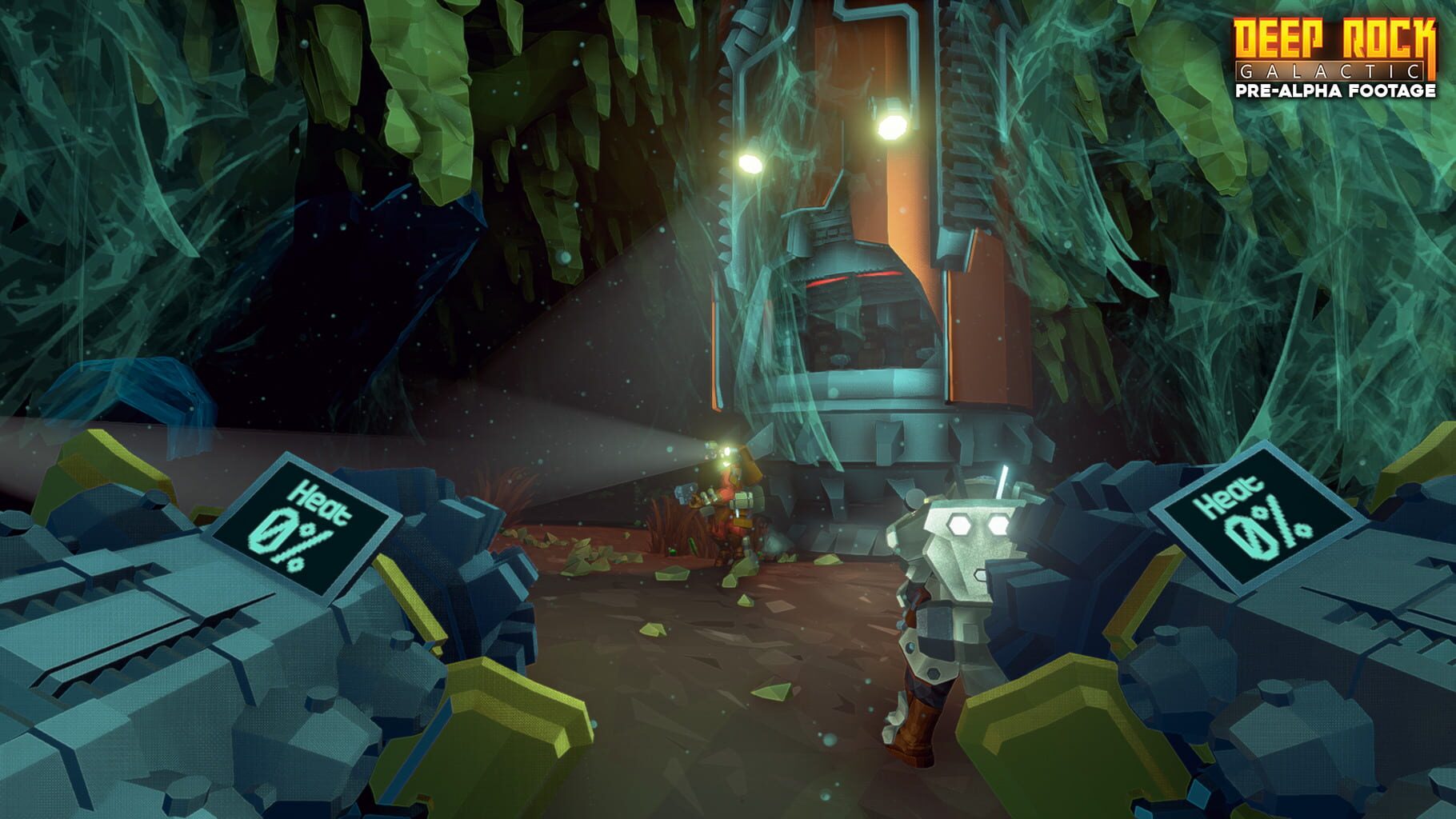
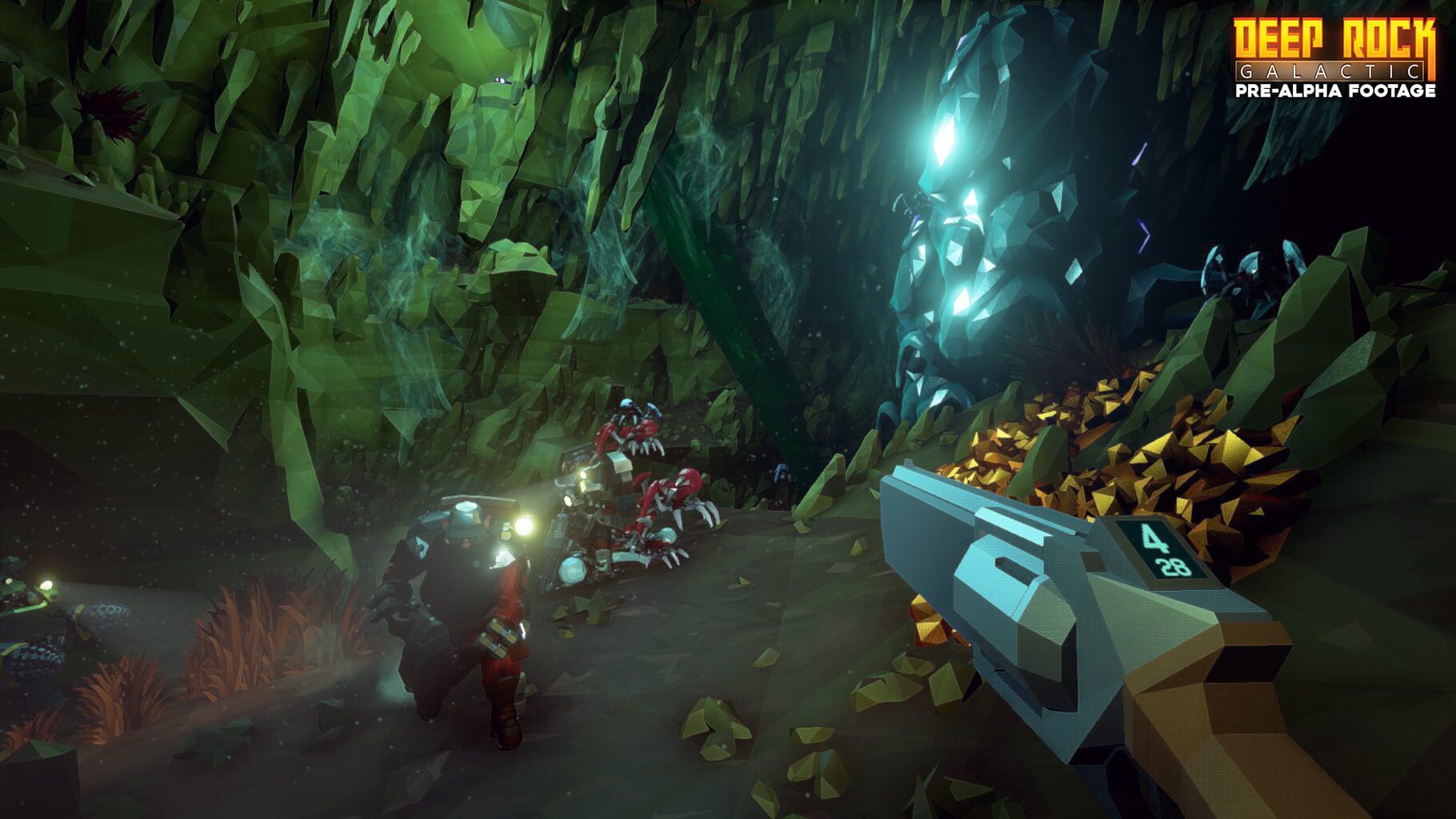
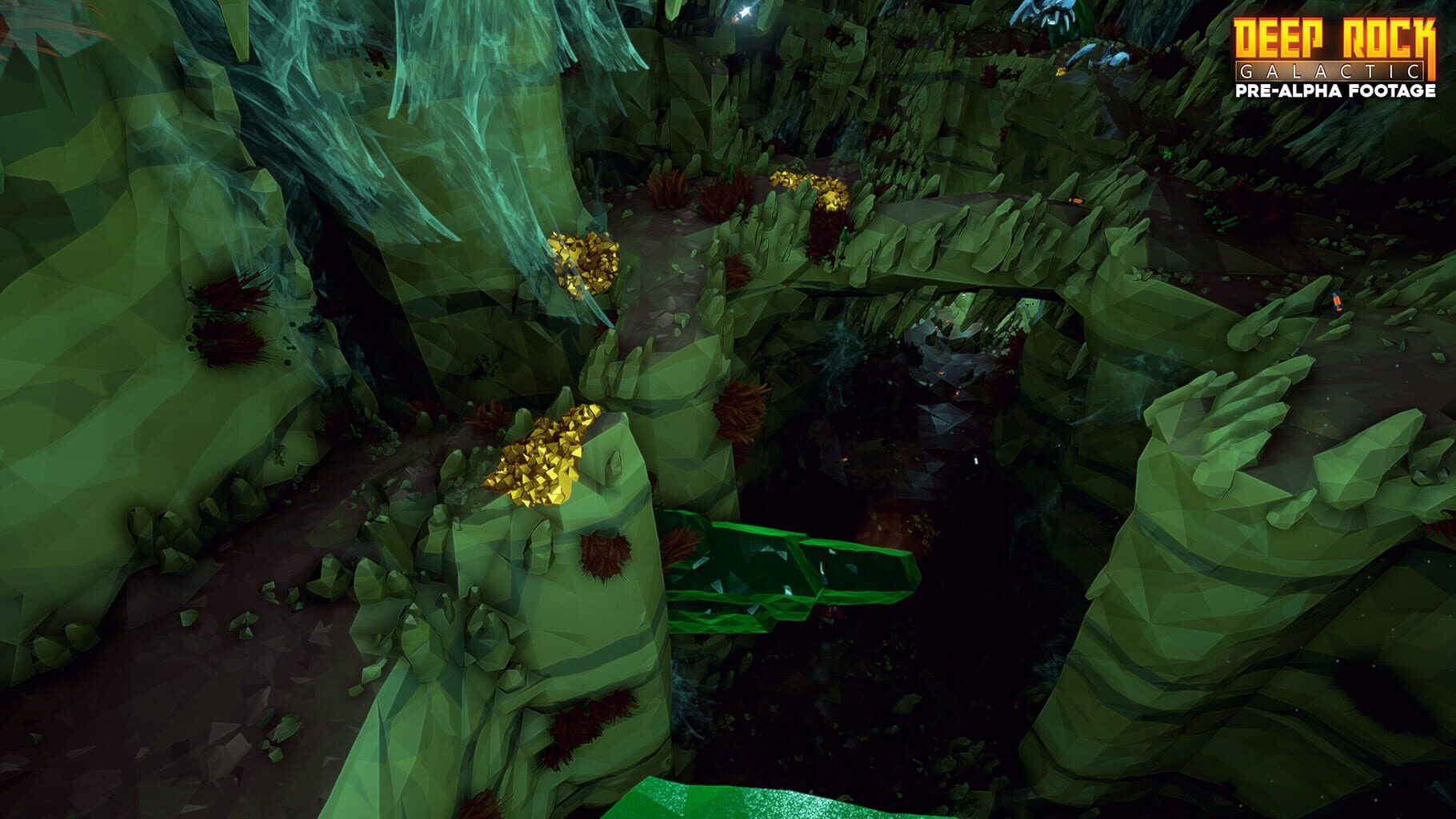
Deep Rock Galactic is a first-person co-operative sci-fi shooter for up to 4 players, featuring fully procedural and destructible environments to explore, mine, and explode your way through to reach your objectives. As a team of veteran dwarven space miners, you must take on perilous missions for the interplanetary mining corporation Deep Rock Galactic and go where no-one else dares, into the deepest, most dangerous cave systems of the most hostile planet ever discovered.

ShooterAdventureIndieXbox Series X|SPlayStation 4PC (Microsoft Windows)
ReleasedMay 13, 2020
Performance data4 GPU profiles
Catalog sourcemanual

This page is a PC performance guide. Check how the Windows version should run on your hardware, then raise the FPS target if you want SpecBeacon to suggest what to upgrade first.

Deep Rock Galactic
Saved PCSave your PC once

Save your GPU, CPU, RAM, and resolution to jump straight into this game's FPS check.

Set up my PC
FPS check

Pick the PC to test

Choose your GPU and resolution first. If you want 90 or 120 FPS, SpecBeacon can suggest what to upgrade next.

Main stepEnter your PC here, then run Check FPS.The result card will jump into view as soon as the estimate is ready.
1Game
2Your PC
3Target

Game

Deep Rock GalacticFPS check available
Step 2

Your PC

Start here. Pick your GPU first, then add CPU, resolution, and RAM if needed.

PC type
1. Pick your graphics card2. Add your processor3. Choose resolution and RAM
GPU · Graphics card

This has the biggest impact on FPS. Start here.

CPU · Processor

Add this after GPU for a more accurate estimate.

Resolution
RAM
Step 3

Target FPS and upgrade plan

Want 90 or 120 FPS instead of 60? Pick a target and SpecBeacon will point to the first upgrade worth making.

Target FPS

Leave this at 60 for a quick FPS answer, or raise it to 90 or 120 to get upgrade guidance too.

Pick your GPU to unlock the FPS check.

Deep Rock GalacticThen choose your GPU
Results

No estimate yet

Guide

How to use this page

SpecBeacon mixes official PC requirements, benchmark coverage, linked review pages, and update notes so you can make a quicker hardware decision without hopping across multiple tabs.

Check firstFPS estimate
Benchmark coverage4 GPU / 0 CPU
Reaction signal1 sources
  • Use the FPS card first if you want a quick answer for your current PC.
  • Use the update and review links below when a game is new, patched often, or still getting mixed reports.
  • When benchmark coverage is thin, treat the estimate as directional and prioritize the GPU before chasing smaller CPU gains.
Read next

Related guides

If you are still deciding whether this game is worth an upgrade, these short guides explain how SpecBeacon reads FPS targets, PC requirements, and GPU-first upgrade decisions.

Updates

Latest notes

Steam App ID 548430

PATCH NOTES - S06.04
OfficialPatch Notes
Community Announcements · Bjorn - GSG2026-03-02Hello Miners, This patch contains a bunch of fixes to Pitjaws as well as rare problems that could happen when playing Heavy Extraction. With Love, The Ghost Ship Crew --- PATCH NOTES —Adjusted collision on lift pod to prevent players getting stuckAdded fallback to lift pod positioningMoved pit jaw relocation logic to level generation, reducing stutters in levels that have the enemyAdded a 2s grace...
Lunar Festival 2026 is now live!
OfficialPatch Notes
Community Announcements · GSG Lars2026-02-17Hello Miners,Welcome to the Year of the Horse! Get ready to take the reins and ride into the mines, because Lunar Festival 2026 is now live in Deep Rock Galactic! You'll have the chance to grab a surprisingly well-fitting new horse mask, and get Double Performance Point Bonus for your Season 06 endeavors (or any other season of choice, as usual), and more! Gallop in and check it out now – the even...
Patch Notes: HOTFIX S06.03.1
OfficialPatch Notes
Community Announcements · Bjorn - GSG2026-02-12Hello Miners, A small hotfix to add missing names to missions and fix the season 6 checkbox not working on the server list With Love, The Ghost Ship Crew — PATCH NOTES —- Fixed season 6 checkbox in server browser, so that it now reloads the server list- Fixed missing names on season warning missions- Fixed bug causing the bone collector to be unaffected by the breach cutter
PATCH NOTES - S06.03
OfficialPatch Notes
Community Announcements · Bjorn - GSG2026-02-11Hello Miners, This patch reintroduces the Pit Jaw Colony warning, as well as fixing the missing season challenge scrip, and a few other issues With Love, The Ghost Ship Crew --- PATCH NOTES —Added Pit Jaw Colony back as an additional season warning for season 6Updated season 6 assignments to include both season warningsFixed that Relic Raider Bosco was assigned the wrong paintjobIntroduced amber s...
PATCH NOTES - S06.02
OfficialPatch Notes
Community Announcements · Bjorn - GSG2026-02-04Hello Miners, This patch fixes the potential horde of Scrabs that could spawn, Fixes Pit Jaw grabbing dwarves through walls and a few other fixes With Love, The Ghost Ship Crew --- PATCH NOTES —Mission Made compressed gold give the same credits payout as regular goldMoved Heavy Extraction to 6th mission in intro assignment Sound Fixed sounds not playing for certain scrab animations (flying and gro...
FAQ

Quick answers

Does this page include PC performance data?

Yes. SpecBeacon can estimate FPS for this game with the current seeded benchmark coverage.

Is the score an official review score?

No. The SpecBeacon Score is an internal reaction signal. It is not copied from Metacritic, OpenCritic, Steam, or the publisher.

What matters most for getting more FPS?

In most cases, GPU choice and resolution move the estimate the most. CPU and RAM usually refine the result rather than replace the GPU signal.