Game
PC performance guide
FPS check available

Hell Let Loose

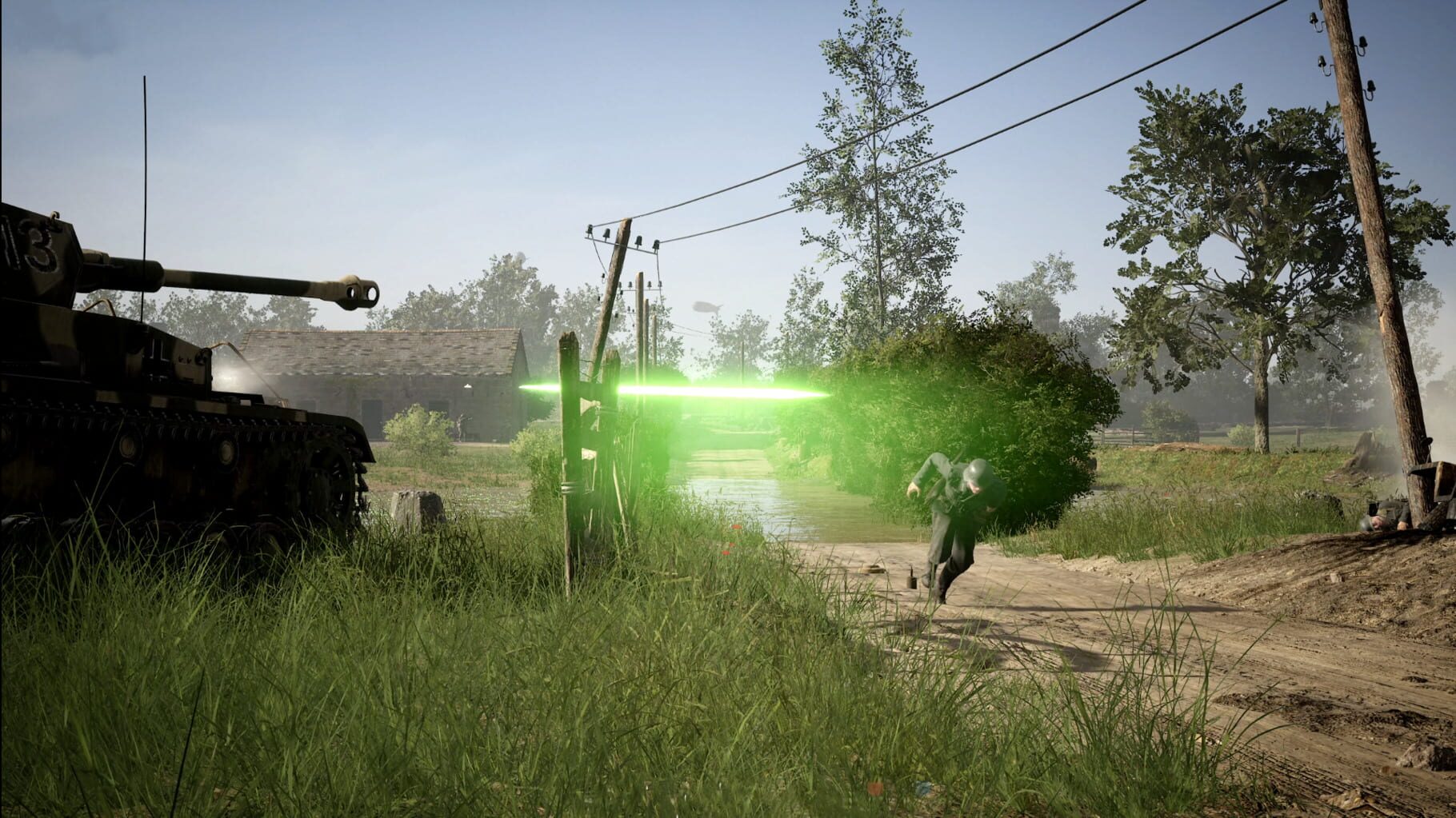
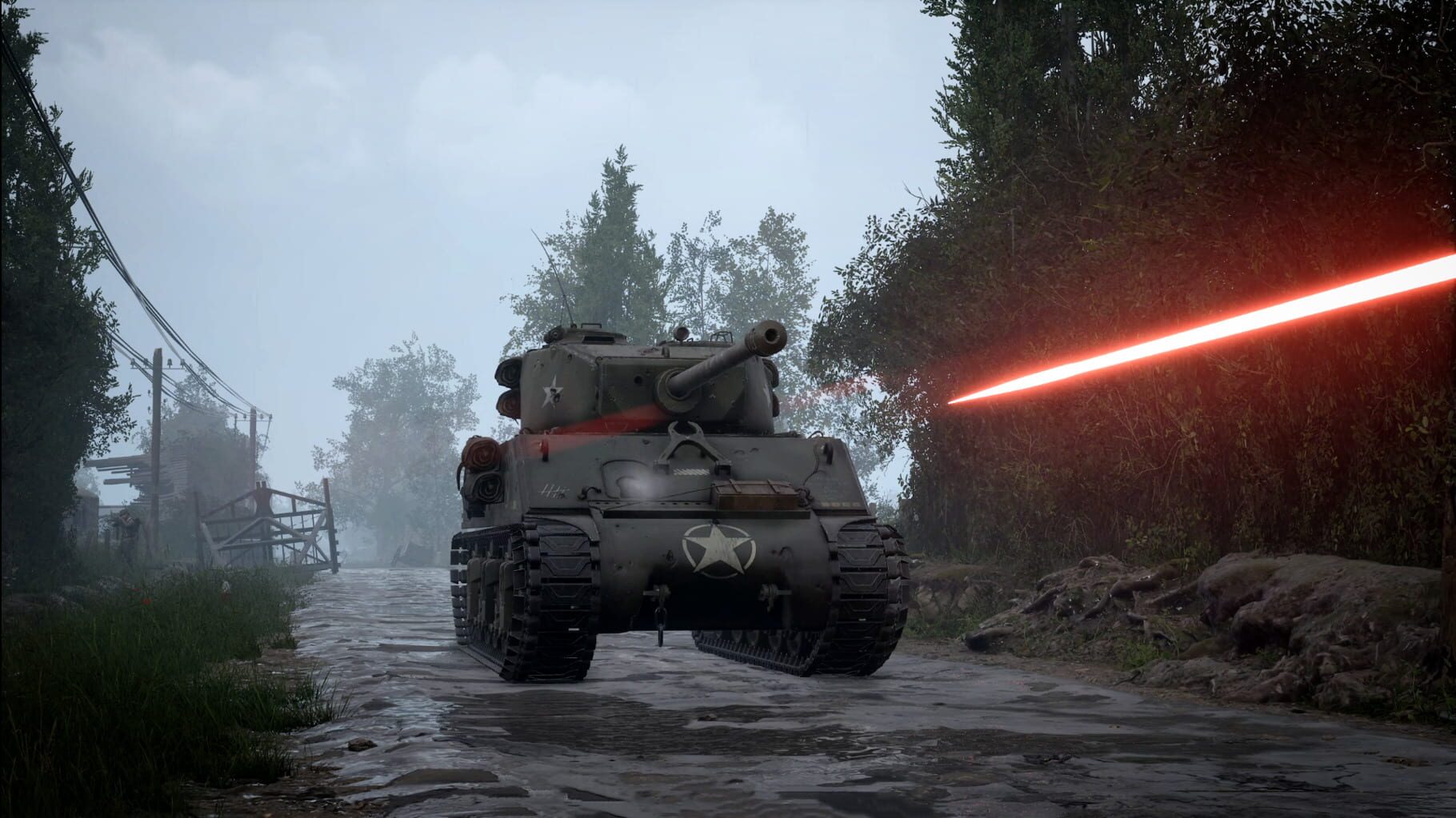
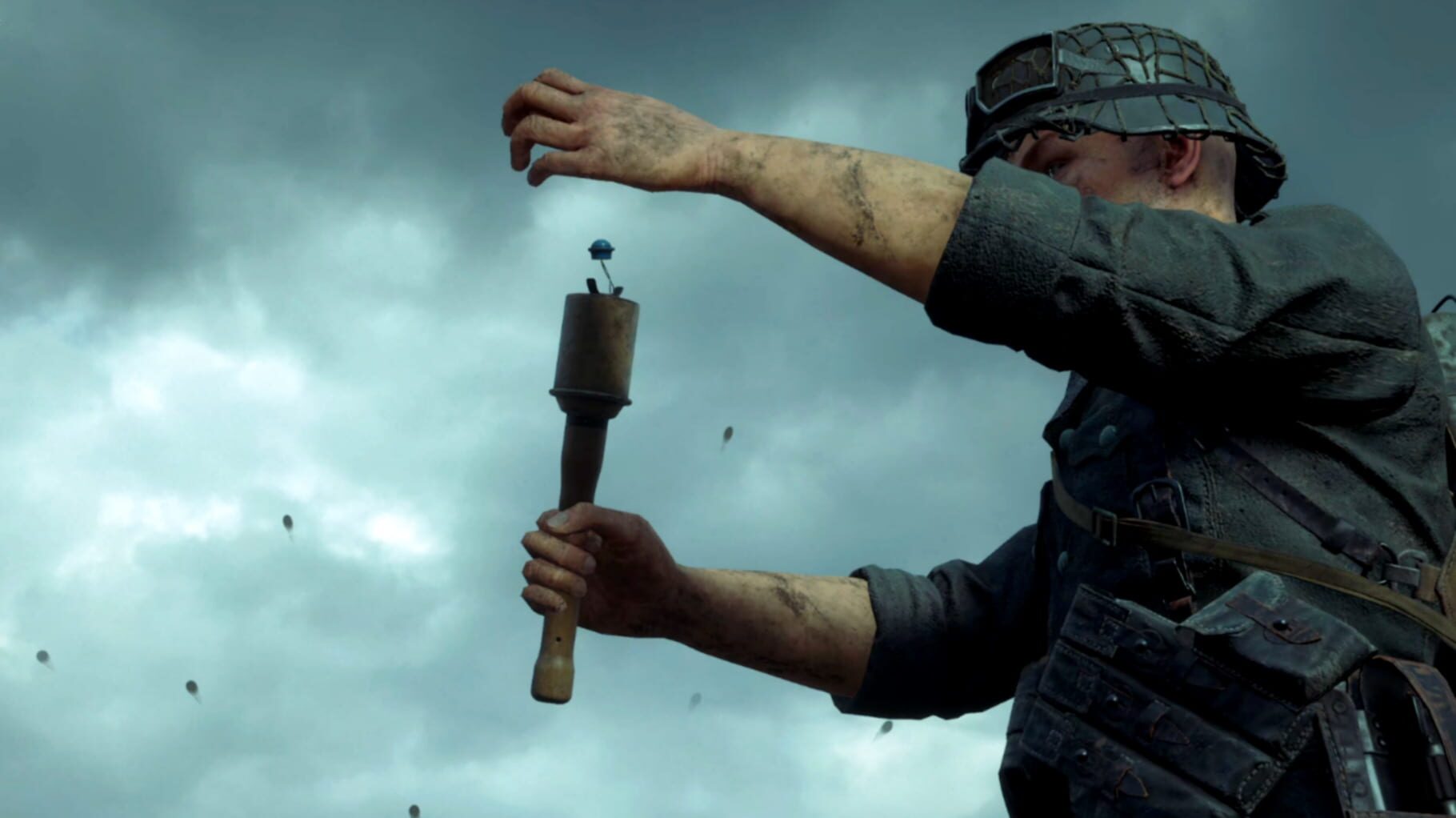
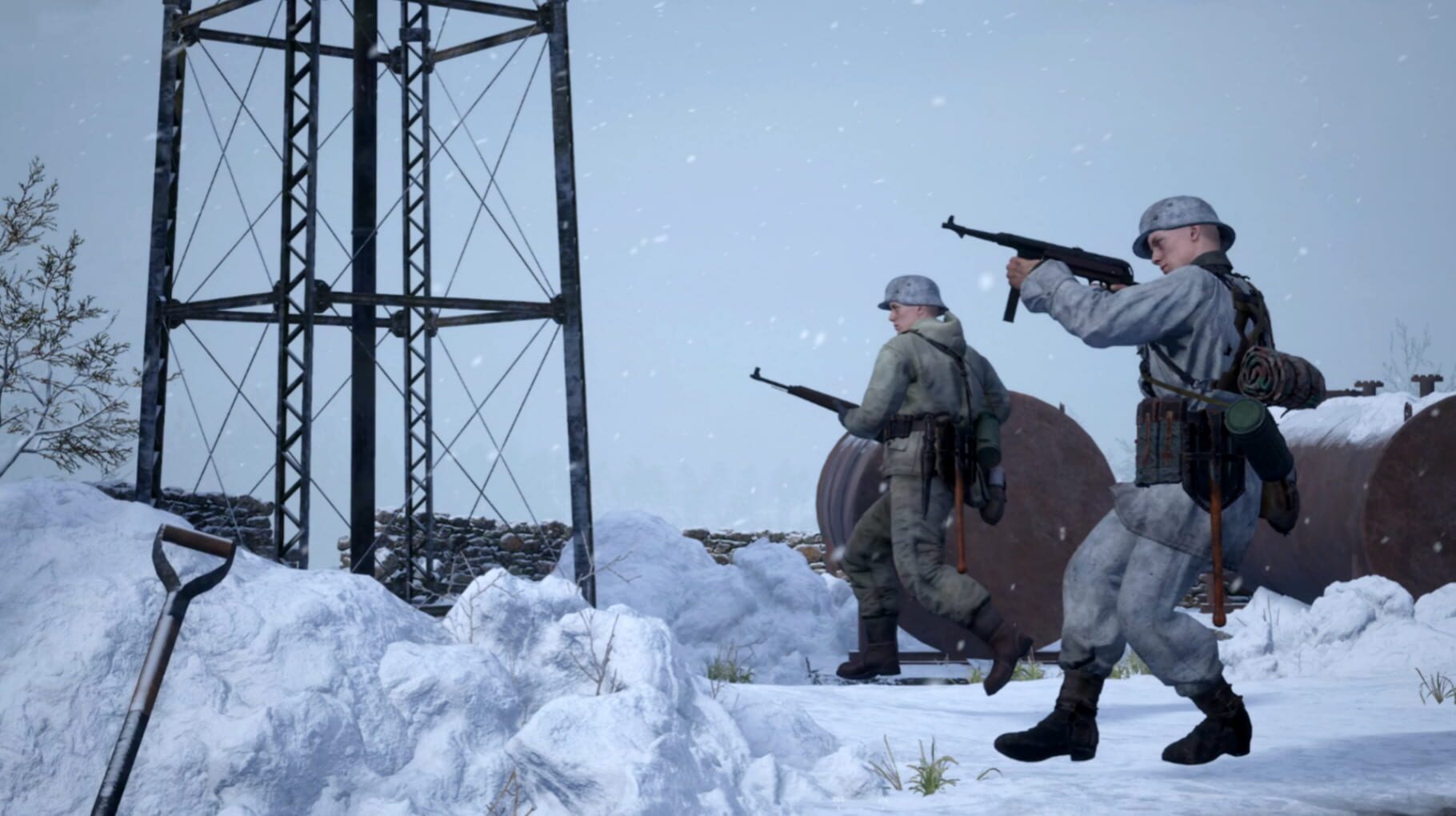
Fight in the most iconic battles of the Second World War, including El Alamein, Stalingrad, Omaha Beach, and Foy! This is combat at a whole new scale.. with lumbering tanks dominating the battlefield, and crucial supply chains fuelling the frontlines, you are a cog in the machine of colossal combined arms warfare. Hell Let Loose puts you in the chaos of war, complete with deep player-controlled vehicles, a dynamically evolving front line, and crucial unit-focused gameplay that commands the tide of battle.

ShooterSimulatorStrategyIndieXbox Series X|SPC (Microsoft Windows)PlayStation 5
ReleasedJun 6, 2019
Performance data4 GPU profiles
Catalog sourcemanual

This page is a PC performance guide. Check how the Windows version should run on your hardware, then raise the FPS target if you want SpecBeacon to suggest what to upgrade first.

Hell Let Loose
Saved PCSave your PC once

Save your GPU, CPU, RAM, and resolution to jump straight into this game's FPS check.

Set up my PC
FPS check

Pick the PC to test

Choose your GPU and resolution first. If you want 90 or 120 FPS, SpecBeacon can suggest what to upgrade next.

Main stepEnter your PC here, then run Check FPS.The result card will jump into view as soon as the estimate is ready.
1Game
2Your PC
3Target

Game

Hell Let LooseFPS check available
Step 2

Your PC

Start here. Pick your GPU first, then add CPU, resolution, and RAM if needed.

PC type
1. Pick your graphics card2. Add your processor3. Choose resolution and RAM
GPU · Graphics card

This has the biggest impact on FPS. Start here.

CPU · Processor

Add this after GPU for a more accurate estimate.

Resolution
RAM
Step 3

Target FPS and upgrade plan

Want 90 or 120 FPS instead of 60? Pick a target and SpecBeacon will point to the first upgrade worth making.

Target FPS

Leave this at 60 for a quick FPS answer, or raise it to 90 or 120 to get upgrade guidance too.

Pick your GPU to unlock the FPS check.

Hell Let LooseThen choose your GPU
Results

No estimate yet

Guide

How to use this page

SpecBeacon mixes official PC requirements, benchmark coverage, linked review pages, and update notes so you can make a quicker hardware decision without hopping across multiple tabs.

Check firstFPS estimate
Benchmark coverage4 GPU / 4 CPU
Reaction signal1 sources
  • Use the FPS card first if you want a quick answer for your current PC.
  • Use the update and review links below when a game is new, patched often, or still getting mixed reports.
  • When benchmark coverage is thin, treat the estimate as directional and prioritize the GPU before chasing smaller CPU gains.
Read next

Related guides

If you are still deciding whether this game is worth an upgrade, these short guides explain how SpecBeacon reads FPS targets, PC requirements, and GPU-first upgrade decisions.

Updates

Latest notes

Steam App ID 686810

Patch 19.1 Changelog | Remagen Refresh
OfficialPatch Notes
Community Announcements · Ben B T172026-03-24Hello everyone, and welcome to Patch 19.1.This update introduces two major areas of change.The first is a refreshed version of Remagen, aimed at improving gameplay flow across the map while preserving the unique identity of the Ludendorff Bridge and its role as the centrepiece of the battlefield.The second continues our work on artillery following the changes introduced in Update 19. Based on comm...
Dev Brief #215 | Artillery Changes & Experimental Branch Event
OfficialPatch Notes
Community Announcements · Ben B T172026-03-12Hello everyone,Firstly, a huge thank you to everyone who has jumped into the Experimental Branch to test the Remagen refresh over the past week. We have already received a significant amount of feedback from the community, and the team has been reviewing it closely as we continue to refine the map ahead of the next update.For those who may have missed the previous briefing, you can read more about...
Dev Brief #214 | Remagen Refresh Testing
OfficialPatch Notes
Community Announcements · Ben B T172026-03-06Hello everyone,Firstly, thank you to everyone who jumped into the recent ‘Conquest’ mode Experimental Branch test. We received a huge amount of feedback from the community, and the Conquest design team are already hard at work reviewing it and making improvements to the mode.Today’s Experimental Branch update shifts focus to another area of the game, with a refresh of the Remagen map.This map refr...
Upcoming Roadmap | Hell Let Loose
OfficialPatch Notes
Community Announcements · Ben B T172025-12-22We are excited to deliver an early present for the Hell Let Loose community this festive season.As we approach the end of 2025, we wanted to share our upcoming plans for Hell Let Loose. Next year is shaping up to be a big one for the franchise, and that is certainly true for Hell Let Loose.Here is what you can expect from our upcoming development cycle:New Maps and Map UpdateJuno BeachOur first ne...
Hotfix Live Now | Update 19
OfficialPatch Notes
Community Announcements · Ben B T172025-12-11Our Hotfix for Update 19 is live now!Thank you to everyone who has jumped in to our latest update. It's been great seeing so many people enjoying our newest map, Smolensk, as well as changes to artillery, SPAs and more. This Hotfix aims to cover some of the key issues that have appeared in Update 19 including the graphical issues, notably on console platforms, as well as other bugs & problems that...
FAQ

Quick answers

Does this page include PC performance data?

Yes. SpecBeacon can estimate FPS for this game with the current seeded benchmark coverage.

Is the score an official review score?

No. The SpecBeacon Score is an internal reaction signal. It is not copied from Metacritic, OpenCritic, Steam, or the publisher.

What matters most for getting more FPS?

In most cases, GPU choice and resolution move the estimate the most. CPU and RAM usually refine the result rather than replace the GPU signal.