Game
PC performance guide
FPS check available

PUBG: Battlegrounds

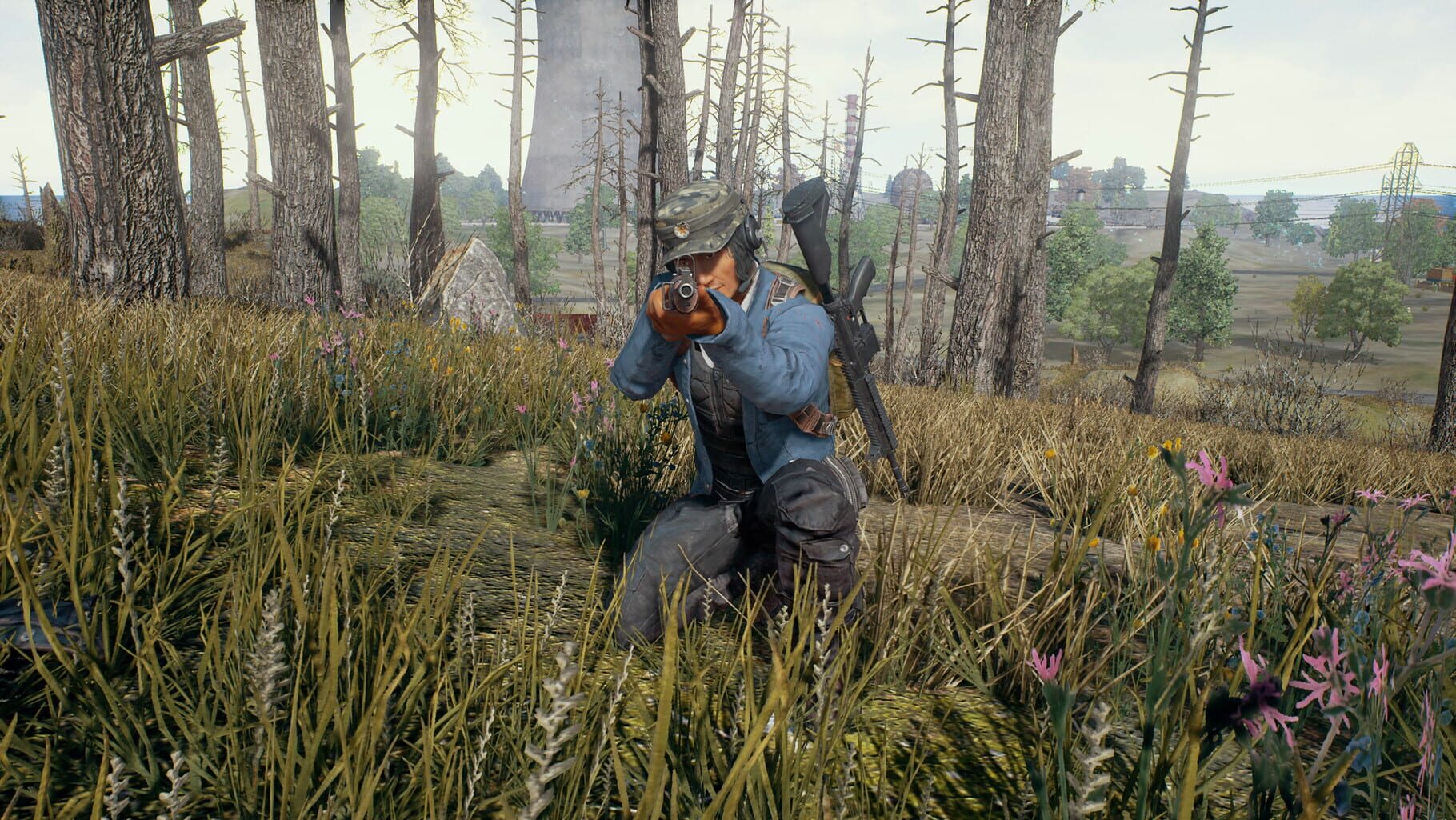
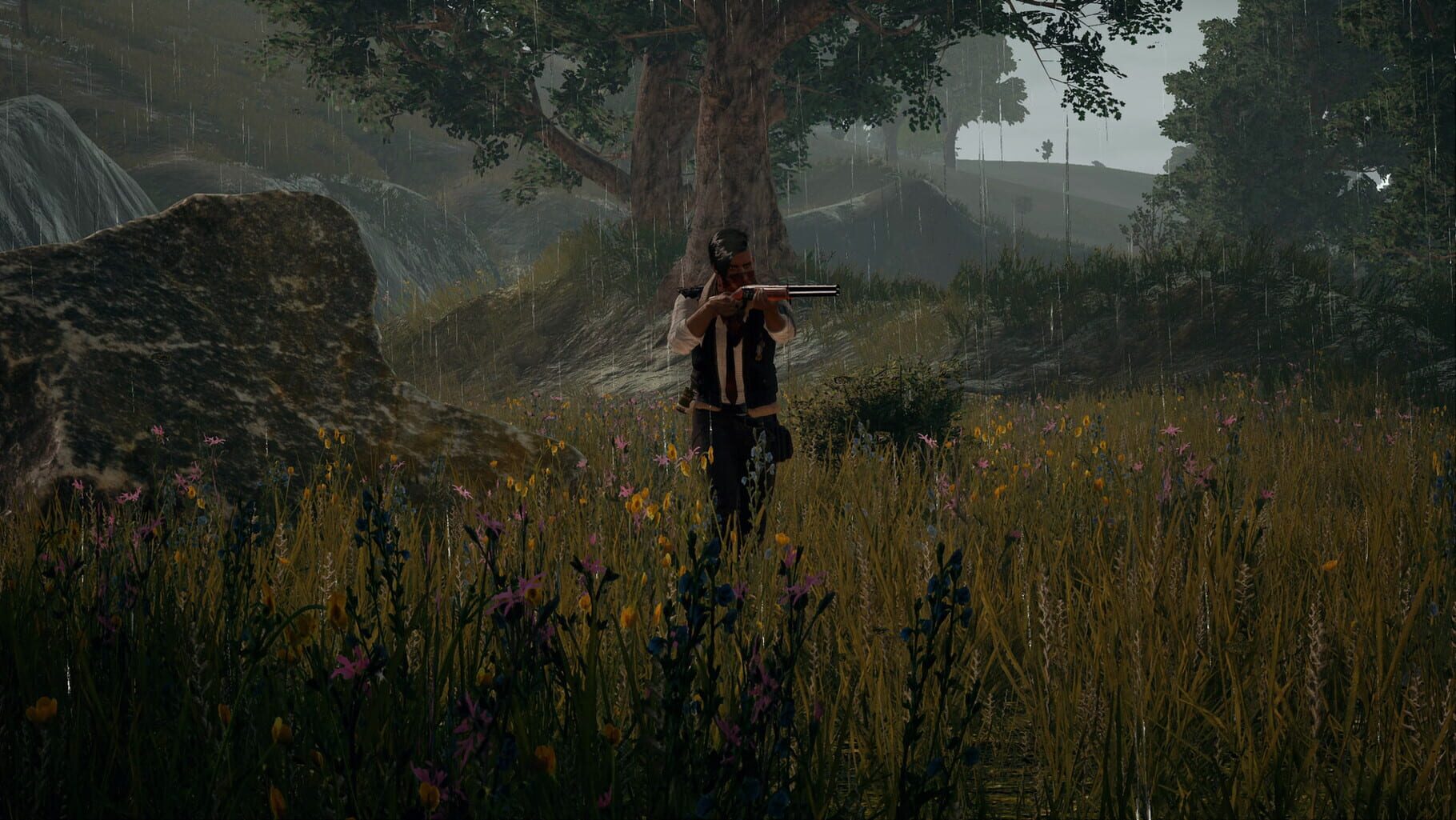
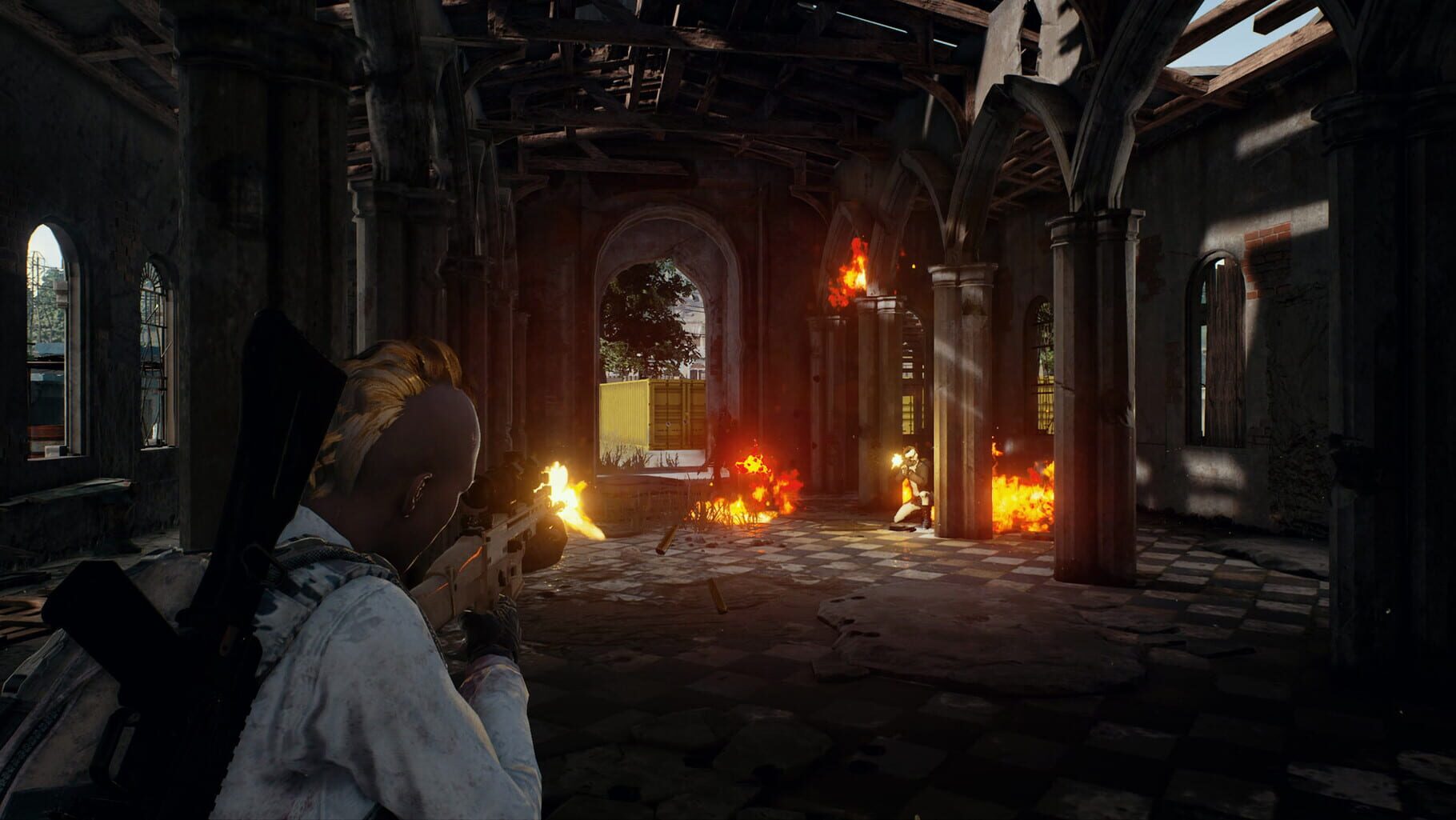
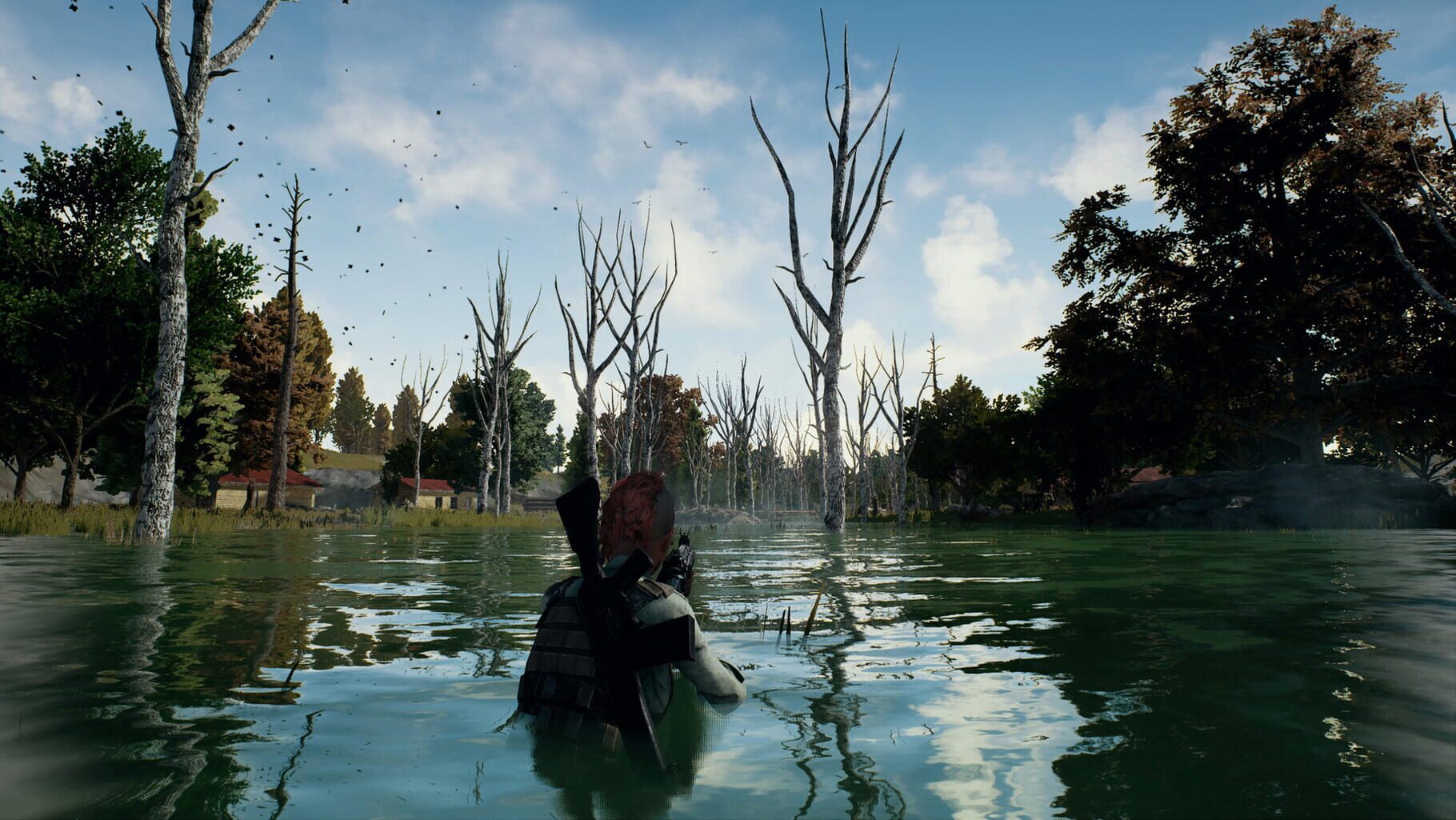
PUBG: Battlegrounds is a battle royale shooter that pits 100 players against each other in a struggle for survival. Gather supplies and outwit your opponents to become the last person standing.

ShooterGoogle StadiaXbox Series X|SPlayStation 4
ReleasedDec 20, 2017
Performance data4 GPU profiles
Catalog sourcemanual

This page is a PC performance guide. Check how the Windows version should run on your hardware, then raise the FPS target if you want SpecBeacon to suggest what to upgrade first.

PUBG: Battlegrounds
Saved PCSave your PC once

Save your GPU, CPU, RAM, and resolution to jump straight into this game's FPS check.

Set up my PC
FPS check

Pick the PC to test

Choose your GPU and resolution first. If you want 90 or 120 FPS, SpecBeacon can suggest what to upgrade next.

Main stepEnter your PC here, then run Check FPS.The result card will jump into view as soon as the estimate is ready.
1Game
2Your PC
3Target

Game

PUBG: BattlegroundsFPS check available
Step 2

Your PC

Start here. Pick your GPU first, then add CPU, resolution, and RAM if needed.

PC type
1. Pick your graphics card2. Add your processor3. Choose resolution and RAM
GPU · Graphics card

This has the biggest impact on FPS. Start here.

CPU · Processor

Add this after GPU for a more accurate estimate.

Resolution
RAM
Step 3

Target FPS and upgrade plan

Want 90 or 120 FPS instead of 60? Pick a target and SpecBeacon will point to the first upgrade worth making.

Target FPS

Leave this at 60 for a quick FPS answer, or raise it to 90 or 120 to get upgrade guidance too.

Pick your GPU to unlock the FPS check.

PUBG: BattlegroundsThen choose your GPU
Results

No estimate yet

Guide

How to use this page

SpecBeacon mixes official PC requirements, benchmark coverage, linked review pages, and update notes so you can make a quicker hardware decision without hopping across multiple tabs.

Check firstFPS estimate
Benchmark coverage4 GPU / 4 CPU
Reaction signal1 sources
  • Use the FPS card first if you want a quick answer for your current PC.
  • Use the update and review links below when a game is new, patched often, or still getting mixed reports.
  • When benchmark coverage is thin, treat the estimate as directional and prioritize the GPU before chasing smaller CPU gains.
Read next

Related guides

If you are still deciding whether this game is worth an upgrade, these short guides explain how SpecBeacon reads FPS targets, PC requirements, and GPU-first upgrade decisions.

Updates

Latest notes

Steam App ID 578080

Anniversary Mission: First Party Impressions
OfficialPatch Notes
Community Announcements · TecK2026-03-15PUBG’s 9th Anniversary celebration is live — now tell us what stood out to you first.📋 Your ChallengePlay PUBG during the anniversary event and comment with your favorite first impression from the update.This could be the starting island statue, the drone show, the anniversary atmosphere, or any other celebration detail you enjoyed.⏱️ Mission PeriodThe action must be completed during the event per...
PGS 2: Final Stage, Day 2
Official
Community Announcements · krafton_eoin2026-03-29Our PGS 2 Grand Finals weekend is kicking off! Tune in on Saturday and Sunday to find out who will be crowned PGS 2 Champion 🪂 📌 March 26: Winners Stage 📌 March 27: Survival Stage 📌 March 28 - 29: Final Stage Will Petrichor Road retain their champion title... or will a new challenger rise up? Full details: http://pubgesports.com/en/news/9870Tune in live on Twitch and Kick to earn progress towards...
PGS 2 - Continues on March 26!
Official
Community Announcements · HUFS_Idiot2026-03-25Check out the Full Announcement here!
PUBG: BATTLEGROUNDS Weekly Bans Notice (03/16~03/22)
Official
Community Announcements · [****] UZI2026-03-25{STEAM_CLAN_IMAGE}/27971017/6665b8db8893f3f61b8adffd82c7fa3705dd09be.png Read the full announcement here!
Anniversary Mission: Rondo Party Run
Official
Community Announcements · TecK2026-03-24The celebration continues on Rondo — now tell us about your favorite party moment.📋 Your ChallengePlay on Rondo during the anniversary period and comment with your favorite party-themed map moment.This could be the Chicken Man, Lucky Egg, 9th Anniversary Draw, decorated areas, or any other event detail you enjoyed.⏱️ Mission PeriodThe action must be completed during the event period to be eligible...
FAQ

Quick answers

Does this page include PC performance data?

Yes. SpecBeacon can estimate FPS for this game with the current seeded benchmark coverage.

Is the score an official review score?

No. The SpecBeacon Score is an internal reaction signal. It is not copied from Metacritic, OpenCritic, Steam, or the publisher.

What matters most for getting more FPS?

In most cases, GPU choice and resolution move the estimate the most. CPU and RAM usually refine the result rather than replace the GPU signal.