Game
PC performance guide
FPS check available

Rust

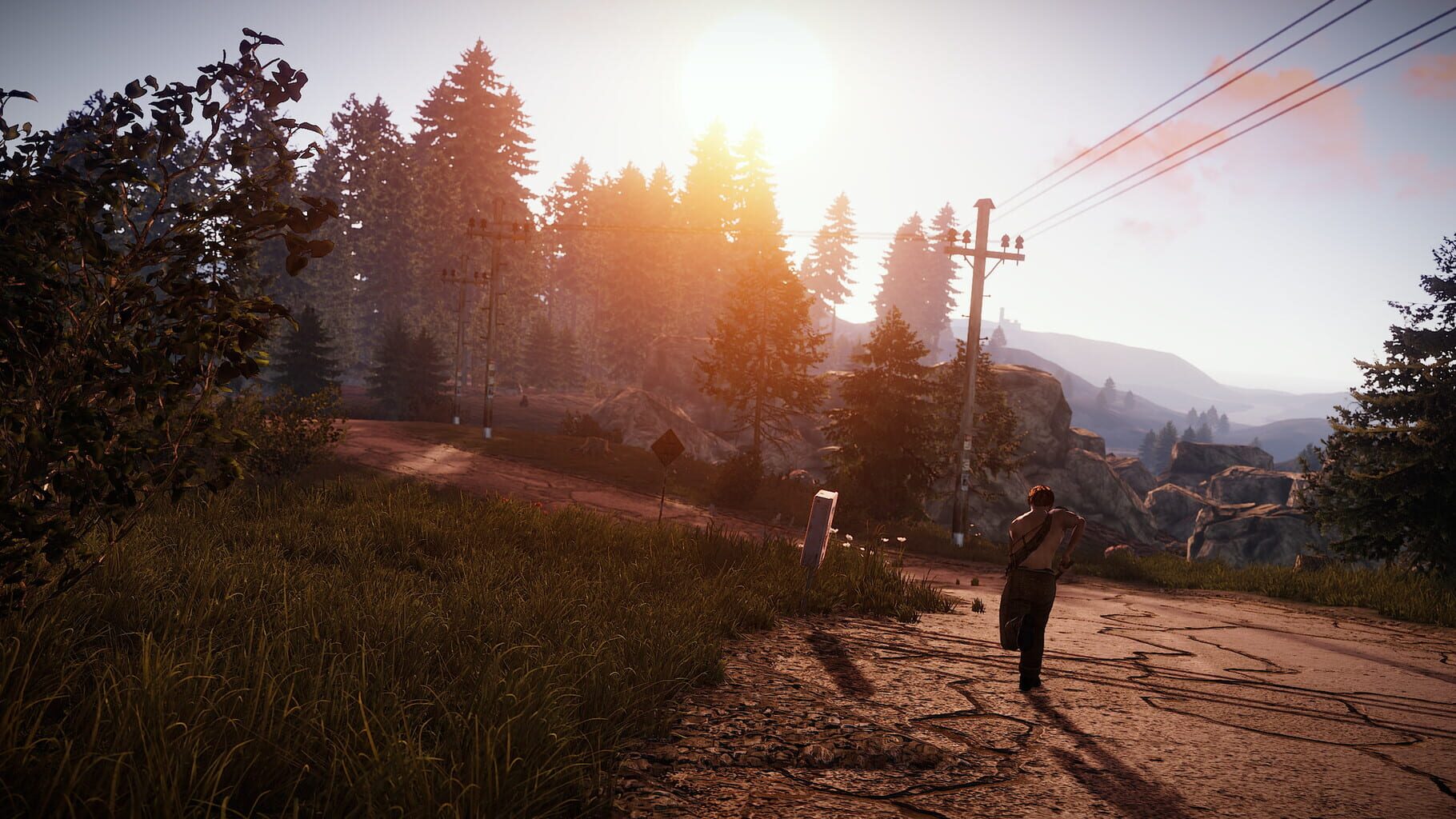
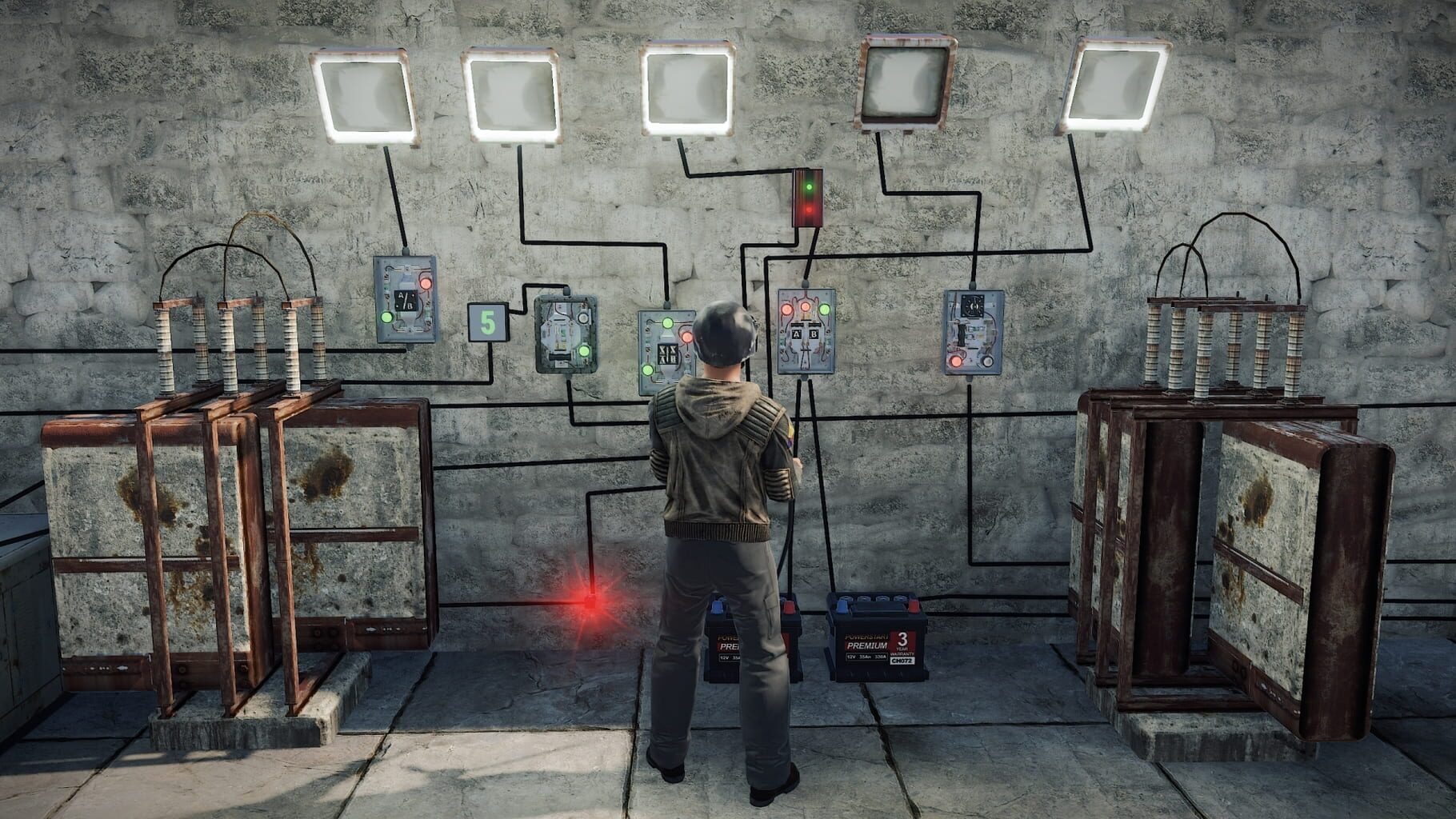
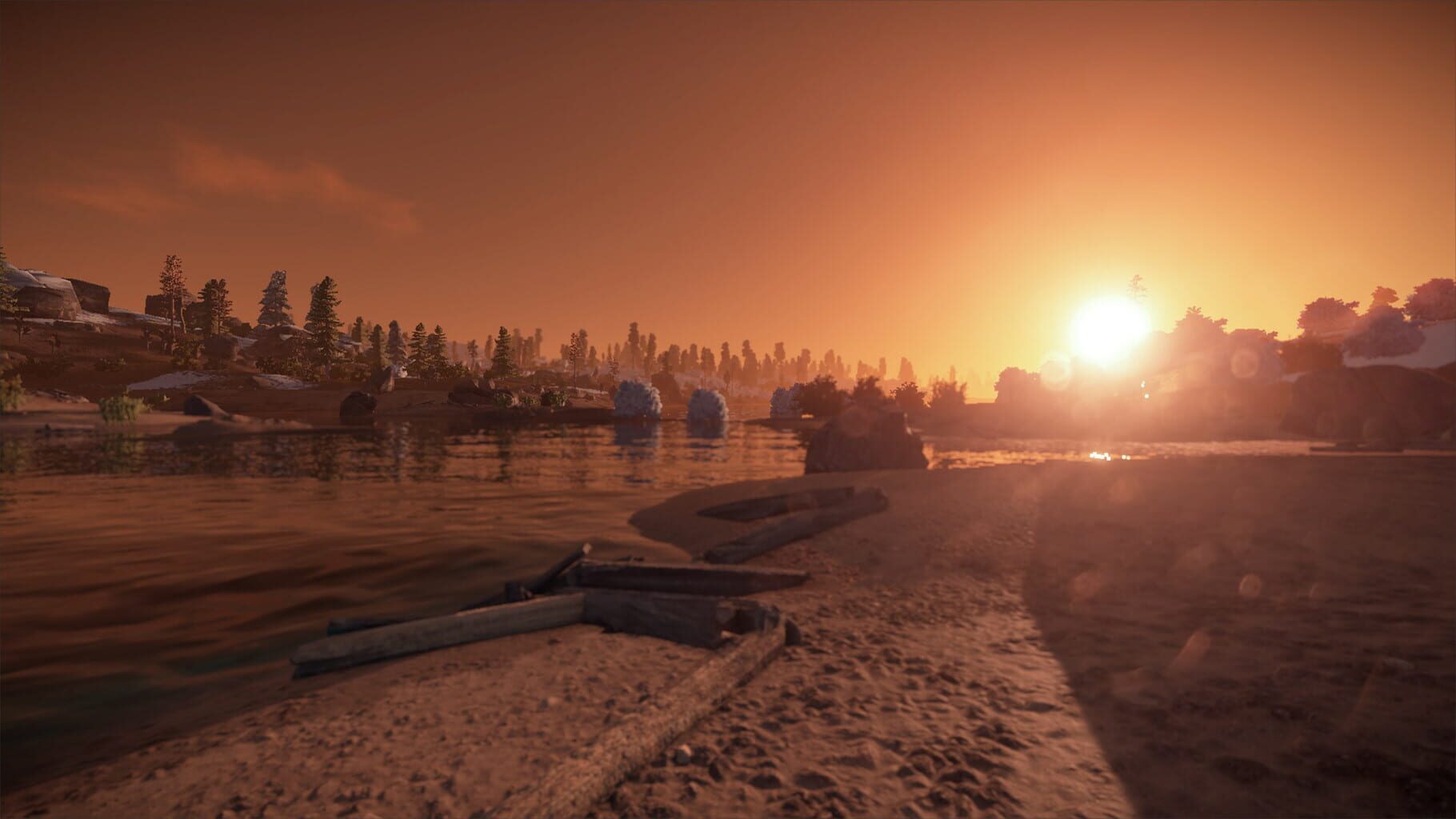
The only aim in Rust is to survive. Everything wants you to die - the island’s wildlife and other inhabitants, the environment, other survivors. Do whatever it takes to last another night.

ShooterRole-playing (RPG)AdventureIndiePC (Microsoft Windows)Mac
ReleasedFeb 8, 2018
Performance data4 GPU profiles
Catalog sourcemanual

This page is a PC performance guide. Check how the Windows version should run on your hardware, then raise the FPS target if you want SpecBeacon to suggest what to upgrade first.

Rust
Saved PCSave your PC once

Save your GPU, CPU, RAM, and resolution to jump straight into this game's FPS check.

Set up my PC
FPS check

Pick the PC to test

Choose your GPU and resolution first. If you want 90 or 120 FPS, SpecBeacon can suggest what to upgrade next.

Main stepEnter your PC here, then run Check FPS.The result card will jump into view as soon as the estimate is ready.
1Game
2Your PC
3Target

Game

RustFPS check available
Step 2

Your PC

Start here. Pick your GPU first, then add CPU, resolution, and RAM if needed.

PC type
1. Pick your graphics card2. Add your processor3. Choose resolution and RAM
GPU · Graphics card

This has the biggest impact on FPS. Start here.

CPU · Processor

Add this after GPU for a more accurate estimate.

Resolution
RAM
Step 3

Target FPS and upgrade plan

Want 90 or 120 FPS instead of 60? Pick a target and SpecBeacon will point to the first upgrade worth making.

Target FPS

Leave this at 60 for a quick FPS answer, or raise it to 90 or 120 to get upgrade guidance too.

Pick your GPU to unlock the FPS check.

RustThen choose your GPU
Results

No estimate yet

Guide

How to use this page

SpecBeacon mixes official PC requirements, benchmark coverage, linked review pages, and update notes so you can make a quicker hardware decision without hopping across multiple tabs.

Check firstFPS estimate
Benchmark coverage4 GPU / 3 CPU
Reaction signal1 sources
  • Use the FPS card first if you want a quick answer for your current PC.
  • Use the update and review links below when a game is new, patched often, or still getting mixed reports.
  • When benchmark coverage is thin, treat the estimate as directional and prioritize the GPU before chasing smaller CPU gains.
Read next

Related guides

If you are still deciding whether this game is worth an upgrade, these short guides explain how SpecBeacon reads FPS targets, PC requirements, and GPU-first upgrade decisions.

Updates

Latest notes

Steam App ID 252490

NAVAL UPDATE
OfficialPatch Notes
Community Announcements · unshowered2026-02-05PLAYER MADE BOATSPlayer-made boats are here, providing a new way to explore the seas, including the Deep Sea!Place the new Boat Building Station deployable in the water and get building with your shipmates! Use the new Boat Building Plan to construct your dream boat, utilising a new set of boat-specific building blocks.Add a steering wheel, anchor, sails, engines, planks, ramps and cannons to comp...
COMMUNITY UPDATE 268
OfficialPatch Notes
Community Announcements · unshowered2026-01-22INCOMING NAVAL UPDATE - STAGINGIn the event you've been living under a rock the Naval Update is coming with the February wipe!We're encouraging anyone with the extra time and passion for its success to go play a bit of the staging branch (beta) between now and then. Your feedback is valuable to us and you can submit that feedback using the F7 reporting system built into the game!To access Staging,...
Final Round of Voting - Rust in the Steam Awards
OfficialPatch Notes
Community Announcements · ashfacepunch2025-12-22We're through to the final round! But in case you're new here, over the years, Rust has undergone some huge changes - including graphic, physics, and engine updates and rebuilds, all because we’ve wanted to make Rust what it is, and what it could be. We're guided by the community, and agile enough to deliver or pivot when we need to, month after month. And this year - Rust's 12th year - we've adde...
SHIPSHAPE
Official
Community Announcements · Frog Hag2026-03-05EXTENDED DAYTIMEThis month we've extended the amount of time each day has sunlight by around 20 minutes. The duration of night is unchanged (around 10 minutes). This should hopefully allow for more time for daylight activities while still keeping nighttime tactics viable.BOAT BUILDING IMPROVEMENTS & FIXESThere have been a ton of small fixes and improvements to player boats and boat building this m...
SURVIVING 12 YEARS
Official
Community Announcements · unshowered2026-01-0112 YEARSServers are now wiped and Santa is packing up and clearing out the bodies, but we hope you enjoyed the Holiday Season. We're getting back to work after a couple of weeks off, which is why this blog is lighter than usual, but we're looking forward to the journey ahead in 2026!Last month, we celebrated Rust's 12th anniversary, marking an incredible journey. The game continues to experience y...
FAQ

Quick answers

Does this page include PC performance data?

Yes. SpecBeacon can estimate FPS for this game with the current seeded benchmark coverage.

Is the score an official review score?

No. The SpecBeacon Score is an internal reaction signal. It is not copied from Metacritic, OpenCritic, Steam, or the publisher.

What matters most for getting more FPS?

In most cases, GPU choice and resolution move the estimate the most. CPU and RAM usually refine the result rather than replace the GPU signal.