Game
PC performance guide
FPS check available

Sea of Thieves

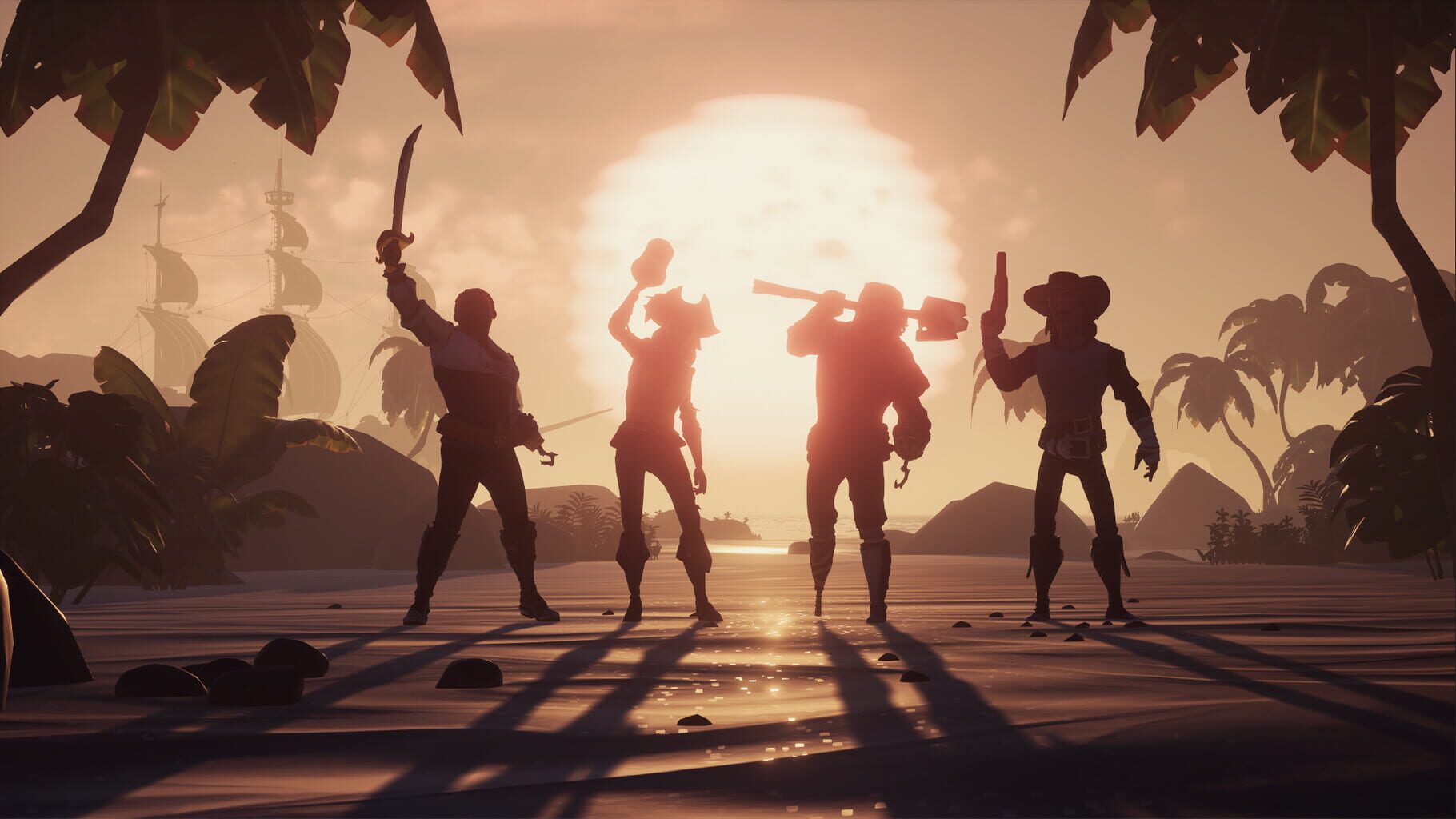
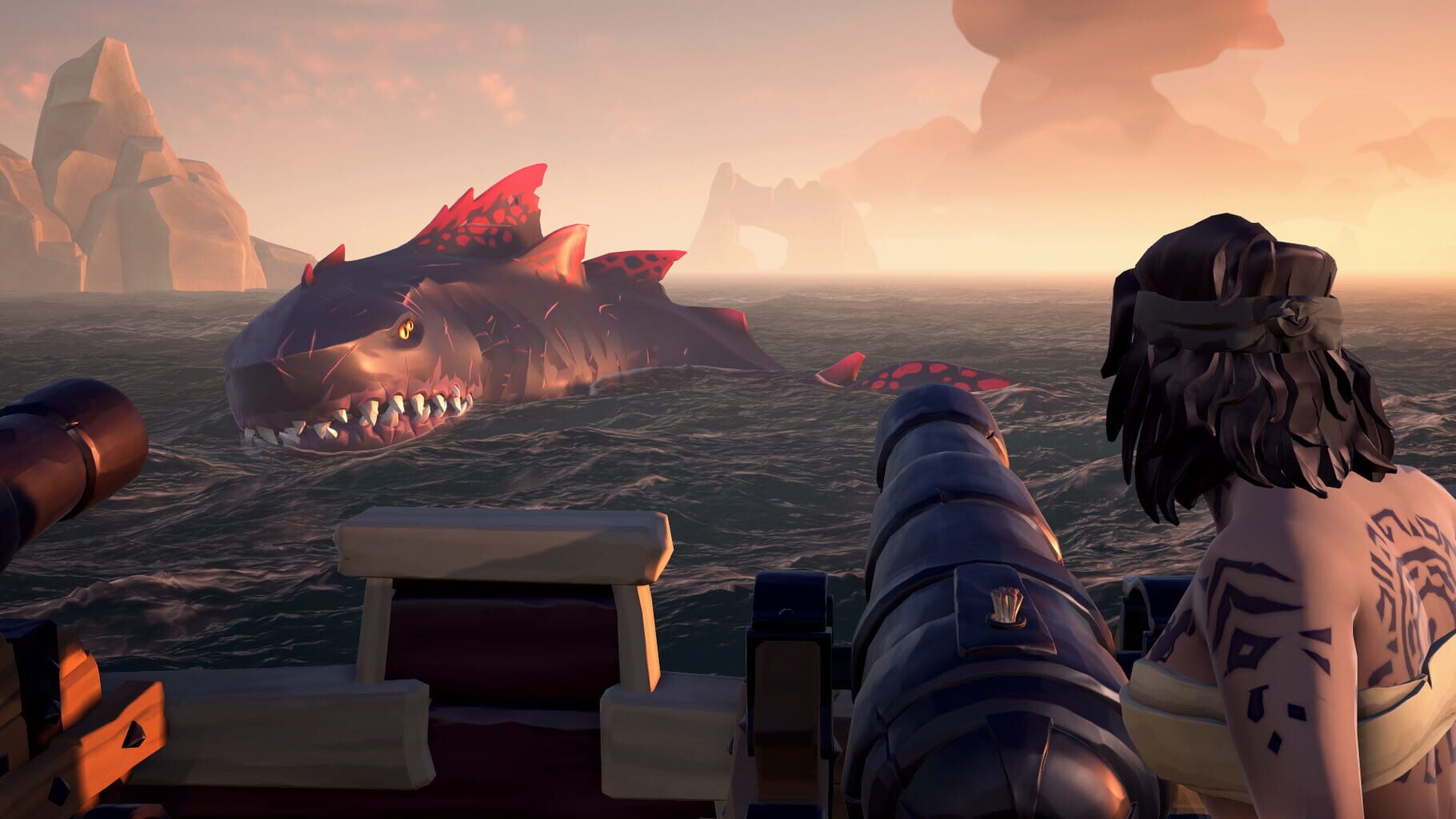
Shared-world pirate adventure with large water simulation, ship combat, and broad co-op exploration.

AdventureActionPC
ReleasedJun 3, 2020
Performance data5 GPU profiles
Catalog sourcemanual

This page is a PC performance guide. Check how the Windows version should run on your hardware, then raise the FPS target if you want SpecBeacon to suggest what to upgrade first.

Sea of Thieves
Saved PCSave your PC once

Save your GPU, CPU, RAM, and resolution to jump straight into this game's FPS check.

Set up my PC
FPS check

Pick the PC to test

Choose your GPU and resolution first. If you want 90 or 120 FPS, SpecBeacon can suggest what to upgrade next.

Main stepEnter your PC here, then run Check FPS.The result card will jump into view as soon as the estimate is ready.
1Game
2Your PC
3Target

Game

Sea of ThievesFPS check available
Step 2

Your PC

Start here. Pick your GPU first, then add CPU, resolution, and RAM if needed.

PC type
1. Pick your graphics card2. Add your processor3. Choose resolution and RAM
GPU · Graphics card

This has the biggest impact on FPS. Start here.

CPU · Processor

Add this after GPU for a more accurate estimate.

Resolution
RAM
Step 3

Target FPS and upgrade plan

Want 90 or 120 FPS instead of 60? Pick a target and SpecBeacon will point to the first upgrade worth making.

Target FPS

Leave this at 60 for a quick FPS answer, or raise it to 90 or 120 to get upgrade guidance too.

Pick your GPU to unlock the FPS check.

Sea of ThievesThen choose your GPU
Results

No estimate yet

Guide

How to use this page

SpecBeacon mixes official PC requirements, benchmark coverage, linked review pages, and update notes so you can make a quicker hardware decision without hopping across multiple tabs.

Check firstFPS estimate
Benchmark coverage5 GPU / 4 CPU
Reaction signal1 sources
  • Use the FPS card first if you want a quick answer for your current PC.
  • Use the update and review links below when a game is new, patched often, or still getting mixed reports.
  • When benchmark coverage is thin, treat the estimate as directional and prioritize the GPU before chasing smaller CPU gains.
Read next

Related guides

If you are still deciding whether this game is worth an upgrade, these short guides explain how SpecBeacon reads FPS targets, PC requirements, and GPU-first upgrade decisions.

Updates

Latest notes

Steam App ID 1172620

Sea of Thieves Release Notes – Hotfix 3.6.2.1
OfficialPatch Notes
Community Announcements · a-faddison2026-03-12Fixed IssuesGameplayPlayers dying while wearing a Disguise or mimicking another player should no longer appear invisible to others when returning from the Ferry of the Damned.Crews with rival ships nearby are once again blocked from server migration until ships are a safe distance away. (Released previously as part of an interim update.)Crews should no longer encounter the possibility of treasure...
This Month in Sea of Thieves: March 2026
OfficialPatch Notes
Community Announcements · a-faddison2026-03-06Another month, another This Month in Sea of Thieves article! There’s absolutely loads going on this March, including game updates, charity drives, anniversary celebrations, Community Weekend and more, so let’s skip the preamble and just get right to it. Yes? Yes.Sea of Thieves Season 18: Act 3 – Thursday, March 5thKeen-eyed readers may note that this article highlights two monthly updates happenin...
This Month in Sea of Thieves: February 2026
OfficialPatch Notes
Community Announcements · a-faddison2026-02-05Update February 13th: Following the announcement that Ashen Garrisons aren’t quite ready to be stormed by pirate crews just yet, Act 3 of Season 18 has been pushed back two weeks to launch on March 5th. The accompanying Twitch Drops will also move by two weeks to start on March 6th; everything else on February’s schedule remains in place. Please bear these changes in mind when reading the article...
Join the Revelry in Season 19 Community Weekend on March 27th
Official
Community Announcements · a-faddison2026-03-27If the sound of distant – and not-so-distant – cannon fire hadn’t tipped you off, Season 19 has begun! That means a few things, including a host of improvements to Faction Battles, but most importantly of all: it’s nearly time for our next Community Weekend. It’s so very nearly time for it, in fact, that by the time you read this it may well have begun, so let’s not take up any more time with plea...
Refreshed Faction Fighting Ignites in Sea of Thieves Season 19
Official
Community Announcements · a-faddison2026-03-19The fires of battle are being stoked once again in Season 19 of Sea of Thieves, even as a brand new recurring Event promises fresh ways of earning Doubloons. Yes, in this latest free Season, players engaging in the exhilarating action of Faction Battles will find themselves entering fairer fights faster and more easily, while shrinking Battle Bounds ensure no encounter outstays its welcome. In Act...
FAQ

Quick answers

Does this page include PC performance data?

Yes. SpecBeacon can estimate FPS for this game with the current seeded benchmark coverage.

Is the score an official review score?

No. The SpecBeacon Score is an internal reaction signal. It is not copied from Metacritic, OpenCritic, Steam, or the publisher.

What matters most for getting more FPS?

In most cases, GPU choice and resolution move the estimate the most. CPU and RAM usually refine the result rather than replace the GPU signal.