
PC performance guide
Built from official data
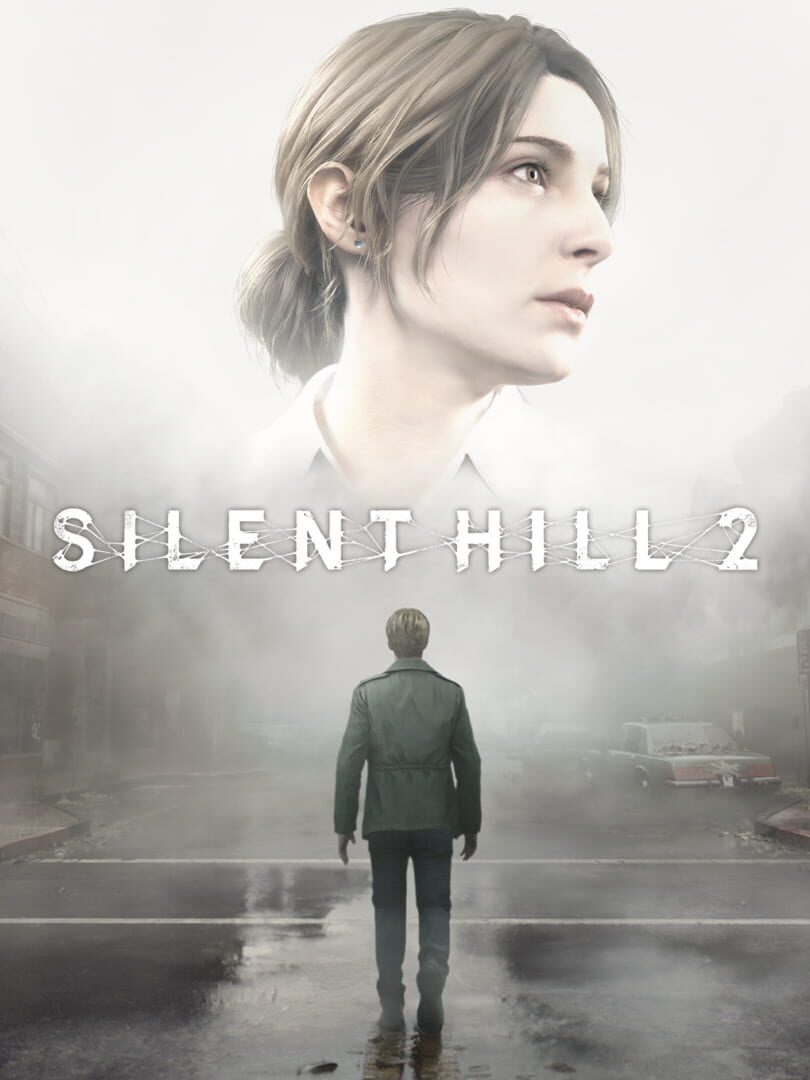
SILENT HILL 2
Psychological horror remake focused on heavy atmosphere, exploration, and close-quarters survival combat.
HorrorAdventurePC
Find the official PC requirements, likely FPS tiers, and optimization read for the Windows version without digging through scattered store blurbs.
PC requirements summary
SILENT HILL 2 is a horror-focused requirements page where medium-to-high settings and steady delivery matter more than raw spectacle.
Entry read1080p is the natural starting point
Comfort readMedium settings define the better experience
Upgrade readQHD is the cleaner upgrade target
Optimization read
SILENT HILL 2 looks tidy for a horror release, with a cleaner low-to-midrange path than most spectacle-first games.
ScalingHeavy
StabilityMixed
AccessibilityStrong
- Resolution and preset jumps cost performance quickly, so GPU headroom matters more than the minimum first suggests.
- Average FPS can look fine while frame pacing and scene-to-scene consistency still need attention.
- The game gives you a practical route into comfortable play without jumping straight to halo-tier GPUs.
Screenshots
Latest notes
Steam App ID 2124490
KONAMI Summer Sale 2026 Part 2 is now on!
Community Announcements · ay.373052026-07-14Don't miss out on this opportunity to enjoy KONAMI games!Official
KONAMI Summer Sale 2026 is now on!
Community Announcements · ay.373052026-06-25Don't miss out on this opportunity to enjoy KONAMI games!Official
KONAMI Golden Week Sale 2026 Is Now On!
Community Announcements · ay.373052026-04-21Don't miss out on this opportunity to enjoy KONAMI games!Official
KONAMI Spring Sale 2026 is now on!
Community Announcements · ay.373052026-03-19Don't miss out on this opportunity to enjoy KONAMI games!Official
KONAMI February Sale 2026 is now on!
Community Announcements · ay.373052026-02-10Don't miss out on this opportunity to enjoy KONAMI games!Official