Game
PC performance guide
FPS check available

Elden Ring

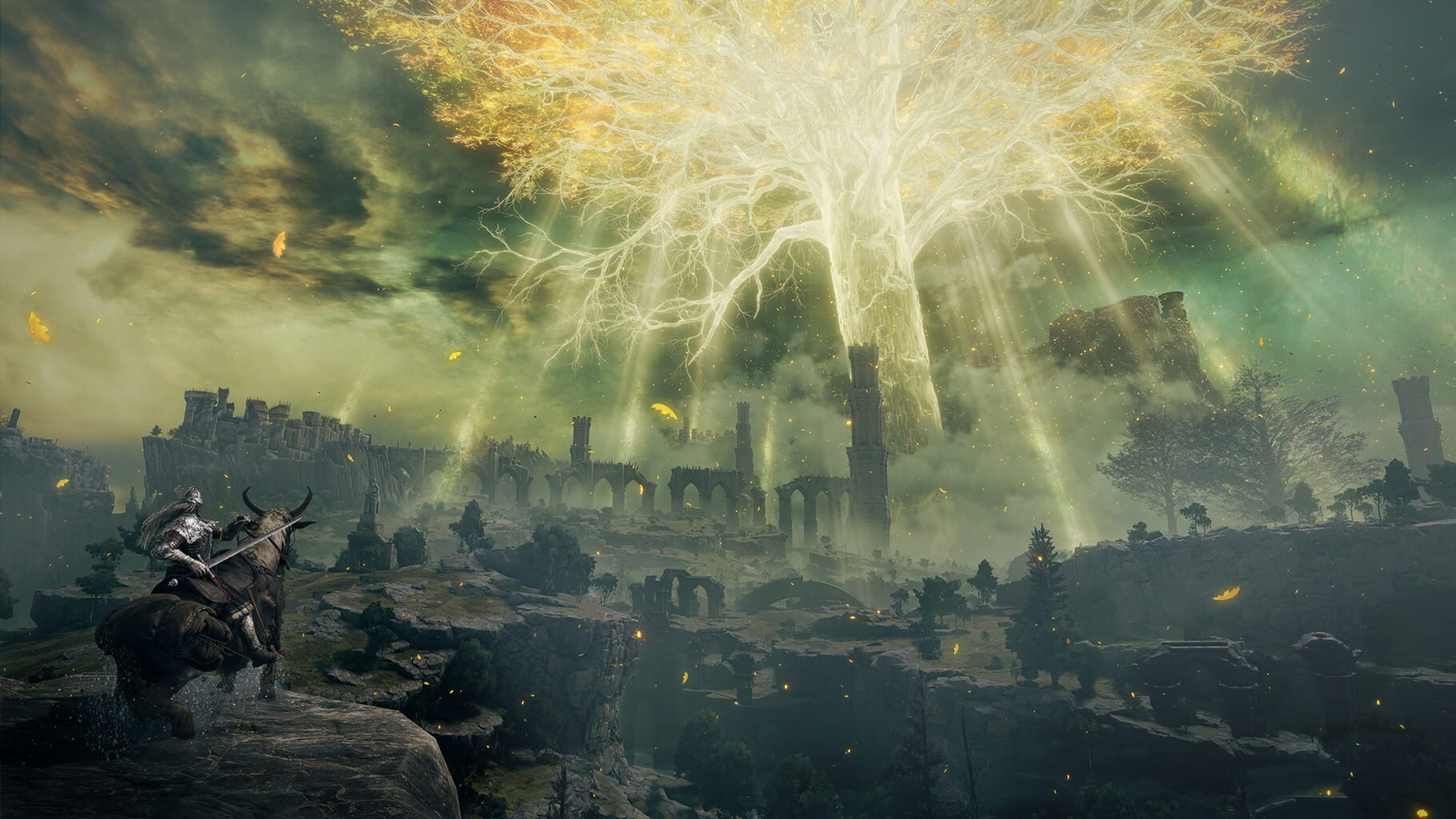
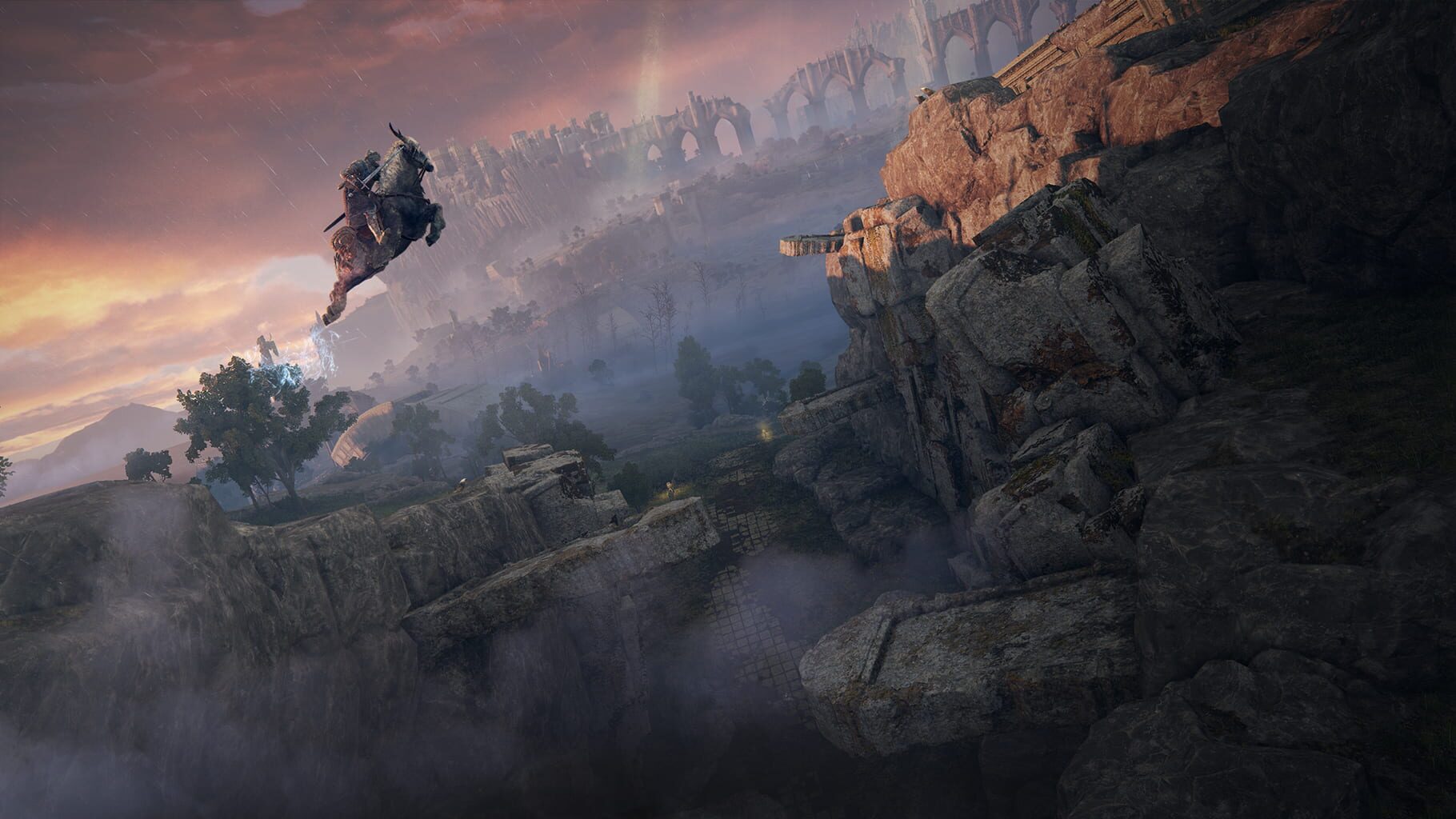
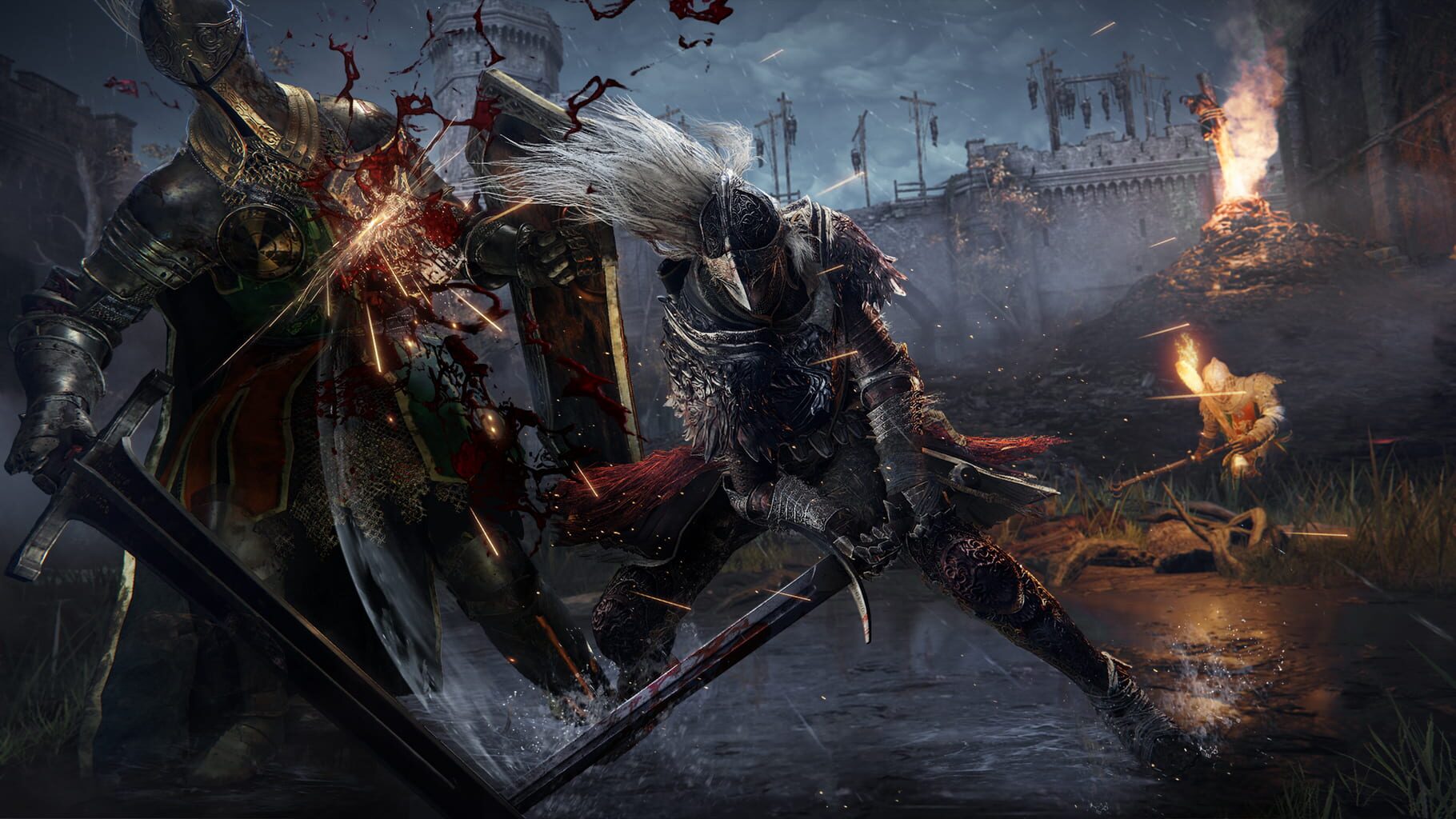
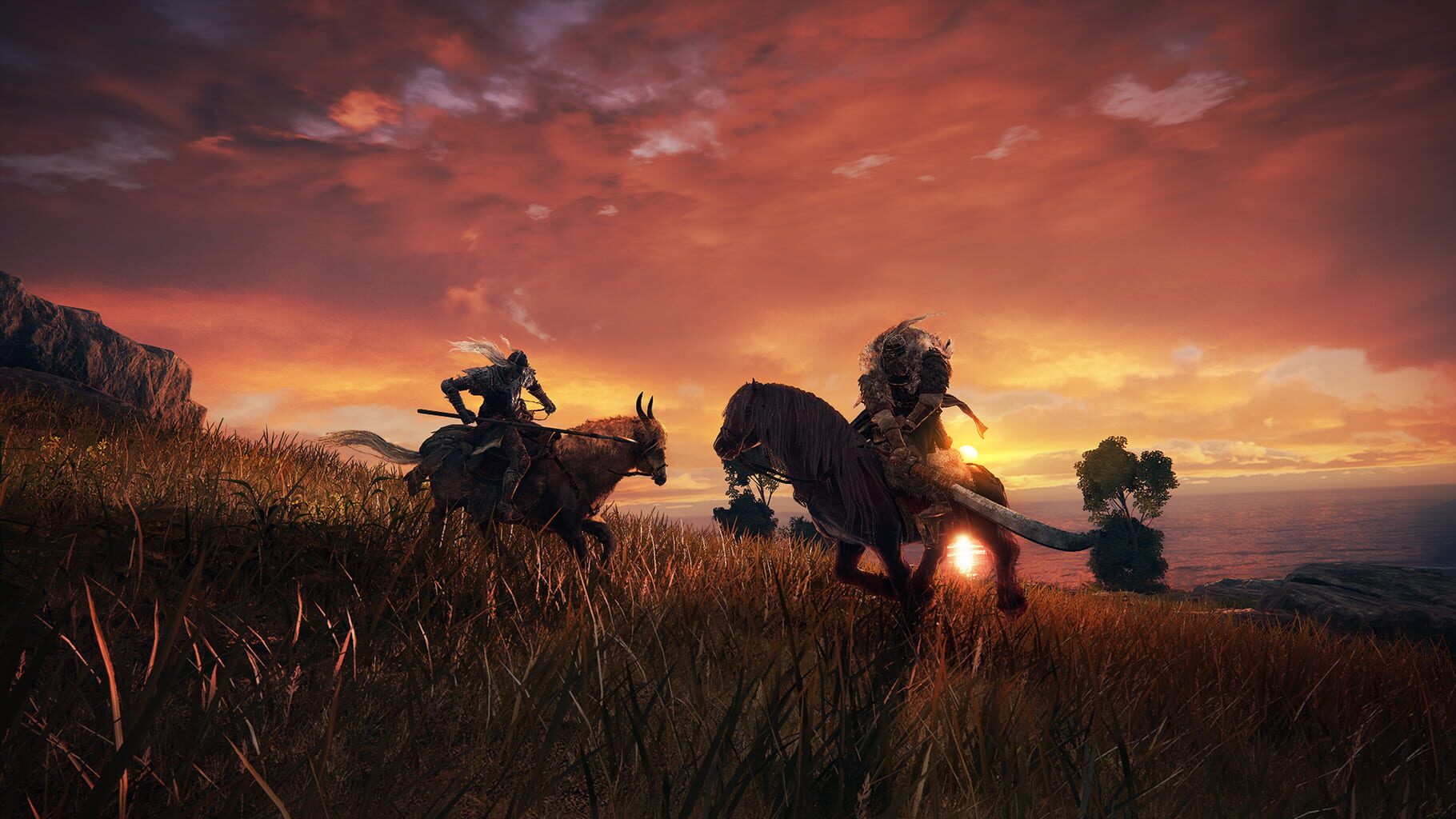
Open-world action RPG with large-scale boss encounters.

RPGActionPC
ReleasedFeb 25, 2022
Performance data4 GPU profiles
Catalog sourcemanual

This page is a PC performance guide. Check how the Windows version should run on your hardware, then raise the FPS target if you want SpecBeacon to suggest what to upgrade first.

Elden Ring
Saved PCSave your PC once

Save your GPU, CPU, RAM, and resolution to jump straight into this game's FPS check.

Set up my PC
FPS check

Pick the PC to test

Choose your GPU and resolution first. If you want 90 or 120 FPS, SpecBeacon can suggest what to upgrade next.

Main stepEnter your PC here, then run Check FPS.The result card will jump into view as soon as the estimate is ready.
1Game
2Your PC
3Target

Game

Elden RingFPS check available
Step 2

Your PC

Start here. Pick your GPU first, then add CPU, resolution, and RAM if needed.

PC type
1. Pick your graphics card2. Add your processor3. Choose resolution and RAM
GPU · Graphics card

This has the biggest impact on FPS. Start here.

CPU · Processor

Add this after GPU for a more accurate estimate.

Resolution
RAM
Step 3

Target FPS and upgrade plan

Want 90 or 120 FPS instead of 60? Pick a target and SpecBeacon will point to the first upgrade worth making.

Target FPS

Leave this at 60 for a quick FPS answer, or raise it to 90 or 120 to get upgrade guidance too.

Pick your GPU to unlock the FPS check.

Elden RingThen choose your GPU
Results

No estimate yet

Guide

How to use this page

SpecBeacon mixes official PC requirements, benchmark coverage, linked review pages, and update notes so you can make a quicker hardware decision without hopping across multiple tabs.

Check firstFPS estimate
Benchmark coverage4 GPU / 4 CPU
Reaction signal1 sources
  • Use the FPS card first if you want a quick answer for your current PC.
  • Use the update and review links below when a game is new, patched often, or still getting mixed reports.
  • When benchmark coverage is thin, treat the estimate as directional and prioritize the GPU before chasing smaller CPU gains.
Read next

Related guides

If you are still deciding whether this game is worth an upgrade, these short guides explain how SpecBeacon reads FPS targets, PC requirements, and GPU-first upgrade decisions.

Updates

Latest notes

Steam App ID 1245620

Release Note for 2025/12/16
OfficialPatch Notes
Community Announcements · katsuki_honjo2025-12-16To address the security vulnerability announced by Unity Technologies on October 3, 2025, an update to some pre-order bonuses, as well as the artwork & soundtrack application was distributed.The main game is not impacted by the security vulnerability and the update.Thank you for your understanding.
ELDEN RING - Patch Notes Version 1.16.1
OfficialPatch Notes
Community Announcements · [BNE]plt2025-08-21Bug FixesFixed a bug wherewhere the wrong affinity or status ailments could be applied to some weapons when performing specific actions.Fixed a bug where players could bypass being blocked by another player on any platform through unauthorized methods.The version number of this update shown at the lower right corner of the Title Screen will be as follows:App Ver. 1.16.1Regulation Ver. 1.16.1Online...
Patch Notes Version 1.16
OfficialPatch Notes
Community Announcements · Will2024-10-17Bug Fixes Fixed an issue where temporary boosts to player stats would remain even after closing and restarting the game. Several other bug fixes. Possible unstable performance fixes In some PC versions, Ray Tracing may be unintentionally enabled and cause unstable performance. Please check the Ray Tracing setting in the "System" > "Graphics " > "Ray Tracing Quality" from the title screen or in-gam...
Discover the ELDEN RING Blaidd The Half-Wolf Lamp
Official
Community Announcements · [BNE] *****2026-01-29Summon the legendary warrior into your world with the Blaidd The Half-Wolf Lamp, a handcrafted, LED-powered tribute to one of ELDEN RING’s most iconic character. Designed for collectors, lore enthusiasts, and Tarnished alike, this unique night lamp captures the tragic loyalty and silent strength of Blaidd, Shadow of Ranni. {STEAM_CLAN_IMAGE}/41005067/f822f66531c2bfa7908cc07697961ca37794b870.png Th...
To all who wander the Lands Between
Official
Community Announcements · rwaymel2025-07-24The flame of thy passion burns ever bright in these shadowed lands. To all who wander the Lands Between, we offer our deepest thanks. {STEAM_CLAN_IMAGE}/45343478/5d58381a9c91aea955ec9156cdac1133594e138f.jpg https://store.steampowered.com/app/2622380/ELDEN_RING_NIGHTREIGN/
FAQ

Quick answers

Does this page include PC performance data?

Yes. SpecBeacon can estimate FPS for this game with the current seeded benchmark coverage.

Is the score an official review score?

No. The SpecBeacon Score is an internal reaction signal. It is not copied from Metacritic, OpenCritic, Steam, or the publisher.

What matters most for getting more FPS?

In most cases, GPU choice and resolution move the estimate the most. CPU and RAM usually refine the result rather than replace the GPU signal.