Game
PC performance guide
FPS check available

Fallout 76

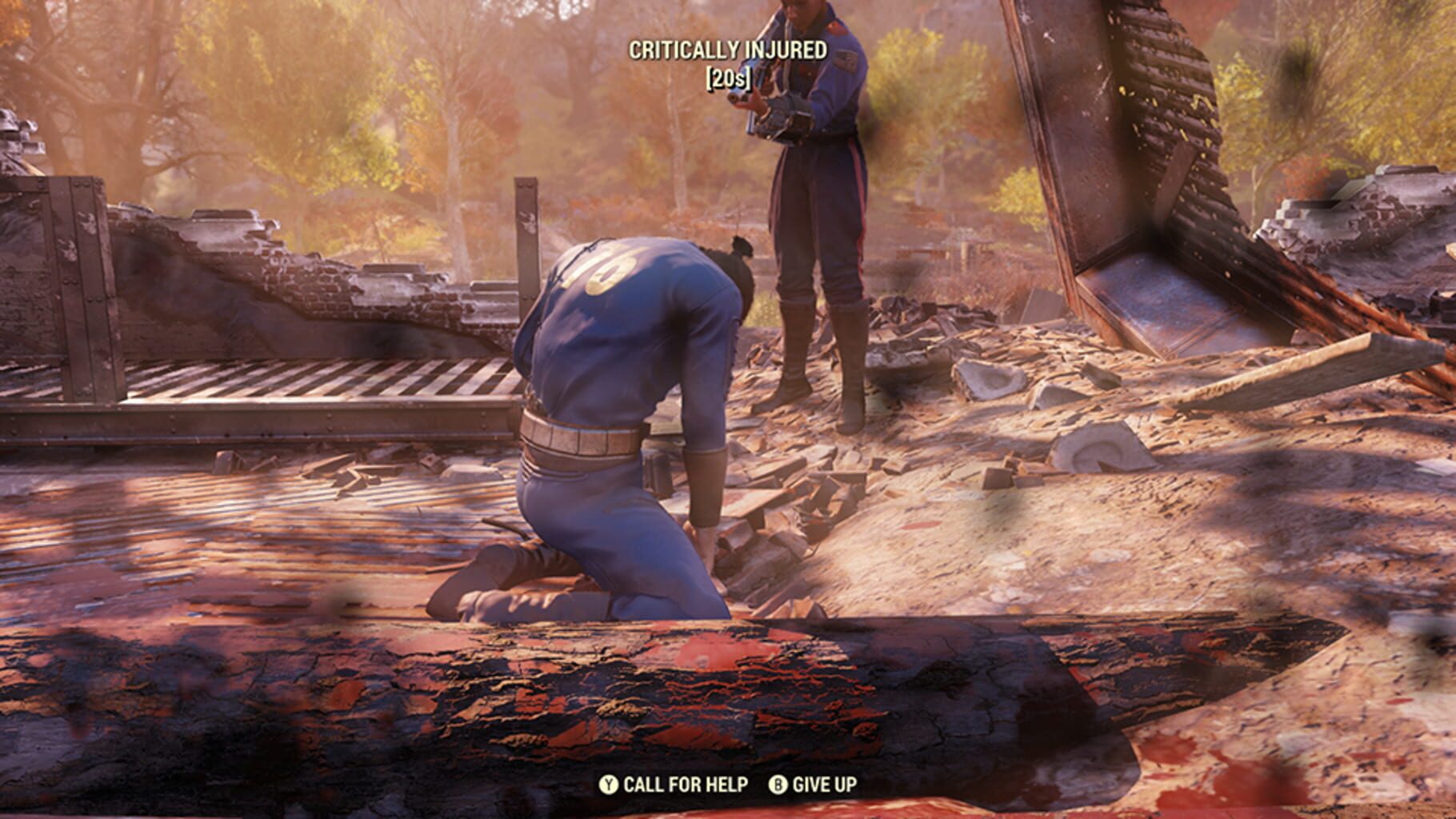
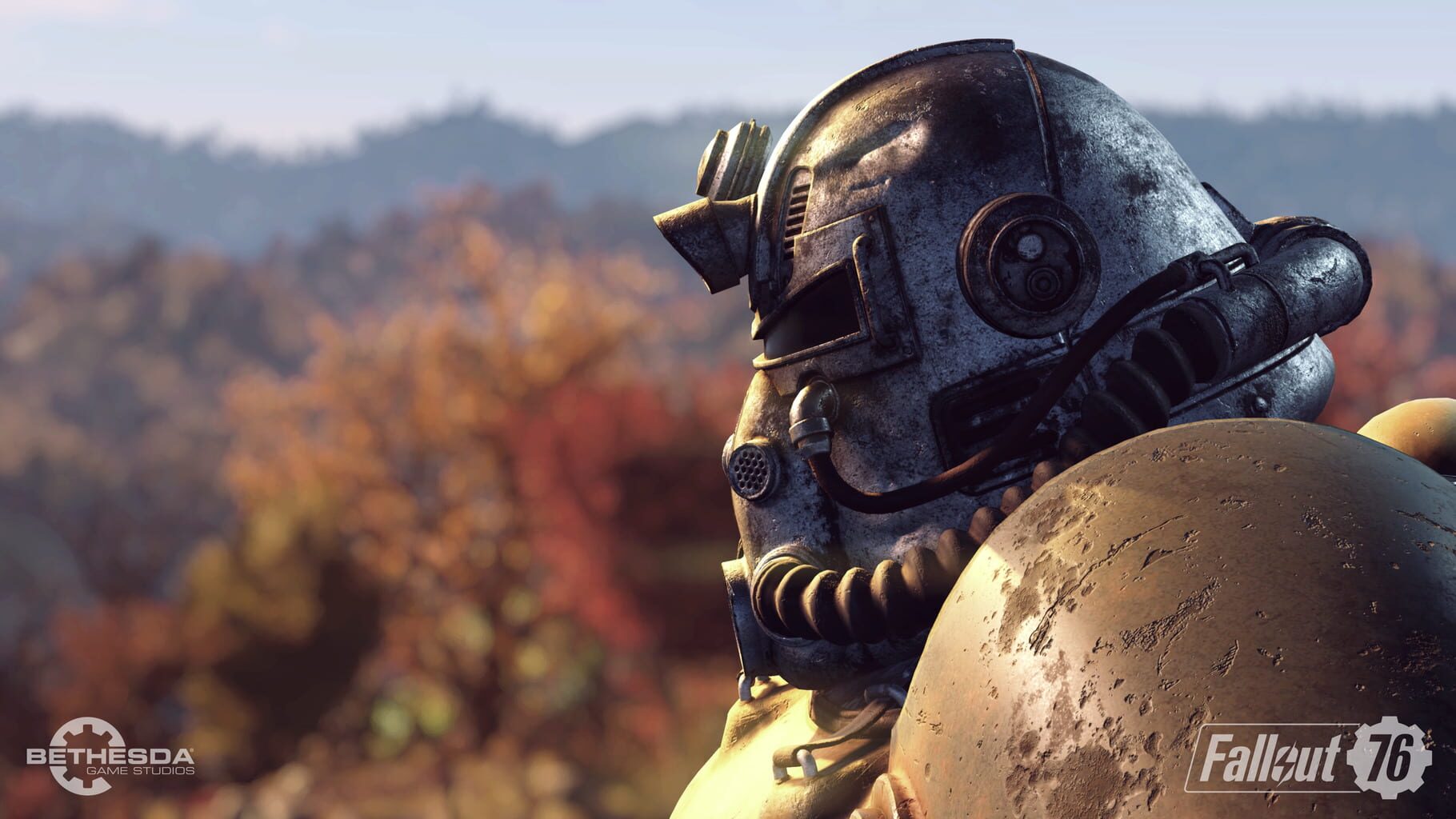
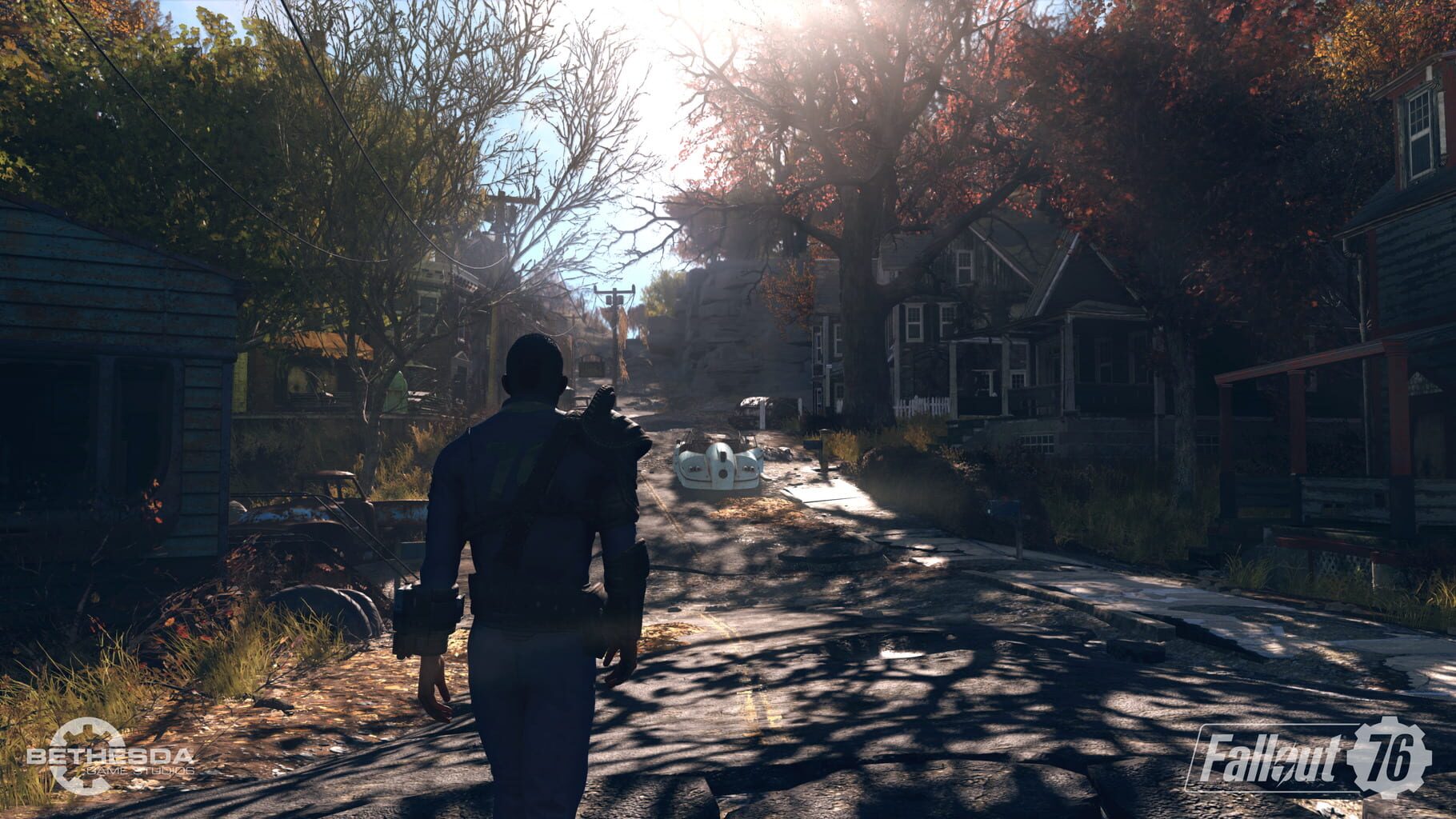
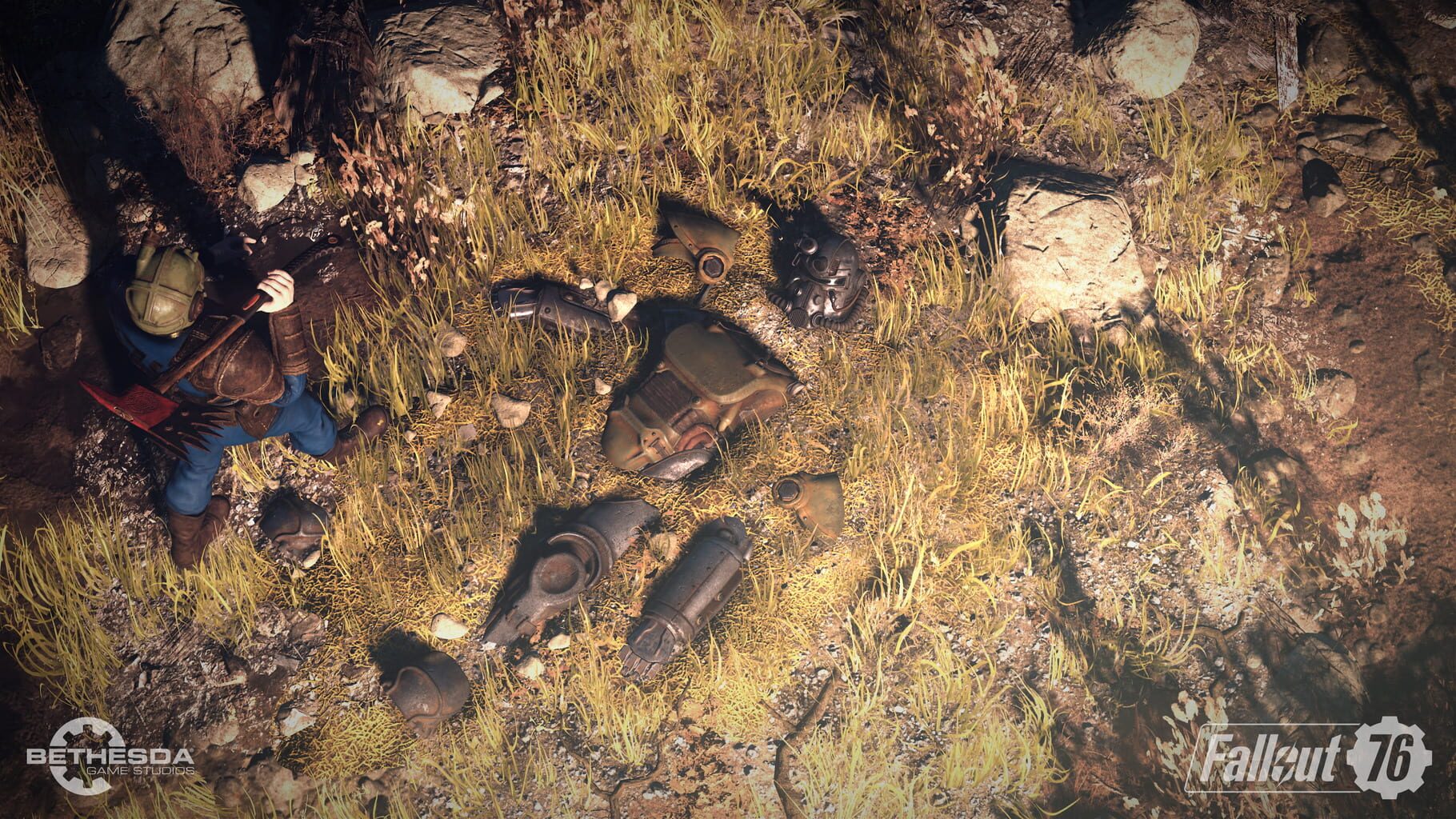
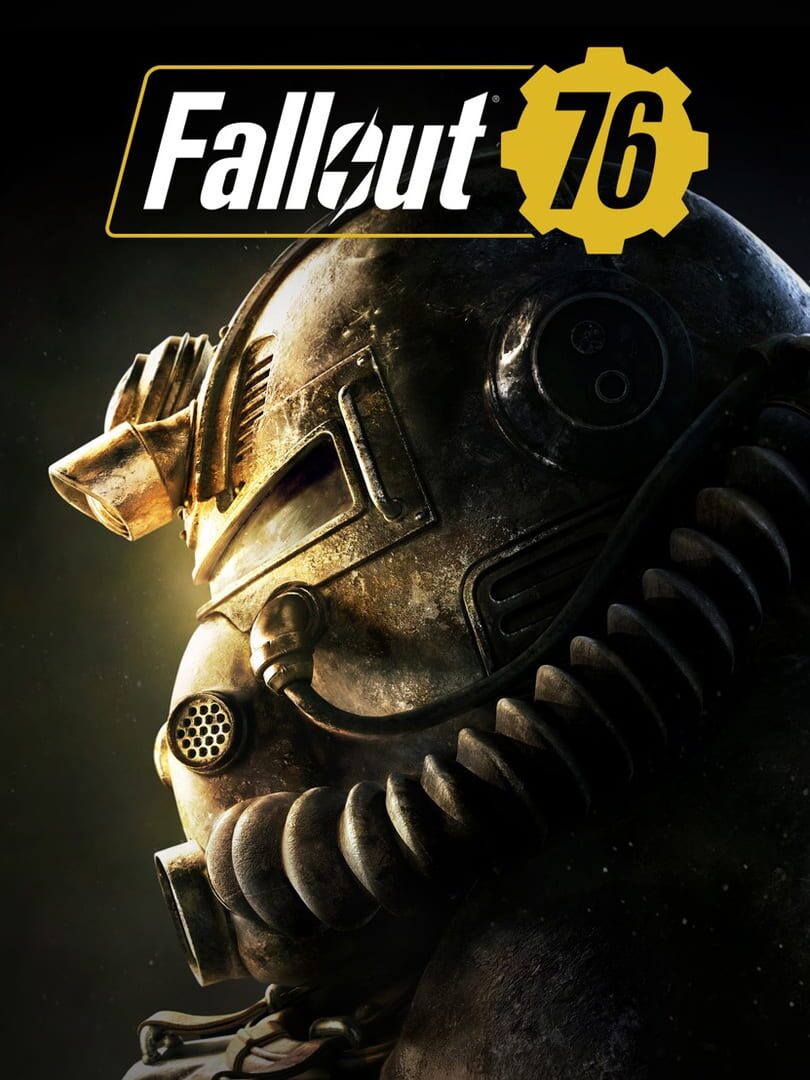
Bethesda Game Studios welcome you to Fallout 76. Twenty-five years after the bombs fall you and your fellow Vault Dwellers, chosen from the nation’s best and brightest, emerge into post-nuclear America on Reclamation Day, 2102. Play solo or join together as you explore, quest, build, and triumph against the wasteland’s greatest threats. Explore a vast wasteland, devastated by nuclear war, in this open-world multiplayer addition to the Fallout story. Experience the largest, most dynamic world ever created in the legendary Fallout universe.

ShooterRole-playing (RPG)Xbox Series X|SPlayStation 4PC (Microsoft Windows)
ReleasedNov 14, 2018
Performance data4 GPU profiles
Catalog sourcemanual

This page is a PC performance guide. Check how the Windows version should run on your hardware, then raise the FPS target if you want SpecBeacon to suggest what to upgrade first.

Fallout 76
Saved PCSave your PC once

Save your GPU, CPU, RAM, and resolution to jump straight into this game's FPS check.

Set up my PC
FPS check

Pick the PC to test

Choose your GPU and resolution first. If you want 90 or 120 FPS, SpecBeacon can suggest what to upgrade next.

Main stepEnter your PC here, then run Check FPS.The result card will jump into view as soon as the estimate is ready.
1Game
2Your PC
3Target

Game

Fallout 76FPS check available
Step 2

Your PC

Start here. Pick your GPU first, then add CPU, resolution, and RAM if needed.

PC type
1. Pick your graphics card2. Add your processor3. Choose resolution and RAM
GPU · Graphics card

This has the biggest impact on FPS. Start here.

CPU · Processor

Add this after GPU for a more accurate estimate.

Resolution
RAM
Step 3

Target FPS and upgrade plan

Want 90 or 120 FPS instead of 60? Pick a target and SpecBeacon will point to the first upgrade worth making.

Target FPS

Leave this at 60 for a quick FPS answer, or raise it to 90 or 120 to get upgrade guidance too.

Pick your GPU to unlock the FPS check.

Fallout 76Then choose your GPU
Results

No estimate yet

Guide

How to use this page

SpecBeacon mixes official PC requirements, benchmark coverage, linked review pages, and update notes so you can make a quicker hardware decision without hopping across multiple tabs.

Check firstFPS estimate
Benchmark coverage4 GPU / 4 CPU
Reaction signal1 sources
  • Use the FPS card first if you want a quick answer for your current PC.
  • Use the update and review links below when a game is new, patched often, or still getting mixed reports.
  • When benchmark coverage is thin, treat the estimate as directional and prioritize the GPU before chasing smaller CPU gains.
Read next

Related guides

If you are still deciding whether this game is worth an upgrade, these short guides explain how SpecBeacon reads FPS targets, PC requirements, and GPU-first upgrade decisions.

Updates

Latest notes

Steam App ID 1151340

Fallout 76 Update Notes – March 17, 2026
OfficialPatch Notes
Community Announcements · GhostlyRich_Bethesda2026-03-17Server Status: Servers are Back UpDown for Maintenance, 10 AM EST.Today we’re releasing an update to address some of the emergent topics brought up by the community after the release of The Backwoods update.GameplayFixed an issue where the Chainsaw Flamer would hit its target too fast resulting in more damage than intended being delt.Fixed an issue where reflected damage could kill the Scorchbeast...
Maintenance Announcement – March 17, 2026
OfficialPatch Notes
Community Announcements · GhostlyRich_Bethesda2026-03-13On Tuesday, March 17 at 10am ET/9am CT, Fallout 76 is being brought offline on all platforms to apply an update.A few of the topics this update covers are:Various improvements to the Pip-Boy (shortcuts for dropping items, closing the Pip-Boy key bind, scrolling, and sorting)Changing the key bind for the Season’s Menu popup from “CTRL” to “Y”.motes, Loot Bags, and Survival Tents being reset upon lo...
Fallout 76: The Backwoods Release Notes
OfficialPatch Notes
Community Announcements · GhostlyRich_Bethesda2026-03-03thump, thump, thumpBigfoot is coming! Put on your Power Armor and grab your favorite weapon. We have a 4-Star Legendary Creature to take down!The Backwoods update arrives today, and it brings more rewards to all Vault Dwellers across the wasteland. Enjoy some great quality-of-life improvements to Public Events and Activities (formerly known as events), your Pip-Boy, and your Armor!Read on below fo...
A new, out-of-this-world Season lands onto Fallout 76 next week!
OfficialPatch Notes
Community Announcements · GhostlyRich_Bethesda2026-02-26Things are shaking up in Appalachia on March 3 with the release of The Backwoods, the next update for Fallout 76! Alongside new additions like the legendary Bigfoot, this update also debuts a new in-game Season. Get ready to join the intrepid Rip Daring on another reward-filled adventure in Season 24: Rip Daring and the Cryptids from Beyond the Cosmos!Throughout the duration of this Season, player...
Fallout 76 Delves into The Backwoods for its Next Free Update on March 3
OfficialPatch Notes
Community Announcements · GhostlyRich_Bethesda2026-02-23Since before even the Great War, folks in Appalachia would talk of strange and elusive things living deep beyond the tree line. Now, dwellers in Fallout 76 may just stumble upon a few uninvited guests for themselves – including the legendary Bigfoot! – as they trek through The Backwoods, a free update for all players available March 3.The Wasteland Survival Guide recommends against stumbling throu...
FAQ

Quick answers

Does this page include PC performance data?

Yes. SpecBeacon can estimate FPS for this game with the current seeded benchmark coverage.

Is the score an official review score?

No. The SpecBeacon Score is an internal reaction signal. It is not copied from Metacritic, OpenCritic, Steam, or the publisher.

What matters most for getting more FPS?

In most cases, GPU choice and resolution move the estimate the most. CPU and RAM usually refine the result rather than replace the GPU signal.