Game
PC performance guide
FPS check available

Subnautica: Below Zero

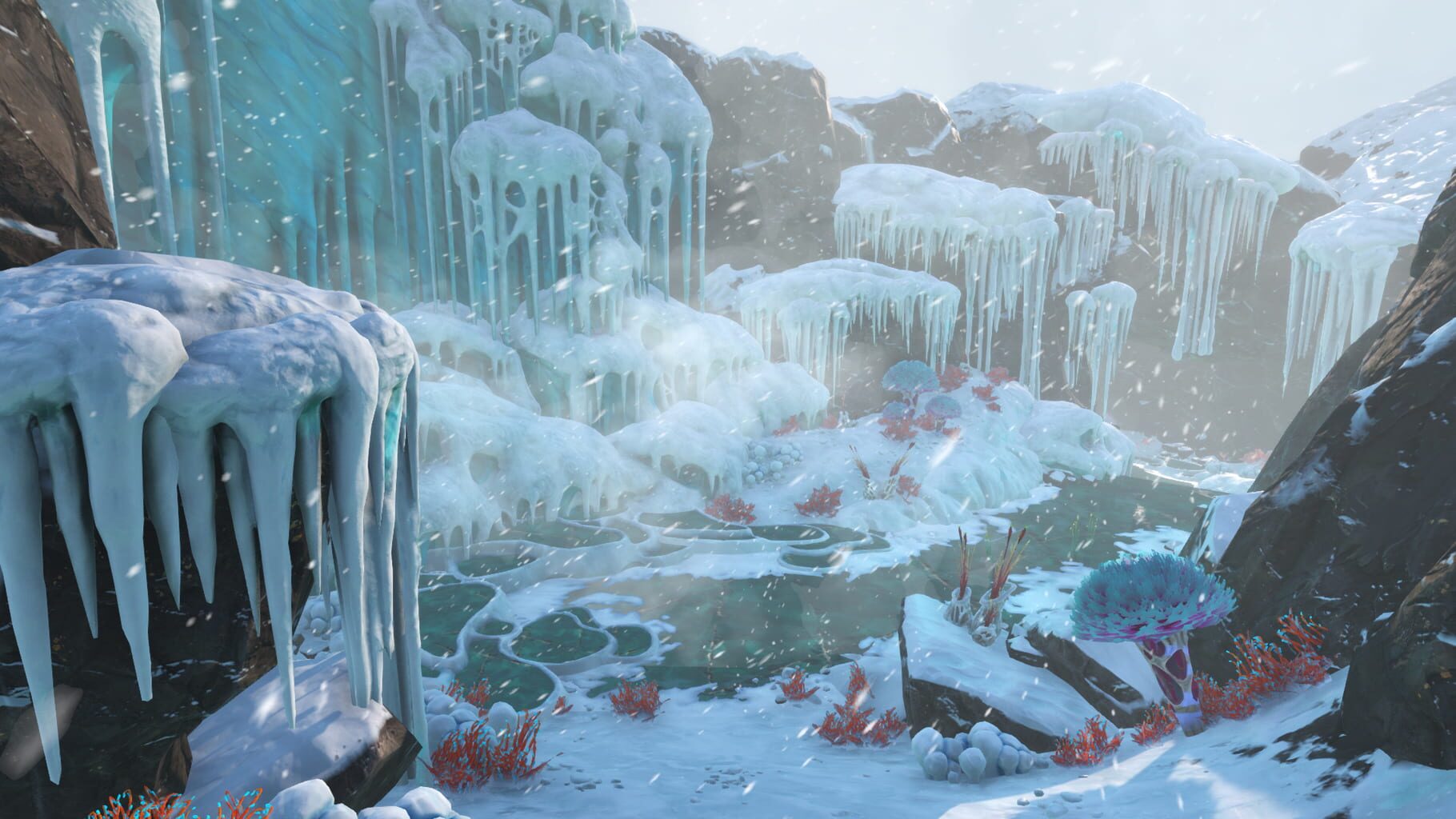
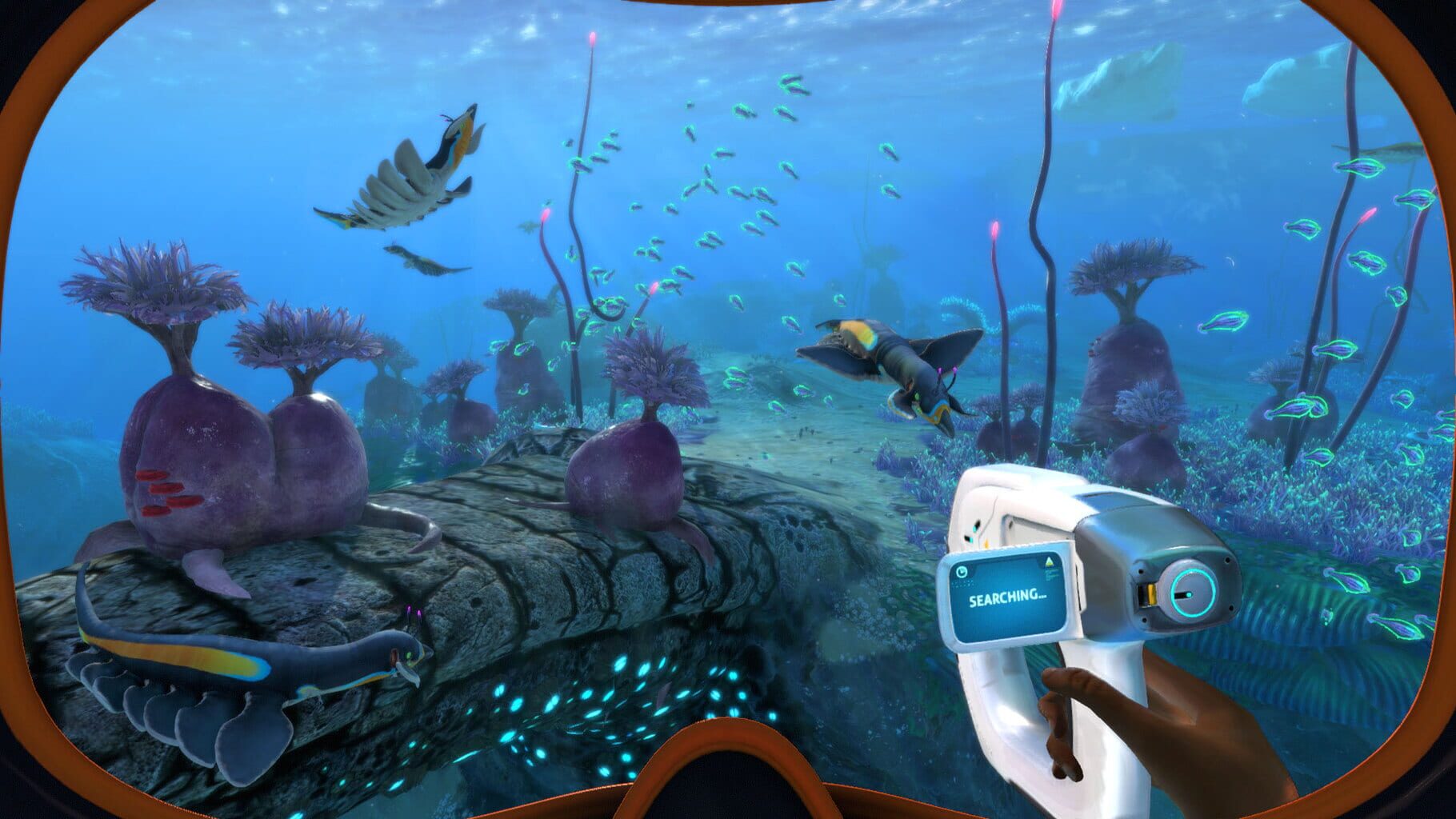
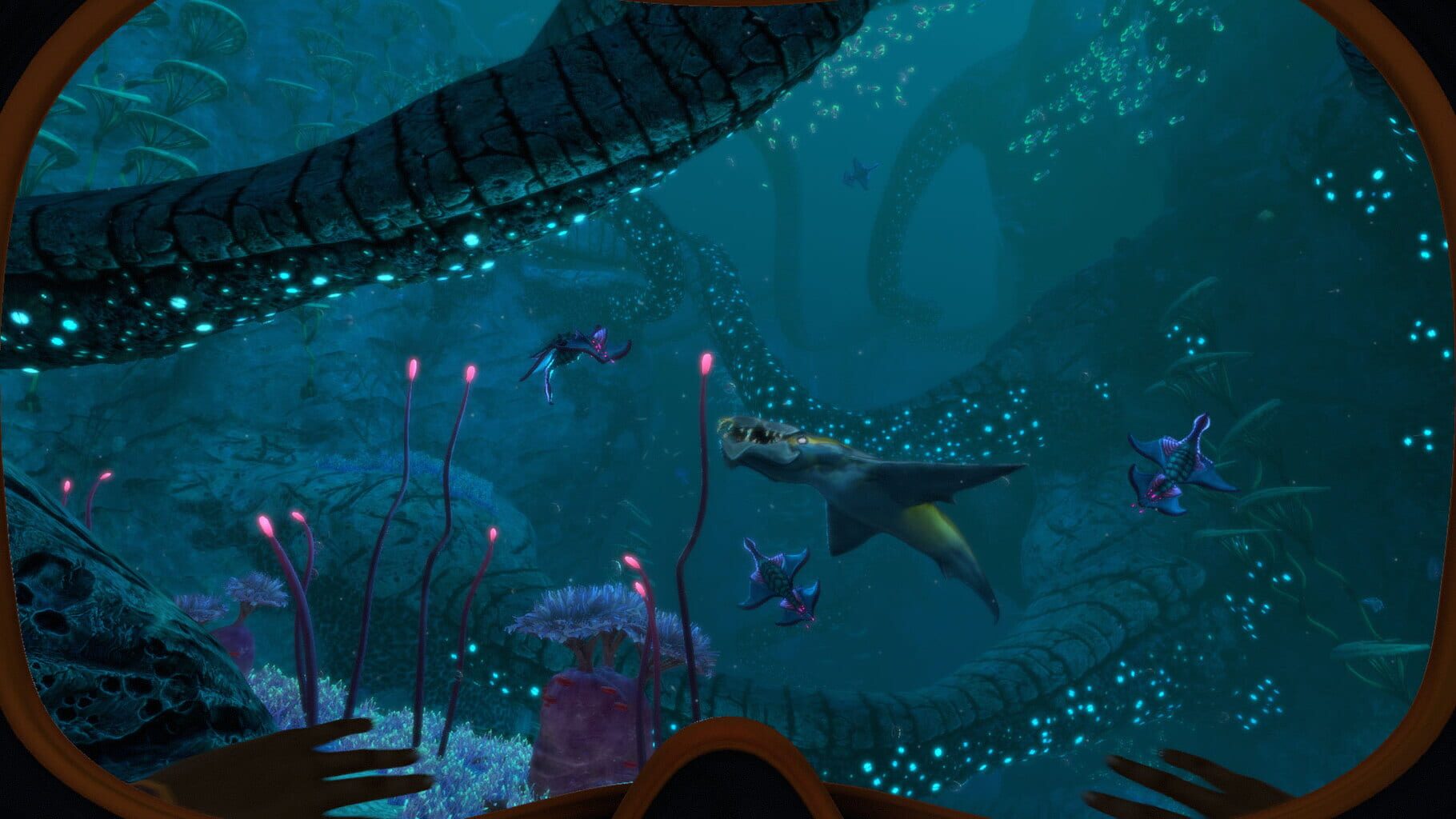
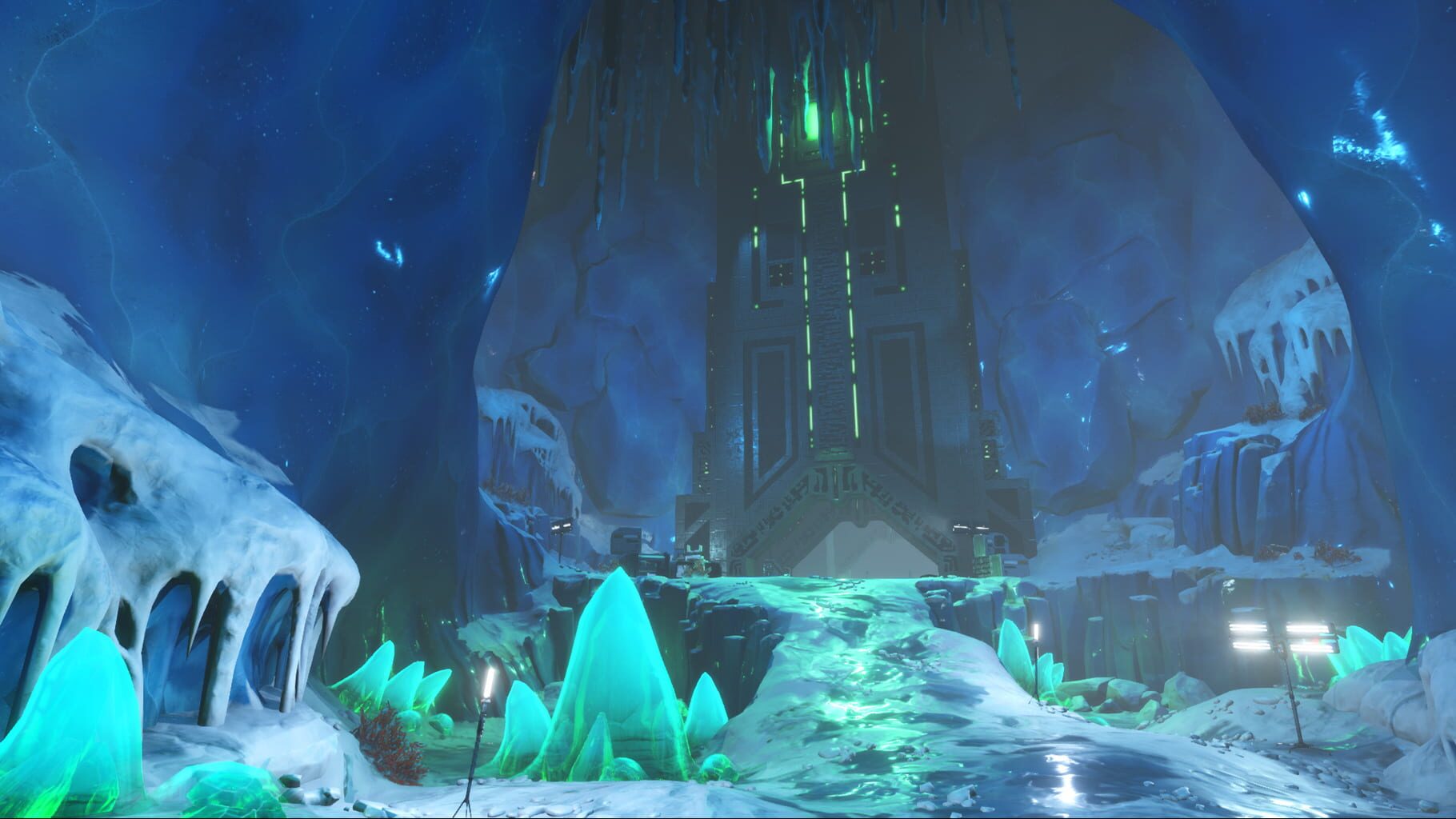
Dive into a freezing underwater adventure on an alien planet. Below Zero is set two years after the original Subnautica. Return to Planet 4546B to uncover the truth behind a deadly cover-up. Survive by building habitats, crafting tools, & diving deeper into the world of Subnautica.

AdventureIndieXbox Series X|SPlayStation 4Nintendo Switch 2
ReleasedMay 13, 2021
Performance data3 GPU profiles
Catalog sourcemanual

This page is a PC performance guide. Check how the Windows version should run on your hardware, then raise the FPS target if you want SpecBeacon to suggest what to upgrade first.

Subnautica: Below Zero
Saved PCSave your PC once

Save your GPU, CPU, RAM, and resolution to jump straight into this game's FPS check.

Set up my PC
FPS check

Pick the PC to test

Choose your GPU and resolution first. If you want 90 or 120 FPS, SpecBeacon can suggest what to upgrade next.

Main stepEnter your PC here, then run Check FPS.The result card will jump into view as soon as the estimate is ready.
1Game
2Your PC
3Target

Game

Subnautica: Below ZeroFPS check available
Step 2

Your PC

Start here. Pick your GPU first, then add CPU, resolution, and RAM if needed.

PC type
1. Pick your graphics card2. Add your processor3. Choose resolution and RAM
GPU · Graphics card

This has the biggest impact on FPS. Start here.

CPU · Processor

Add this after GPU for a more accurate estimate.

Resolution
RAM
Step 3

Target FPS and upgrade plan

Want 90 or 120 FPS instead of 60? Pick a target and SpecBeacon will point to the first upgrade worth making.

Target FPS

Leave this at 60 for a quick FPS answer, or raise it to 90 or 120 to get upgrade guidance too.

Pick your GPU to unlock the FPS check.

Subnautica: Below ZeroThen choose your GPU
Results

No estimate yet

Guide

How to use this page

SpecBeacon mixes official PC requirements, benchmark coverage, linked review pages, and update notes so you can make a quicker hardware decision without hopping across multiple tabs.

Check firstFPS estimate
Benchmark coverage3 GPU / 0 CPU
Reaction signal1 sources
  • Use the FPS card first if you want a quick answer for your current PC.
  • Use the update and review links below when a game is new, patched often, or still getting mixed reports.
  • When benchmark coverage is thin, treat the estimate as directional and prioritize the GPU before chasing smaller CPU gains.
Read next

Related guides

If you are still deciding whether this game is worth an upgrade, these short guides explain how SpecBeacon reads FPS targets, PC requirements, and GPU-first upgrade decisions.

Updates

Latest notes

Steam App ID 848450

Below Zero Security Hotfix
OfficialPatch Notes
Community Announcements · virtualdon2025-10-03We have released a hotfix today that addresses a security-related concern raised to us by Unity. You can read more about the specific issue here: https://unity.com/security/sept-2025-01/ While the update patches out the flaw, Unity has said that, to their knowledge, no one has exploited the issue to date, and no players have been at risk. To help ensure that this security flaw can never be exploit...
Below Zero 2025 Patch
OfficialPatch Notes
Community Announcements · virtualdon2025-08-12We’ve just released a brand new patch full of bug fixes and improvements for Below Zero! This update will roll out worldwide and might take some time to appear across the globe. PC & Console Added a pop-up newsfeed that can be used for one-time-only announcements.Fixed a rare bug that would stop the game world from streaming in and make the game unresponsive when attempting to save in some cases.F...
Teeny-Tiny Hotfix
OfficialPatch Notes
Community Announcements · DamJess2022-10-04Hello Subnauts! We’ve released the Teeny-Tiny Hotfix - a patch to resolve a few bugs from our last update What the Dock. Fixes: Ambient water particles are now showing correctly Fix to allow new screenshots can be cycled through after deleting older screenshots again Thank you to everyone who reported bugs to us. As always, keep in touch and let us know if you have any persisting issues! - Unknown...
What the Dock Update
OfficialPatch Notes
Community Announcements · DamJess2022-09-13A new update is available for Subnautica: Below Zero. Tailor your Below Zero experience with Custom Game Mode Utilize an all-new Seatruck Dock base piece Enjoy the most stable version of the game with tons of bugs squashed Get yourself out of some sticky out-of-bounds situations with an Unstuck Button Steam Cloud saves are back (yes, for real this time!) Custom Game Mode {STEAM_CLAN_IMAGE}/3438250...
Language Pack Patch
OfficialPatch Notes
Community Announcements · Johnlok2021-08-18Language pack support for Hungarian, Finnish, Slovak, and Polish. This update also includes a fix for endgame dialogue in Sam's storyline, and some minor bug fixes related to translation and text sizing. Finally, if you use console commands on PC, they're now even easier to access by using shift+enter!
FAQ

Quick answers

Does this page include PC performance data?

Yes. SpecBeacon can estimate FPS for this game with the current seeded benchmark coverage.

Is the score an official review score?

No. The SpecBeacon Score is an internal reaction signal. It is not copied from Metacritic, OpenCritic, Steam, or the publisher.

What matters most for getting more FPS?

In most cases, GPU choice and resolution move the estimate the most. CPU and RAM usually refine the result rather than replace the GPU signal.