Game
PC performance guide
FPS check available

V Rising

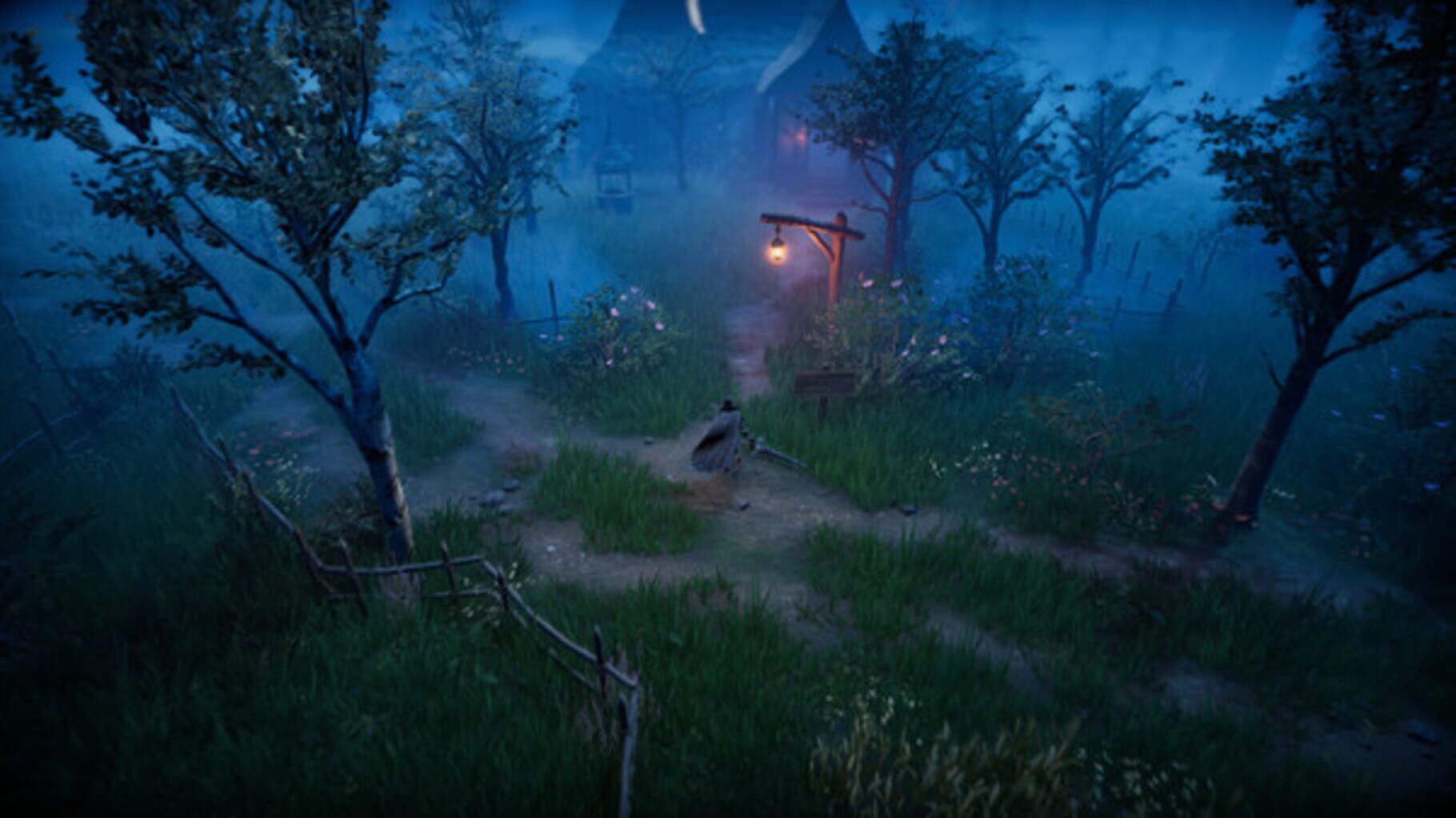
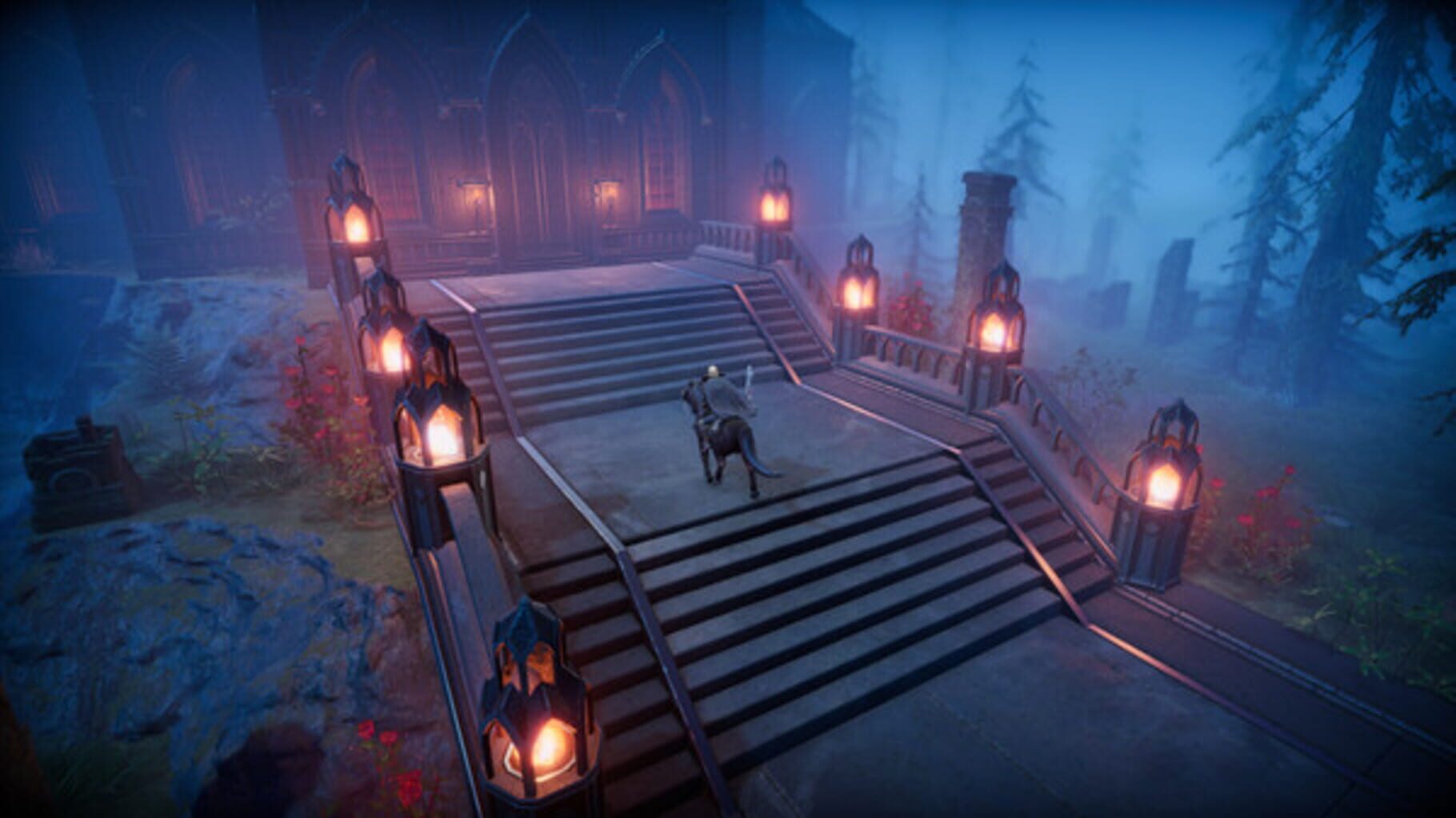
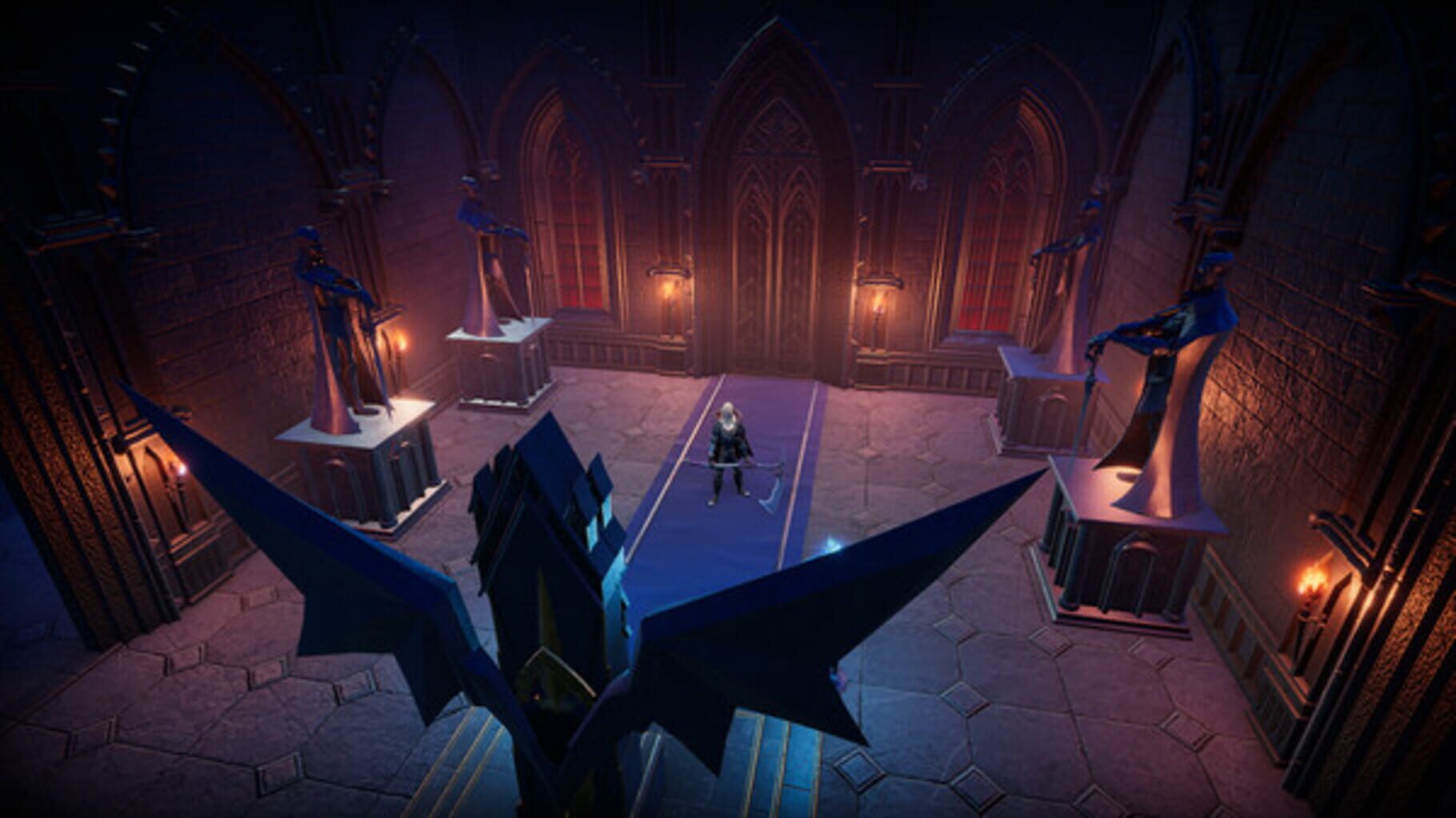
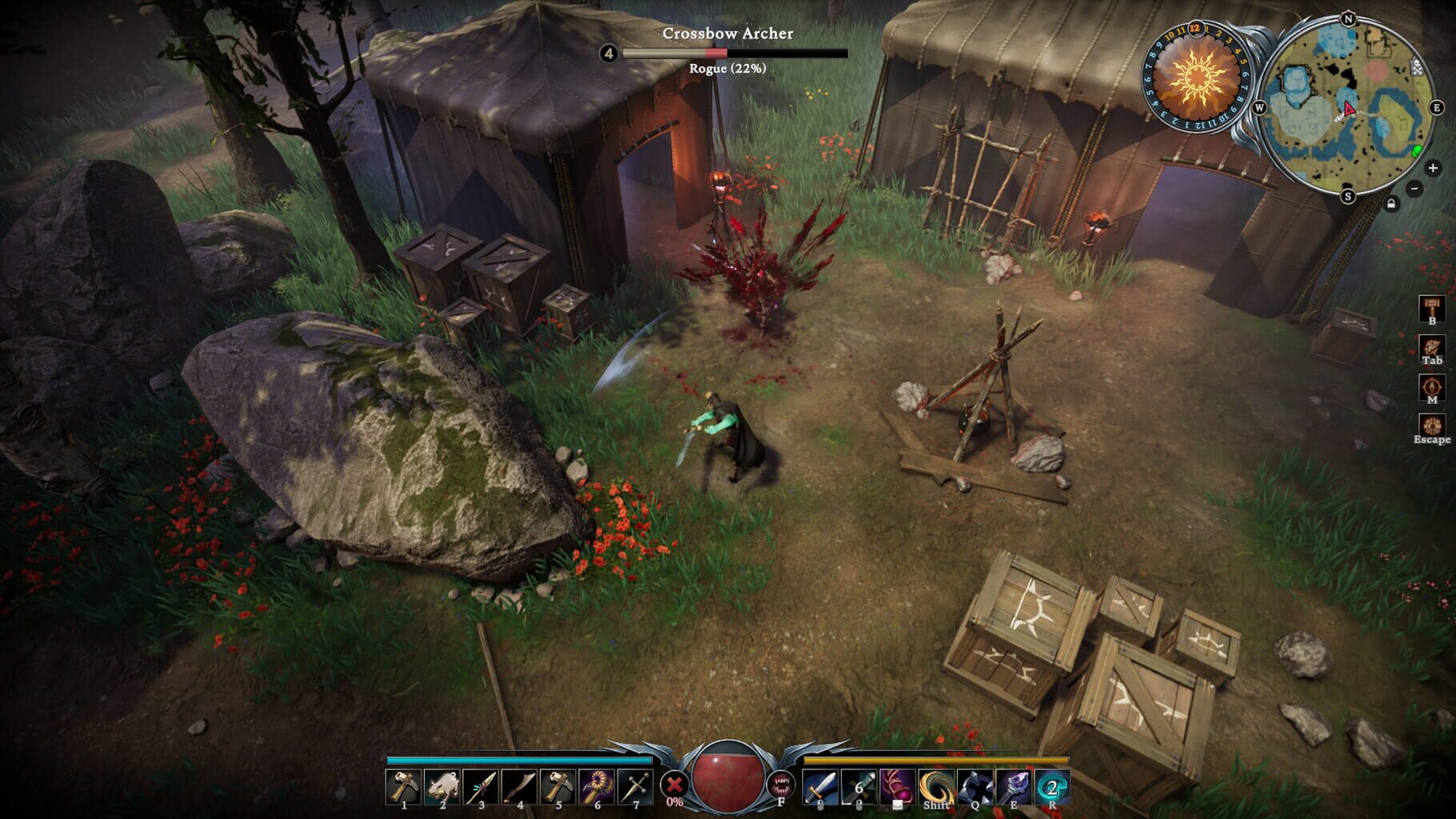
Awaken as a vampire. Hunt for blood in nearby settlements to regain your strength and evade the scorching sun to survive. Raise your castle and thrive in an ever-changing open world full of mystery. Gain allies online and conquer the land of the living.

Role-playing (RPG)AdventurePC (Microsoft Windows)PlayStation 5
ReleasedMay 8, 2024
Performance data4 GPU profiles
Catalog sourcemanual

This page is a PC performance guide. Check how the Windows version should run on your hardware, then raise the FPS target if you want SpecBeacon to suggest what to upgrade first.

V Rising
Saved PCSave your PC once

Save your GPU, CPU, RAM, and resolution to jump straight into this game's FPS check.

Set up my PC
FPS check

Pick the PC to test

Choose your GPU and resolution first. If you want 90 or 120 FPS, SpecBeacon can suggest what to upgrade next.

Main stepEnter your PC here, then run Check FPS.The result card will jump into view as soon as the estimate is ready.
1Game
2Your PC
3Target

Game

V RisingFPS check available
Step 2

Your PC

Start here. Pick your GPU first, then add CPU, resolution, and RAM if needed.

PC type
1. Pick your graphics card2. Add your processor3. Choose resolution and RAM
GPU · Graphics card

This has the biggest impact on FPS. Start here.

CPU · Processor

Add this after GPU for a more accurate estimate.

Resolution
RAM
Step 3

Target FPS and upgrade plan

Want 90 or 120 FPS instead of 60? Pick a target and SpecBeacon will point to the first upgrade worth making.

Target FPS

Leave this at 60 for a quick FPS answer, or raise it to 90 or 120 to get upgrade guidance too.

Pick your GPU to unlock the FPS check.

V RisingThen choose your GPU
Results

No estimate yet

Guide

How to use this page

SpecBeacon mixes official PC requirements, benchmark coverage, linked review pages, and update notes so you can make a quicker hardware decision without hopping across multiple tabs.

Check firstFPS estimate
Benchmark coverage4 GPU / 4 CPU
Reaction signal1 sources
  • Use the FPS card first if you want a quick answer for your current PC.
  • Use the update and review links below when a game is new, patched often, or still getting mixed reports.
  • When benchmark coverage is thin, treat the estimate as directional and prioritize the GPU before chasing smaller CPU gains.
Read next

Related guides

If you are still deciding whether this game is worth an upgrade, these short guides explain how SpecBeacon reads FPS targets, PC requirements, and GPU-first upgrade decisions.

Updates

Latest notes

Steam App ID 1604030

Dev Update #32: The Next Era
OfficialPatch Notes
Community Announcements · SLS_Jeremy2026-03-26Greetings Vampires!It’s been a while since we last checked in, a bit longer than usual. First and foremost, we want to express our heartfelt gratitude for your patience and faith in us.The V Rising community, while certainly having its faults (like draining the blood of the living to sustain its unholy existence, participating in dark magic rituals, and eating uncooked rats), has always been a bas...
V Rising 1.1 Hot Fix 10
OfficialPatch Notes
Community Announcements · SLS_Jeremy2025-12-17Hello Vampires!We’re doing a handful of bug fixes for more concerning issues we’ve found. These fixes are all server-based, so they’ll come into effect whenever the server you’re playing on updates. If you’re hosting a server, please update as soon as possible!The following changes will be applied. GeneralFixed an issue where players could sometimes jump into unintended areas.Added additional logi...
V Rising October Patch Notes
OfficialPatch Notes
Community Announcements · SLS_Jeremy2025-10-15Hello Vampires!The time for the October patch is upon us! Based on your feedback, we were able to fit a few extra features and bug fixes in, as well as alter some of the planned changes. While we do strive for some level of balance to the numbers side of the game, the most important thing for us is that the game feels good and fun to play. Largely, the following changes focus on balancing the numb...
V Rising Balance Notes Feedback
OfficialPatch Notes
Community Announcements · SLS_Jeremy2025-10-06Hello Vampires!Down below, you’ll find some details on our current plans for a V Rising balance patch. Now that the 1.1 update has had a good amount of time to settle, we thought now might be a good opportunity to make some adjustments to improve the game overall for our most battle-hungry, restless nightkin.After gathering feedback from the community, as well as with the accumulated feedback on o...
V Rising Security Update
OfficialPatch Notes
Community Announcements · SLS_Jeremy2025-10-03Greetings Vampires!It's recently been found by Unity that there is a vulnerability as old as 2017 that could potentially be exploited in games made with Unity. We've already patched the issue on clients and are currently working to patch it on the server client as well.We highly recommend patching your game and dedicated server client as soon as it's available, as well as being very cautious about...
FAQ

Quick answers

Does this page include PC performance data?

Yes. SpecBeacon can estimate FPS for this game with the current seeded benchmark coverage.

Is the score an official review score?

No. The SpecBeacon Score is an internal reaction signal. It is not copied from Metacritic, OpenCritic, Steam, or the publisher.

What matters most for getting more FPS?

In most cases, GPU choice and resolution move the estimate the most. CPU and RAM usually refine the result rather than replace the GPU signal.