Game
PC performance guide
FPS check available

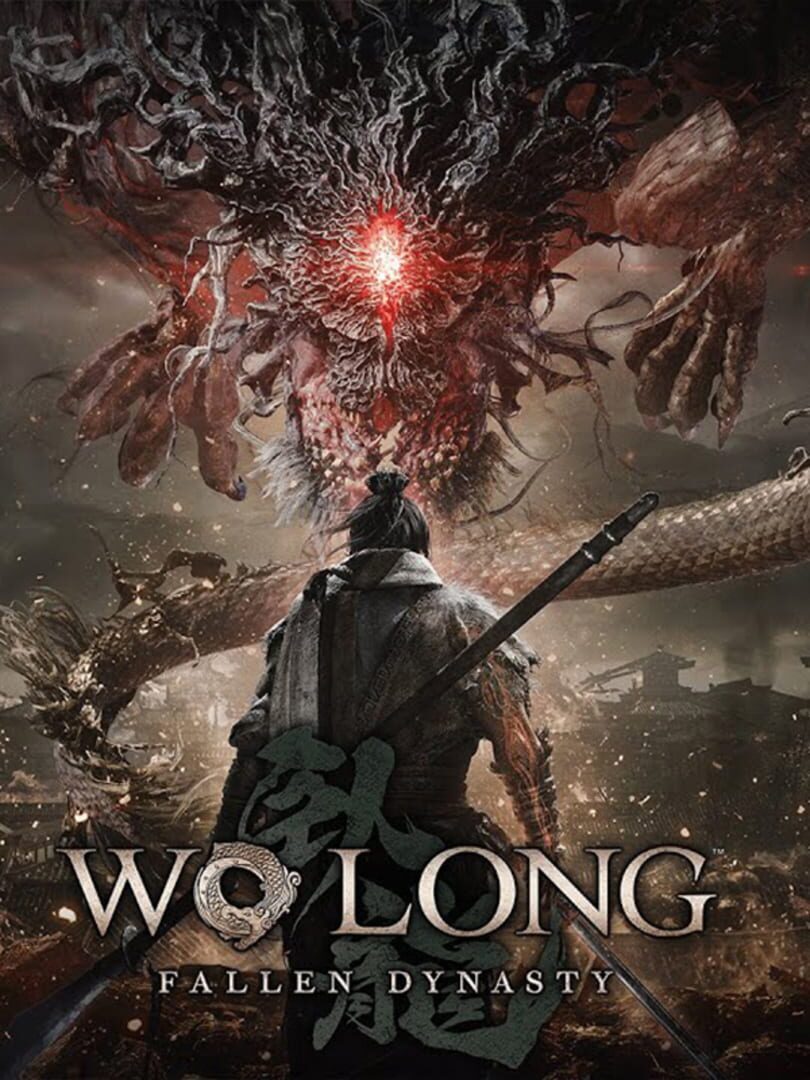
Wo Long: Fallen Dynasty

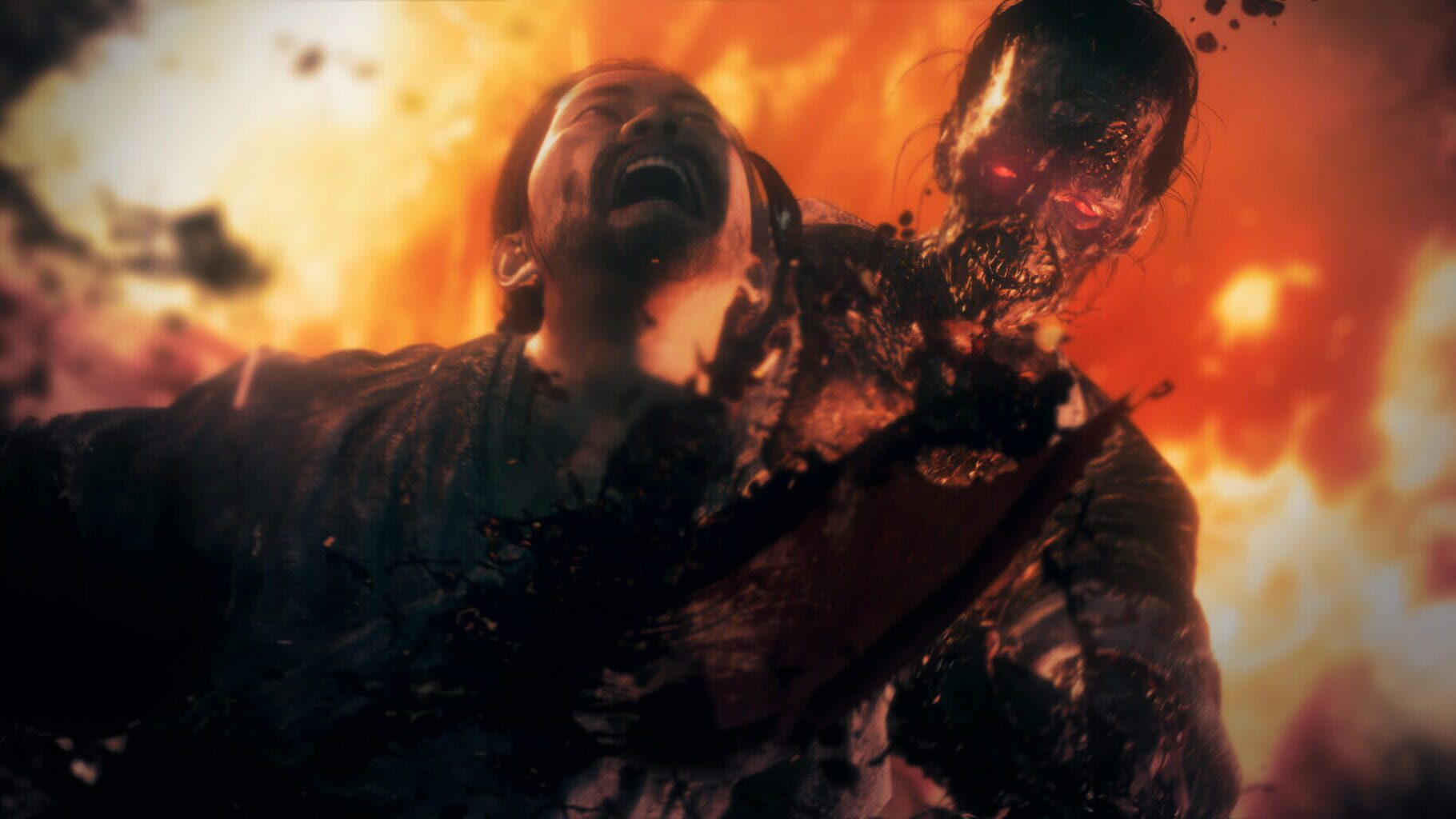
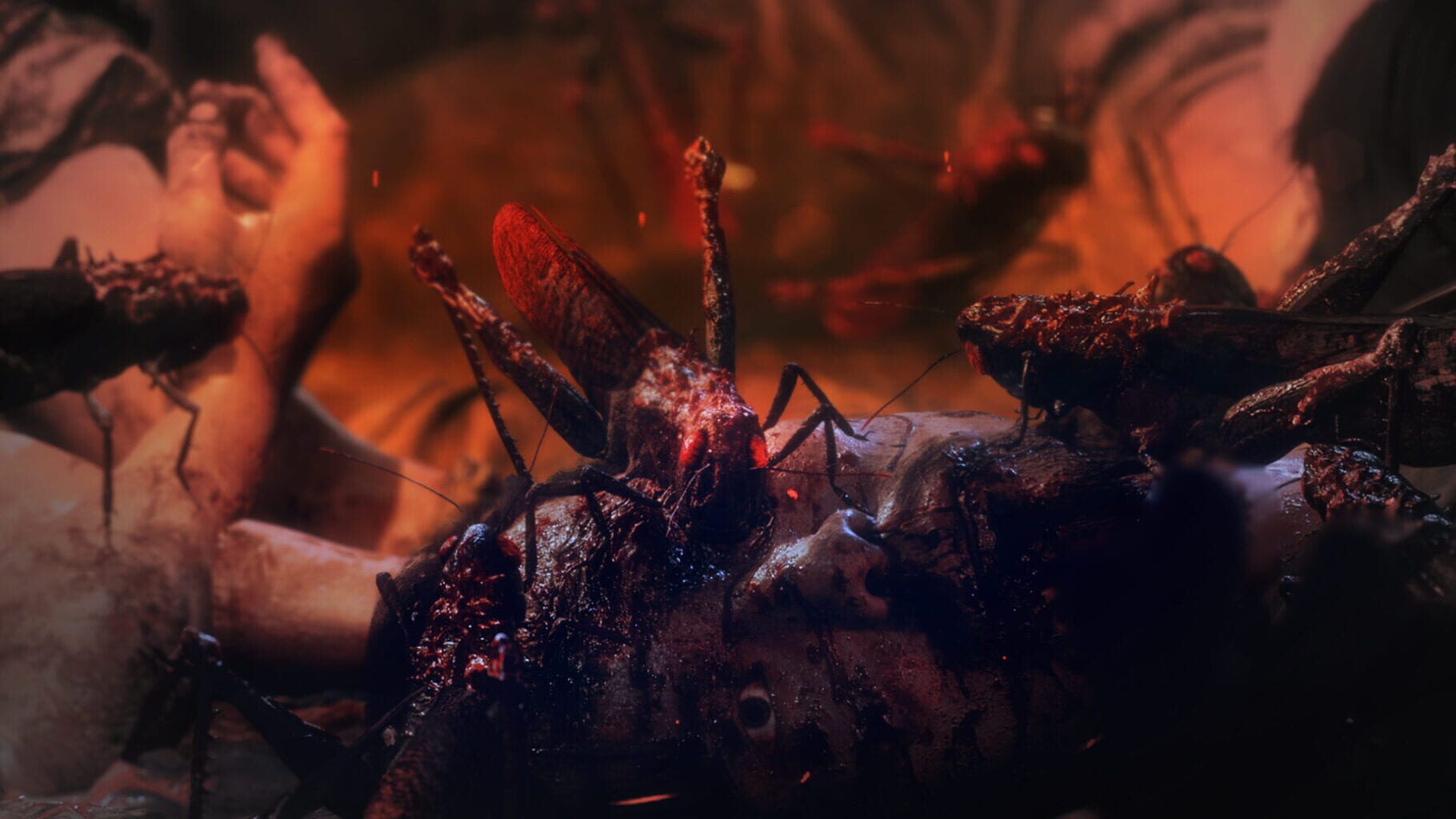
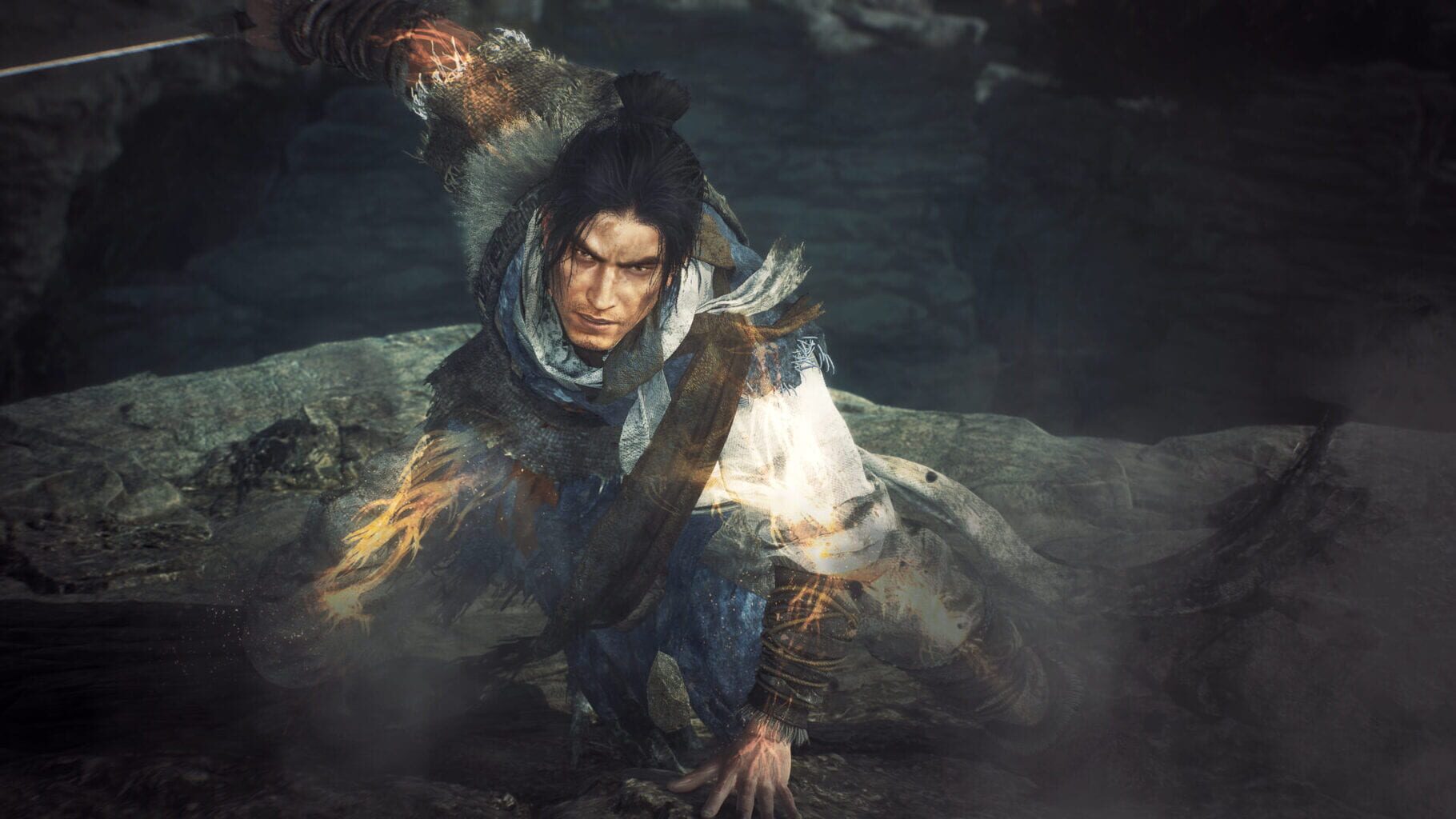
Wo Long: Fallen Dynasty is a historical fantasy action role-playing video game developed by Team Ninja and published by Koei Tecmo. Set during a fictionalised version of the fall of the Han Dynasty, the plot follows an unnamed protagonist who battles historical characters and Chinese mythological creatures corrupted by demonic qi.

Role-playing (RPG)AdventureXbox Series X|SPlayStation 4PC (Microsoft Windows)
ReleasedMar 3, 2023
Performance data4 GPU profiles
Catalog sourcemanual

This page is a PC performance guide. Check how the Windows version should run on your hardware, then raise the FPS target if you want SpecBeacon to suggest what to upgrade first.

Wo Long: Fallen Dynasty
Saved PCSave your PC once

Save your GPU, CPU, RAM, and resolution to jump straight into this game's FPS check.

Set up my PC
FPS check

Pick the PC to test

Choose your GPU and resolution first. If you want 90 or 120 FPS, SpecBeacon can suggest what to upgrade next.

Main stepEnter your PC here, then run Check FPS.The result card will jump into view as soon as the estimate is ready.
1Game
2Your PC
3Target

Game

Wo Long: Fallen DynastyFPS check available
Step 2

Your PC

Start here. Pick your GPU first, then add CPU, resolution, and RAM if needed.

PC type
1. Pick your graphics card2. Add your processor3. Choose resolution and RAM
GPU · Graphics card

This has the biggest impact on FPS. Start here.

CPU · Processor

Add this after GPU for a more accurate estimate.

Resolution
RAM
Step 3

Target FPS and upgrade plan

Want 90 or 120 FPS instead of 60? Pick a target and SpecBeacon will point to the first upgrade worth making.

Target FPS

Leave this at 60 for a quick FPS answer, or raise it to 90 or 120 to get upgrade guidance too.

Pick your GPU to unlock the FPS check.

Wo Long: Fallen DynastyThen choose your GPU
Results

No estimate yet

Guide

How to use this page

SpecBeacon mixes official PC requirements, benchmark coverage, linked review pages, and update notes so you can make a quicker hardware decision without hopping across multiple tabs.

Check firstFPS estimate
Benchmark coverage4 GPU / 4 CPU
Reaction signal1 sources
  • Use the FPS card first if you want a quick answer for your current PC.
  • Use the update and review links below when a game is new, patched often, or still getting mixed reports.
  • When benchmark coverage is thin, treat the estimate as directional and prioritize the GPU before chasing smaller CPU gains.
Read next

Related guides

If you are still deciding whether this game is worth an upgrade, these short guides explain how SpecBeacon reads FPS targets, PC requirements, and GPU-first upgrade decisions.

Updates

Latest notes

Steam App ID 1448440

Wo Long: Fallen Dynasty Update Details Ver1.304
OfficialPatch Notes
Community Announcements · KTG_Dev_Messenger2024-02-06■Free Updates ・Added the equipment “Xuanwu Armor” to commemorate the release of “Wo Long: Fallen Dynasty Complete Edition.” Available from February 7, 2024, 10:00 JST (1:00 UTC) to February 29, 2024, 23:59 JST (14:59 UTC). Note: After the update is applied, players may claim this equipment via Deliveries in the Battle Flag menu. Players will no longer be able to claim this equipment via Deliver...
Wo Long: Fallen Dynasty Update Details Ver1.303
OfficialPatch Notes
Community Announcements · KTG_Dev_Messenger2024-01-19■Adjustments ・Made adjustments to prioritize actions that activate Frenzy mode while the player is equipped with a whip. Note: This change will prioritize the shift to Frenzy mode rather than the performance of a Fatal Strike during combat against an enemy in Spirit Disruption. ・Made adjustments to the movement patterns of the boss Yuan Shu. ・Made changes so that the boss Yuan Shu cannot land mul...
Wo Long: Fallen Dynasty Update Details Ver1.302
OfficialPatch Notes
Community Announcements · KTG_Dev_Messenger2023-12-18■Major Bug Fixes ・Fixed a bug causing Apex Bonus Levels to be reset to their initial values after players applied update Ver1.301. ・Fixed a bug causing the Genuine Qi of guests to drop to 0 when the Recruit session players progressed through consecutive battlefields in The Thousand-Mile Journey. ・Fixed a bug occurring when players opened treasure chests within the battlefield “Calm in the Storm” i...
Wo Long: Fallen Dynasty Update Details Ver. 1.301
OfficialPatch Notes
Community Announcements · KTG_Dev_Messenger2023-12-15■Major Bug Fixes ・Fixed a bug causing the game to crash upon startup when HDR was enabled. ・Fixed a bug that sometimes caused the in-game cursor to shift out of alignment when the mouse cursor was moved in the Character Creation menu. ・Fixed a bug that caused the game to crash during the cutscene after the boss battle in the main battlefield “Desolate Waterside Village.” ・Fixed a bug that caused t...
Director’s Letter Vol.4
OfficialPatch Notes
Community Announcements · KTG_Dev_Messenger2023-12-14Hello to everyone who has been enjoying Wo Long: Fallen Dynasty. This is the game’s producer/director, Hirayama. Today, the third and final DLC, "Upheaval in Jingxiang", and Ver1.300 update were released. For this letter, I’ve selected some of the new and updated content to introduce in a bit more detail so that you can enjoy them even more as you continue to battle the demons plaguing ancient Chi...
FAQ

Quick answers

Does this page include PC performance data?

Yes. SpecBeacon can estimate FPS for this game with the current seeded benchmark coverage.

Is the score an official review score?

No. The SpecBeacon Score is an internal reaction signal. It is not copied from Metacritic, OpenCritic, Steam, or the publisher.

What matters most for getting more FPS?

In most cases, GPU choice and resolution move the estimate the most. CPU and RAM usually refine the result rather than replace the GPU signal.